Automatic Fault Code Deduplication
Automatic Fault Code Deduplication is a built-in system that prevents repeated fault code alerts from flooding your dashboard by automatically dismissing duplicate entries within a 30-day rolling window.
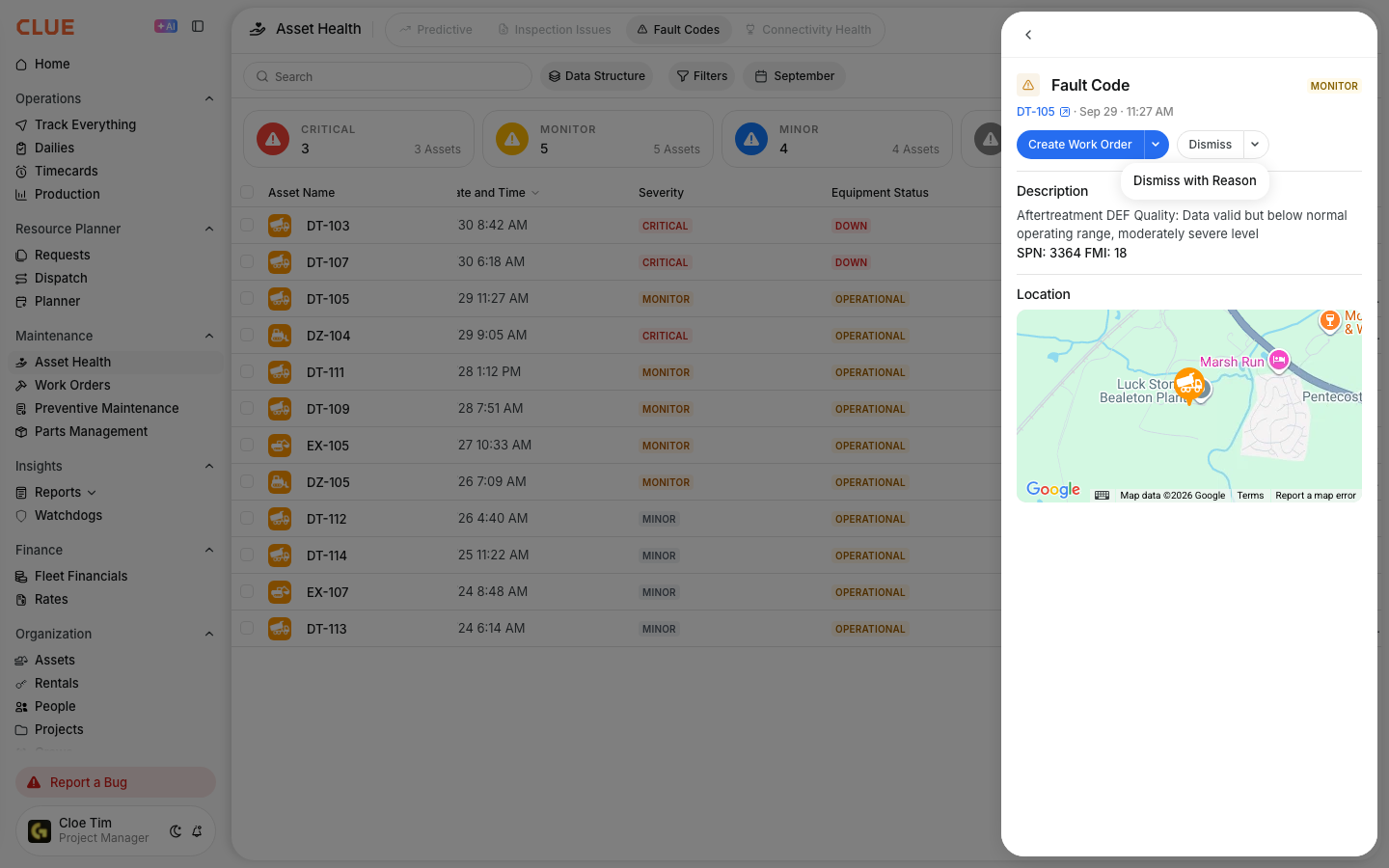
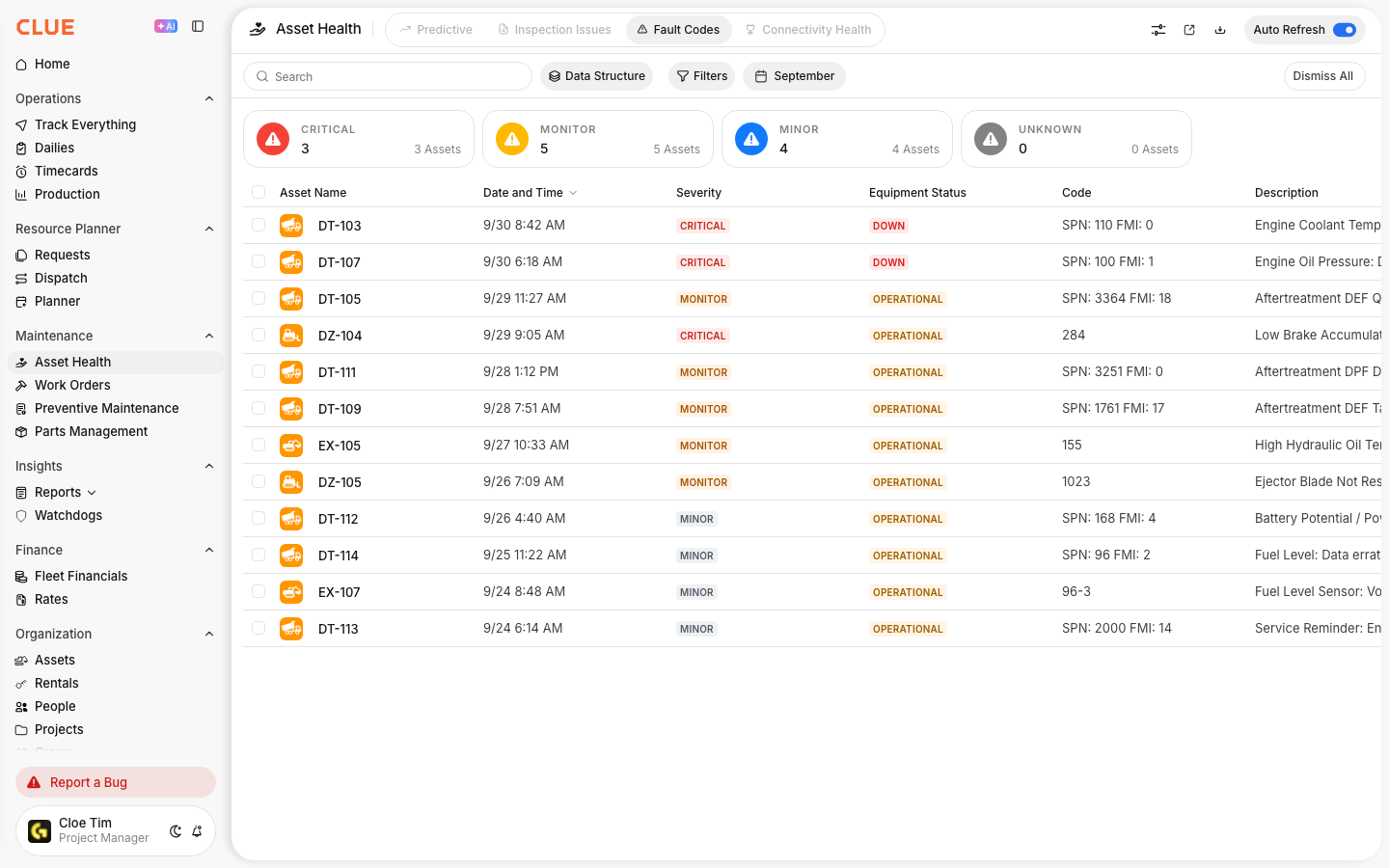
Equipment will send the same fault code repeatedly. For example, a DEF warning can fire every 10 minutes for hours. Without deduplication, your fault code dashboard fills up with hundreds if not thousands of identical entries, making it impossible to identify what actually needs attention. CLUE handles this automatically using configurable auto-dismiss rules so your active alert view stays clean while every occurrence is still preserved within the history log.
Who Is This For?
- Equipment Managers use fault code deduplication to keep their alert dashboard actionable. Instead of sorting through hundreds of repeated entries, they see only what genuinely requires a response.
- Shop Managers rely on a clean fault code view to prioritize which issues to act on and which codes are known, low-priority repeats that do not require immediate attention.
- Fleet Telematics Administrators configure the auto-dismiss rules that control how deduplication works across all connected OEM sources.
How It Works
When a fault code arrives from an OEM source such as Samsara, John Deere, CAT, or Tenna:
- Clue records it in the fault code log. Every occurrence is preserved for history.
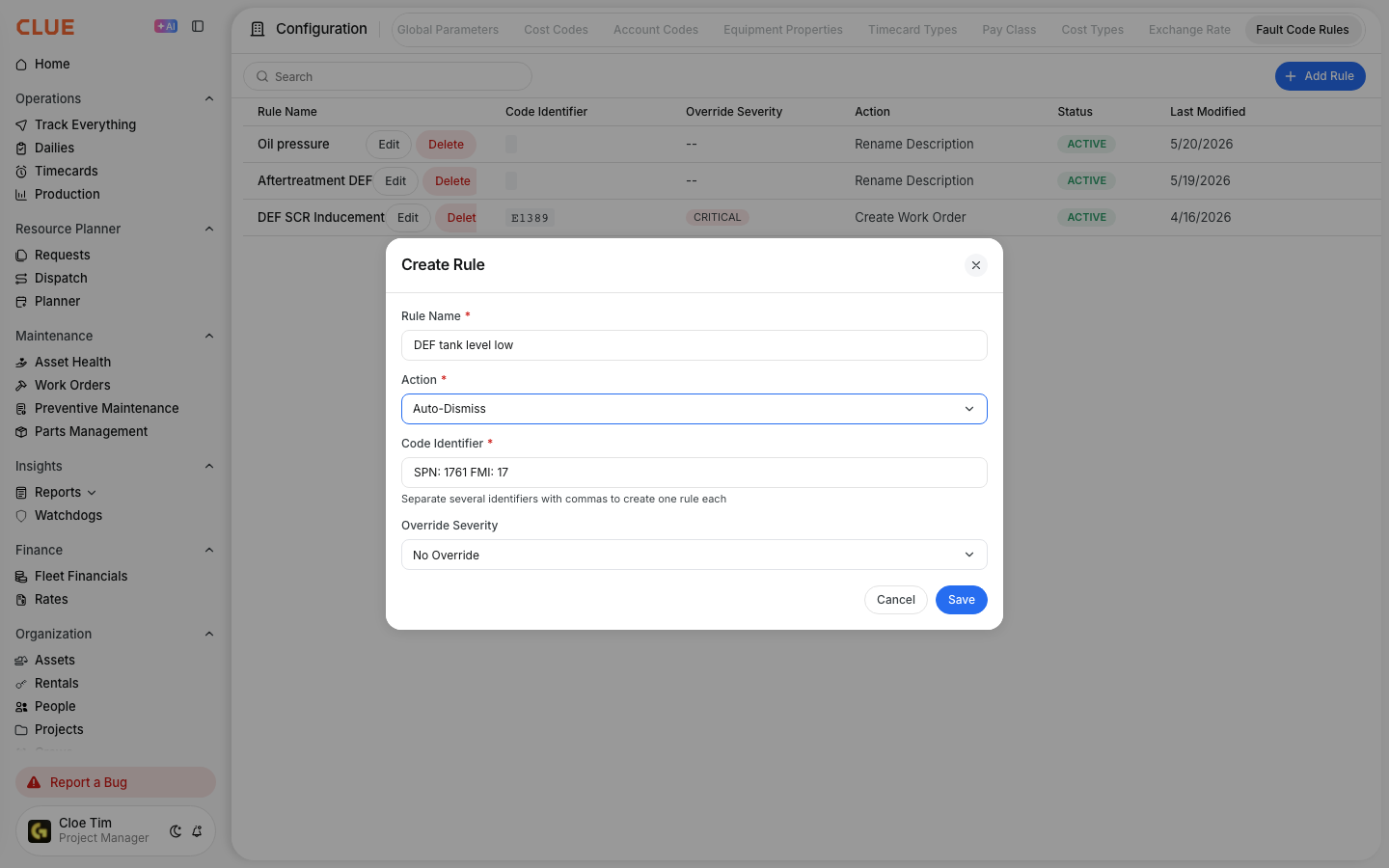
- The system checks your auto-dismiss rules for a matching Code Identifier.
- If a matching rule exists, all instances of that code within the 30-day rolling window are automatically dismissed.
- Dismissed codes remain in the history log but do not appear in your active alerts.
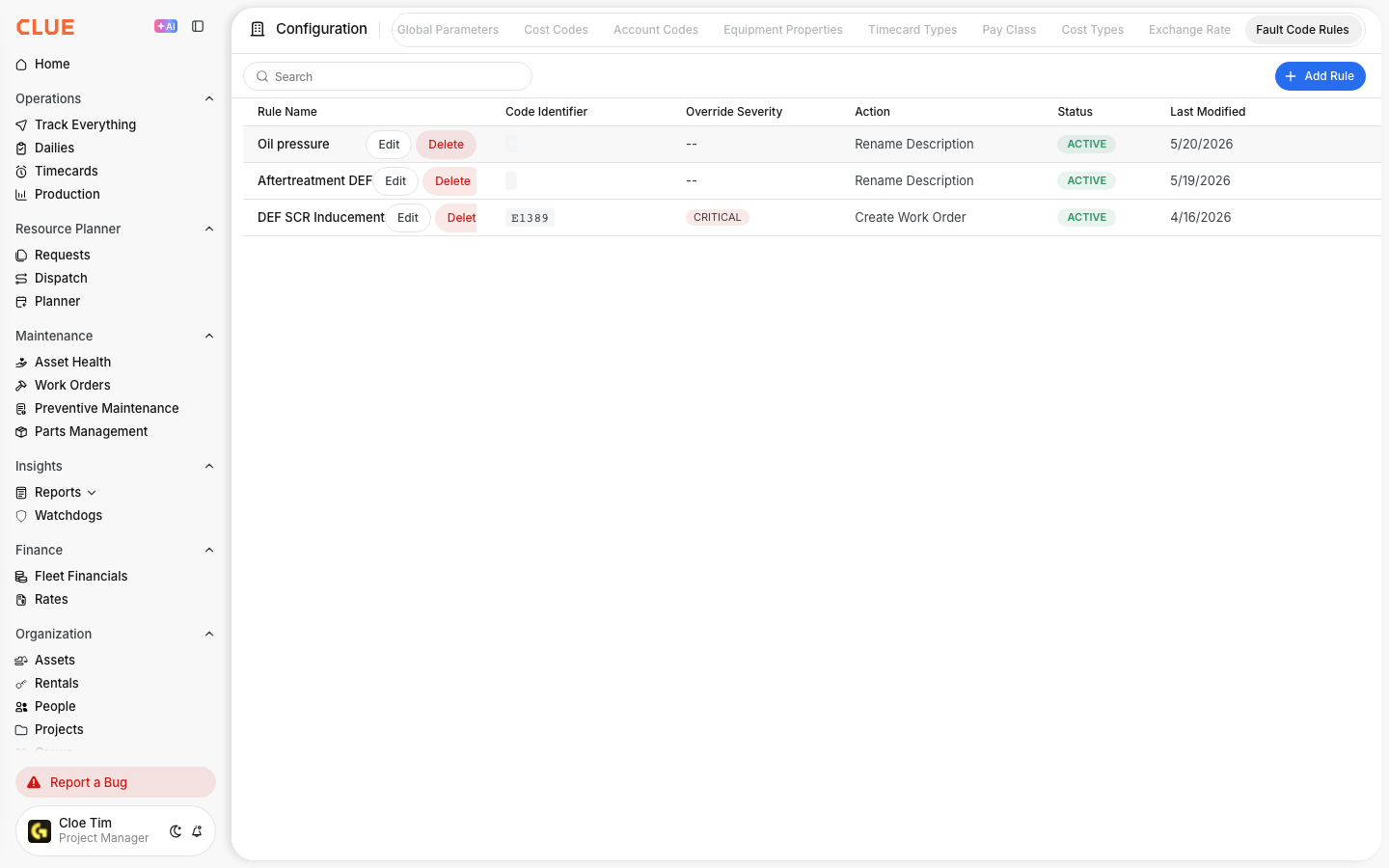
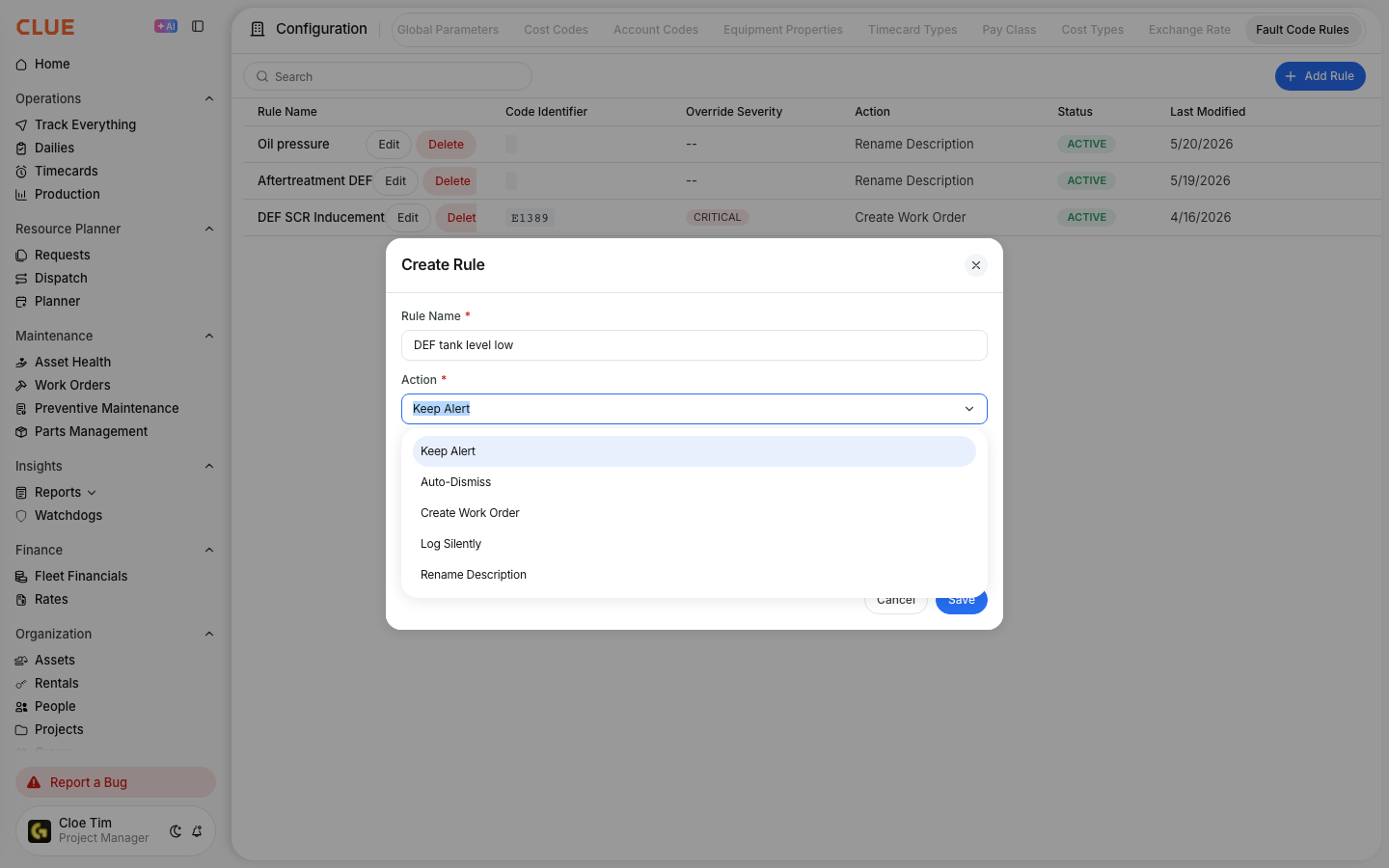
This runs through the same system as the Fault Code Rules Engine. When you set a rule to Auto-Dismiss, it handles deduplication for that code automatically. Configure your rules by going to Company Settings > Configuration > Fault Code Rules.
Key Behaviors and Limitations
- The time window is 30 days, rolling. Fault codes older than 30 days fall outside the deduplication scope. Any new instance of the same code starts a fresh window.
- Every occurrence is recorded. Raw fault code data is never deleted or hidden from history. Deduplication only affects the active alert view. Your full log remains intact for trend analysis and reporting.
- Rules are configured per code. Deduplication is not a blanket setting applied to all fault codes. Each code needs its own auto-dismiss rule set up in the Fault Code Rules Engine. This gives you precise control over which codes get suppressed and which remain visible.
- Works across all connected OEM sources. The same auto-dismiss rules apply regardless of whether the fault code came from Samsara, Tenna, John Deere, CAT, or another integrated source. You configure it once and it applies fleet-wide. This connects directly to Clue's OEM Telematics integrations.
Tips
- Start with your noisiest codes. Review your fault code log and identify which codes fire most frequently. Set auto-dismiss rules for the high-volume codes that do not require action. This clears the majority of dashboard noise quickly.
- Use Log Silently instead of Auto-Dismiss if you want trend data. Both options remove the code from your active alert view. The difference is that Log Silently makes it easier to analyze frequency patterns later without the code surfacing as an active alert. Choose based on whether the code has long-term diagnostic value.
- The 30-day window covers most recurring scenarios. If a fault code fires repeatedly over several weeks, a single rule handles all instances within that rolling window. You do not need to create separate rules for each occurrence.
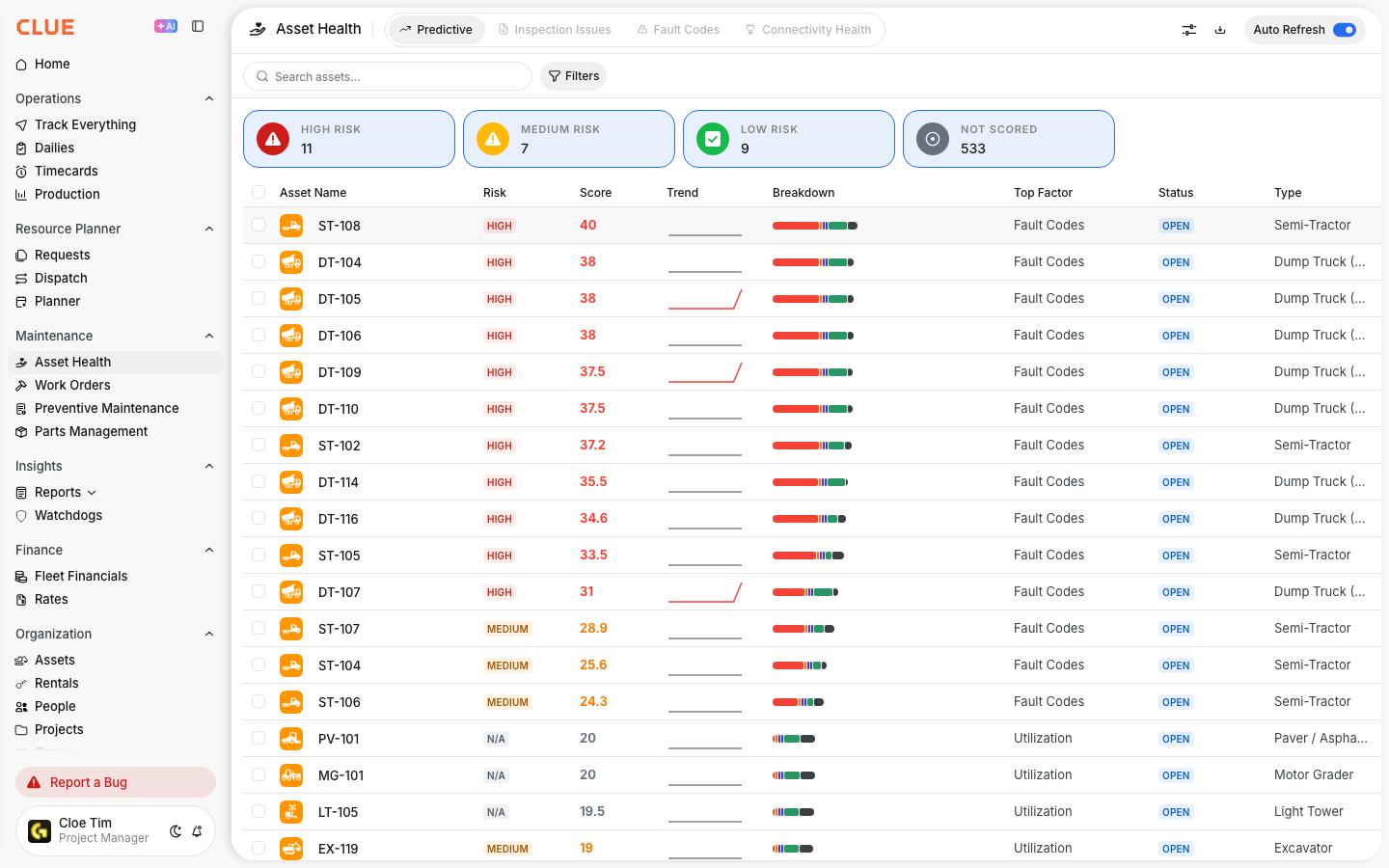
- Pair deduplication with your equipment maintenance workflow. Suppressing a code in active alerts does not mean the underlying issue is resolved. Use the history log to monitor whether a frequently dismissed code starts appearing on new assets, which may signal a broader maintenance issue worth investigating through CLUE's equipment maintenance.