Use Project Types and Classes to organize projects in a way that makes reporting, filtering, and cost tracking easier. When these fields are used consistently, project data stays cleaner across the Projects Directory and the rest of CLUE.
Overview
Project Types and Classes help your team group projects by the kind of work being done and the kind of customer or business category the project belongs to. This makes it easier to compare similar projects, assign resources more clearly, and review project performance later.
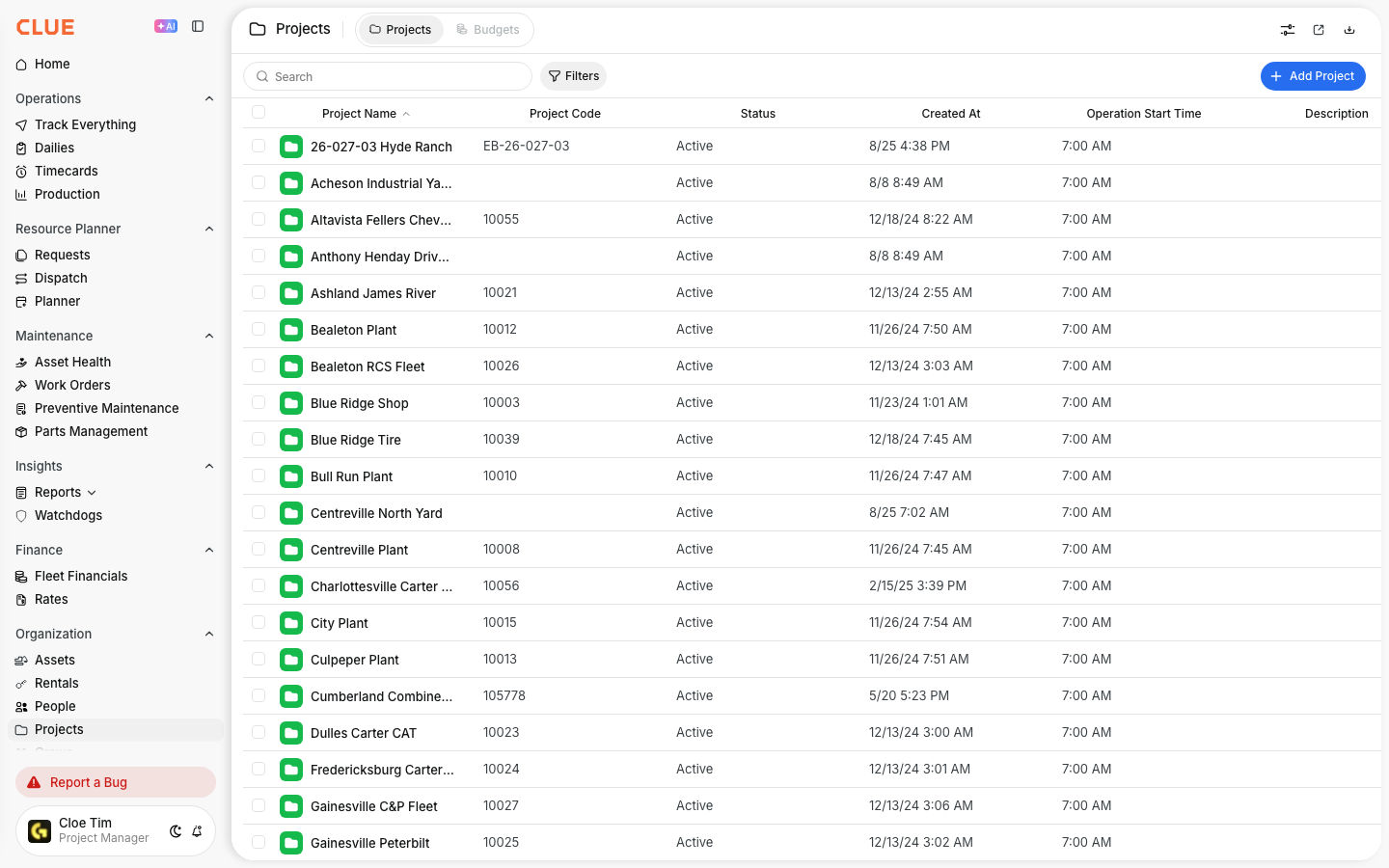
These fields are most useful when they are set early and used the same way across the company. That is especially helpful when creating new jobs in Creating a New Project or reviewing existing records in the Projects Directory.
Project Types
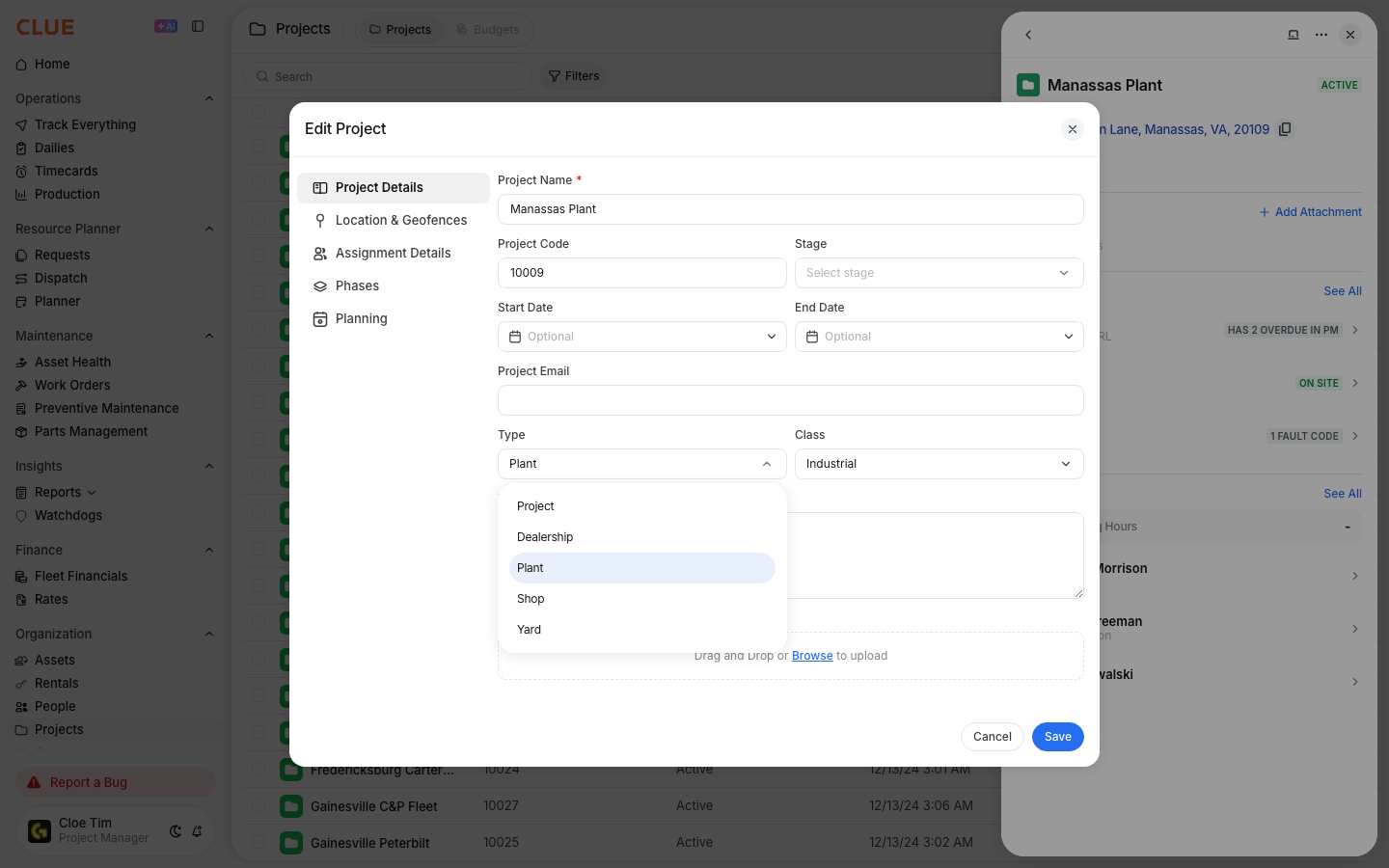
Project Types describe the kind of work the project is for. This helps separate one type of operation from another so teams can filter, report, and plan more accurately.
Common Project Types include:
- Construction - new build projects
- Maintenance - ongoing service or maintenance work
- Demolition - teardown projects
- Renovation - remodel or improvement work
- Emergency - urgent or unplanned work
Project Classes
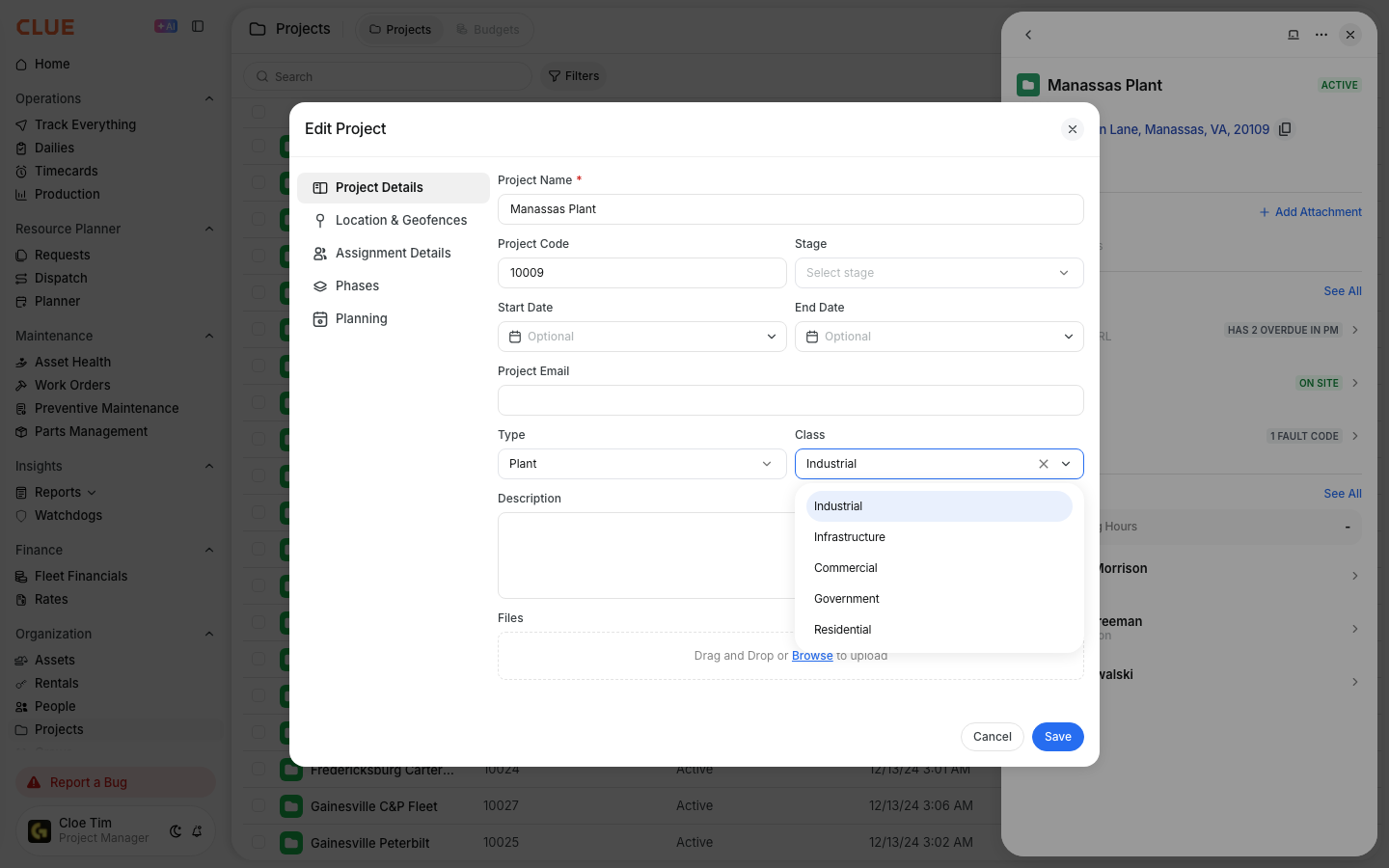
Project Classes describe the business category of the project. This gives your team another way to group work beyond the project type itself.
Common Project Classes include:
- Commercial - business or retail work
- Residential - housing projects
- Industrial - warehouse or manufacturing work
- Government - public sector projects
- Infrastructure - roads, bridges, or utility work
Setting Type and Class
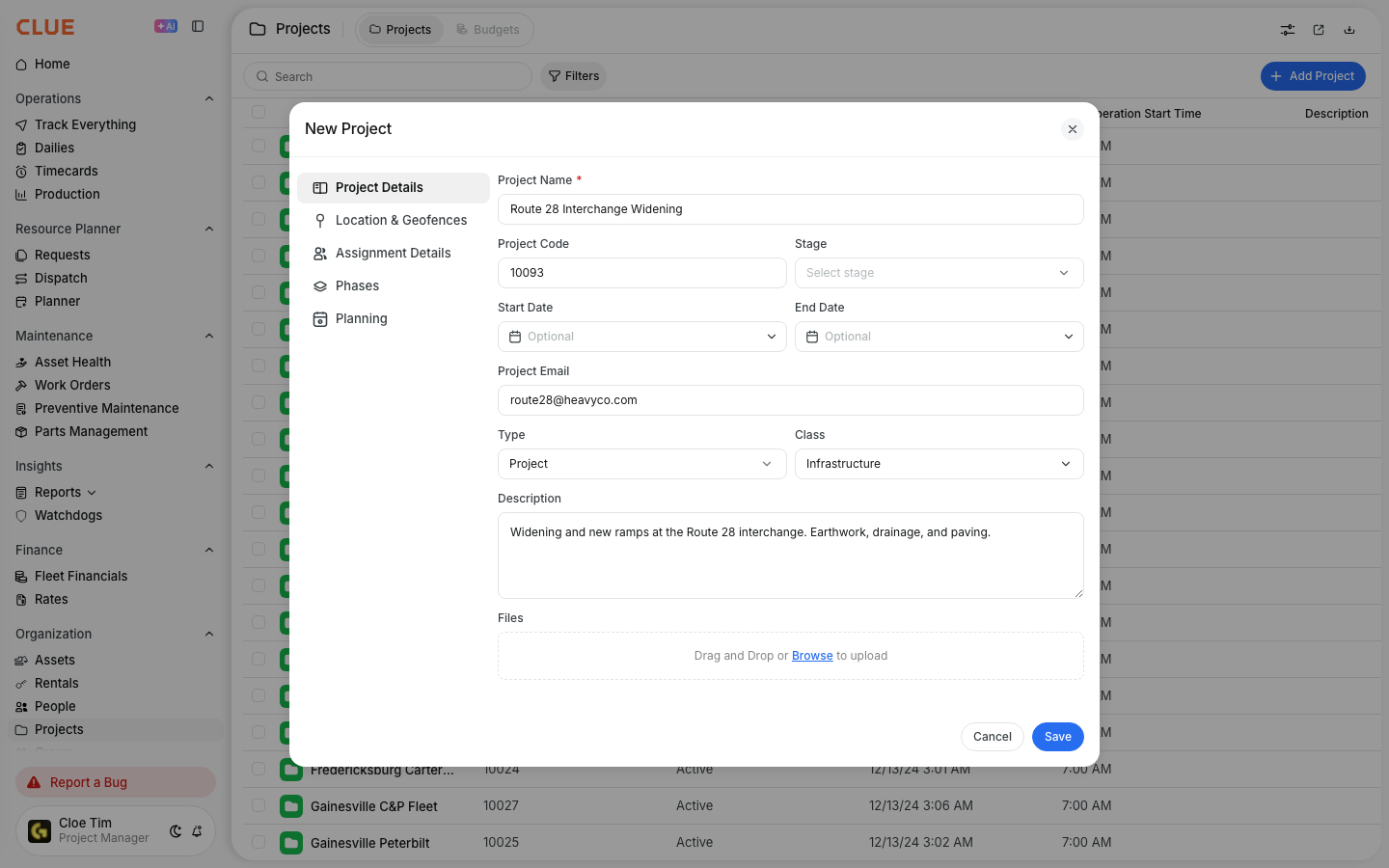
You can set these fields from the project record. Once saved, they stay with the project and can be used later in filtering, reporting, and resource planning.
To update them:
- open a project from Directory → Projects
- find the Type and Class fields in the project details
- select the right values from the dropdowns
- save the changes
It is usually best to set these fields when the project is first created, so the record is already organized before assets or people are assigned.
Using for Analysis
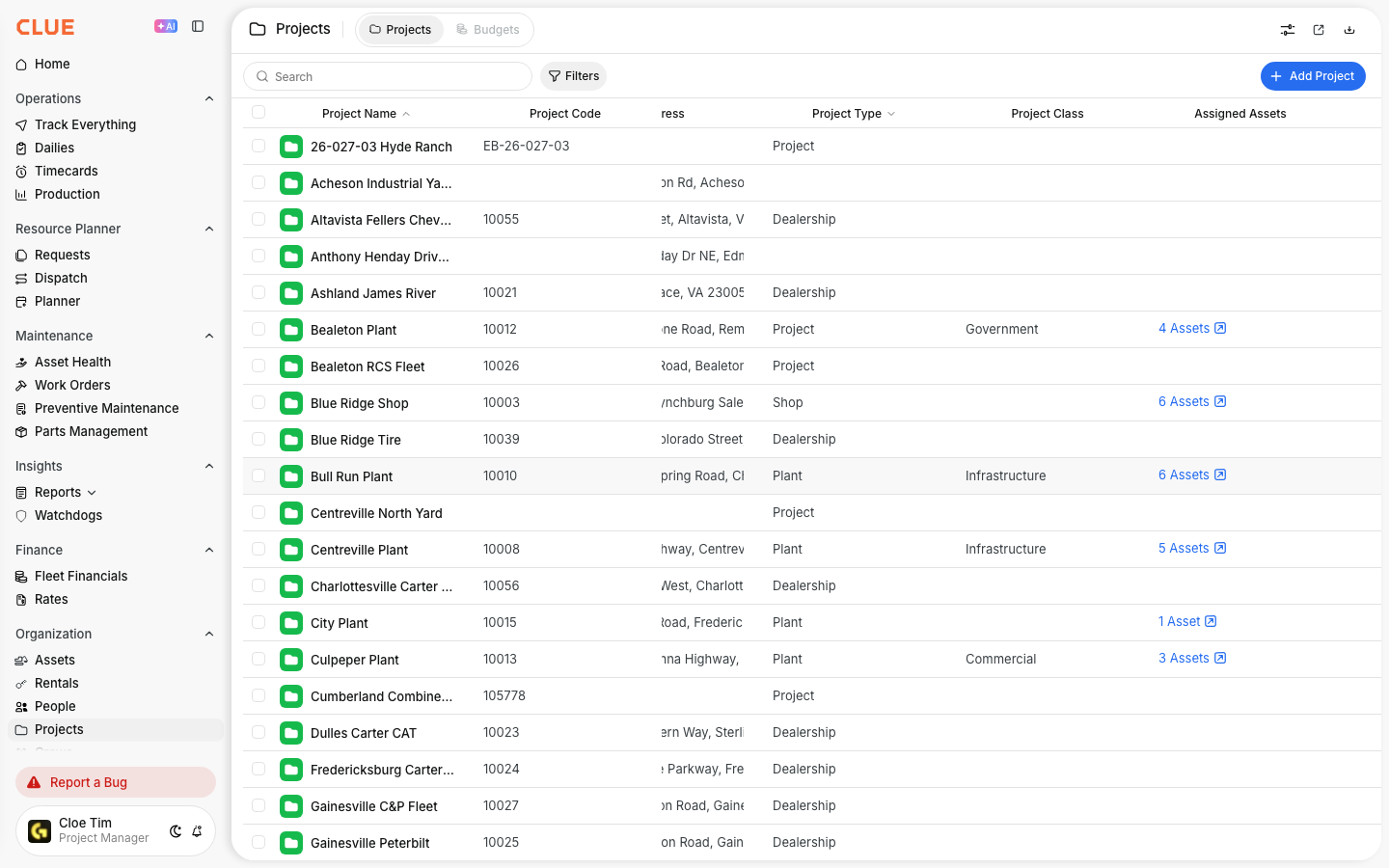
Project Types and Classes make project data easier to compare. They give your team a simple structure for reviewing work by category instead of looking at every project one by one.
They can help with:
- filtering projects by category
- comparing costs across similar project types
- reviewing utilization by project class
- building reports around project groups
This becomes more useful when projects also have assigned people and equipment, since those assignments can be reviewed against the project’s type and class.
Tips
A simple setup usually works better than a complicated one. Clear definitions and consistent use across the company will make these fields much more useful over time.
- agree on shared type and class definitions across the organization
- set both fields when creating new projects
- avoid adding too many similar categories
- review project setup regularly if reporting starts to look inconsistent
- use these fields when comparing profitability or resource use across project groups