GPS Tracking and Telematics Integrations
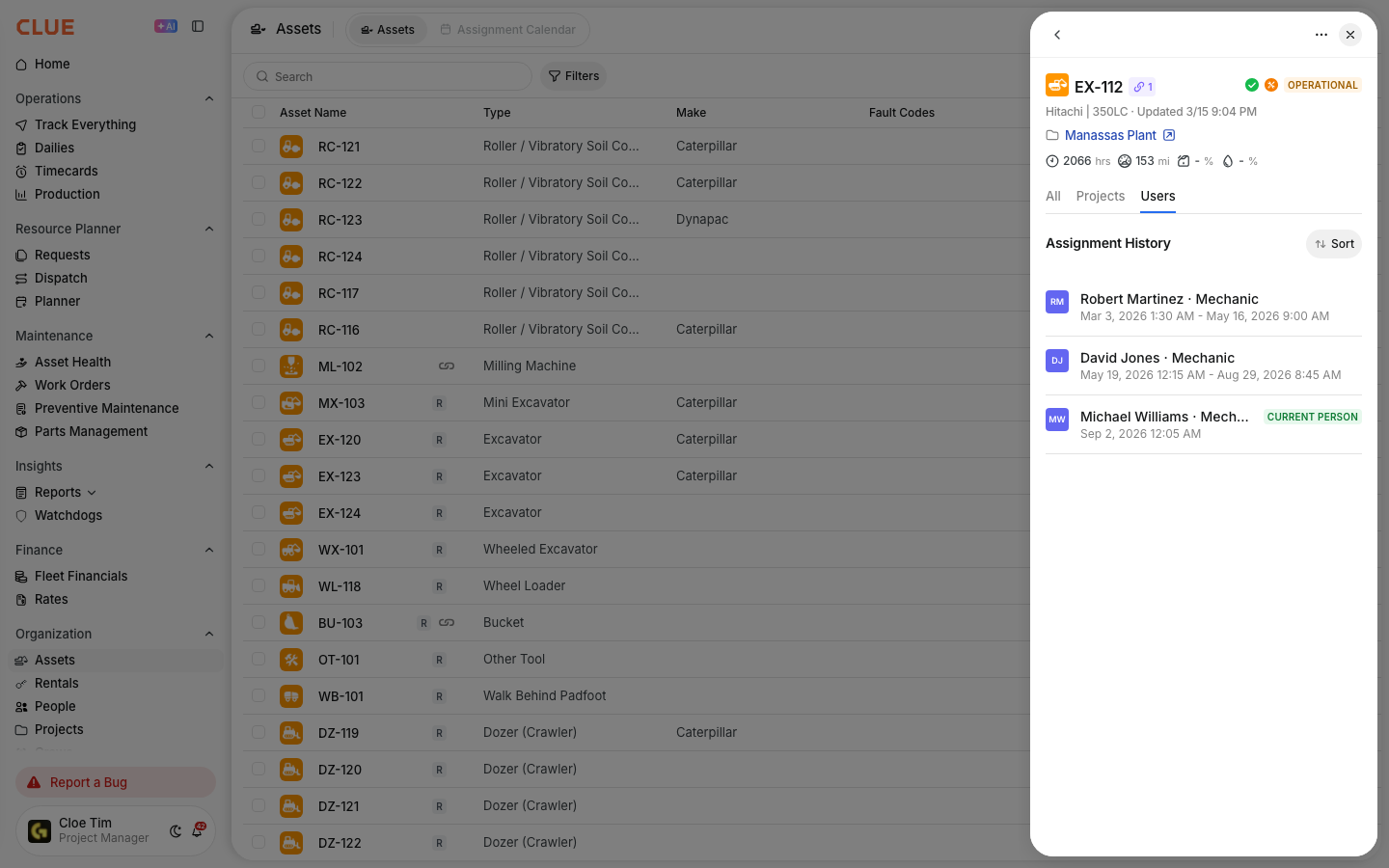
Knowing where your equipment is, how many hours it has run, and whether it is throwing fault codes should not require logging into three different platforms. GPS Tracking and Telematics Integrations in CLUE connect your existing telematics devices and GPS providers to your asset records automatically, pulling in live location, engine hours, odometer readings, fault codes, idle time, and fuel consumption without any manual data entry.
The data flows directly onto your assets in CLUE from the telematics hardware already installed on your machines. No additional devices are required. No CSV transfers. No manual reads.
Who Is This For?
- Equipment Managers use telematics data in CLUE to maintain accurate meter readings, monitor asset locations, and trigger preventive maintenance schedules based on actual hours rather than calendar estimates. This connects to CLUE's asset tracking solution.
- Shop Managers use live fault code data flowing from telematics to identify equipment issues before they become breakdowns, and to automatically create work orders for critical codes through the Fault Code Rules Engine.
- Fleet Dispatchers use the live map to locate equipment across all jobsites and confirm asset availability and status before making assignment decisions.
Supported Integrations
CLUE has built-in connectors for major telematics and GPS providers. Data flows automatically with no custom scripts or CSV transfers required.
- Samsara covers location, engine hours, odometer, fault codes (DTC/J1939), DVIR inspections, fuel, and idle time
- Tenna covers location, engine hours, fault codes, and utilization data
- John Deere (JDLink) covers location, hours, and fault codes for Deere equipment
- CAT (Product Link) covers location, hours, and fault codes for Caterpillar equipment
- Komatsu (KOMTRAX) covers location, hours, and fuel data
- Additional providers include Volvo, Hitachi, CASE, Trimble, Geotab, CalAmp, and others
View the full list of supported providers through CLUE's GPS integrations and OEM Telematics integrations.

What the Data Powers
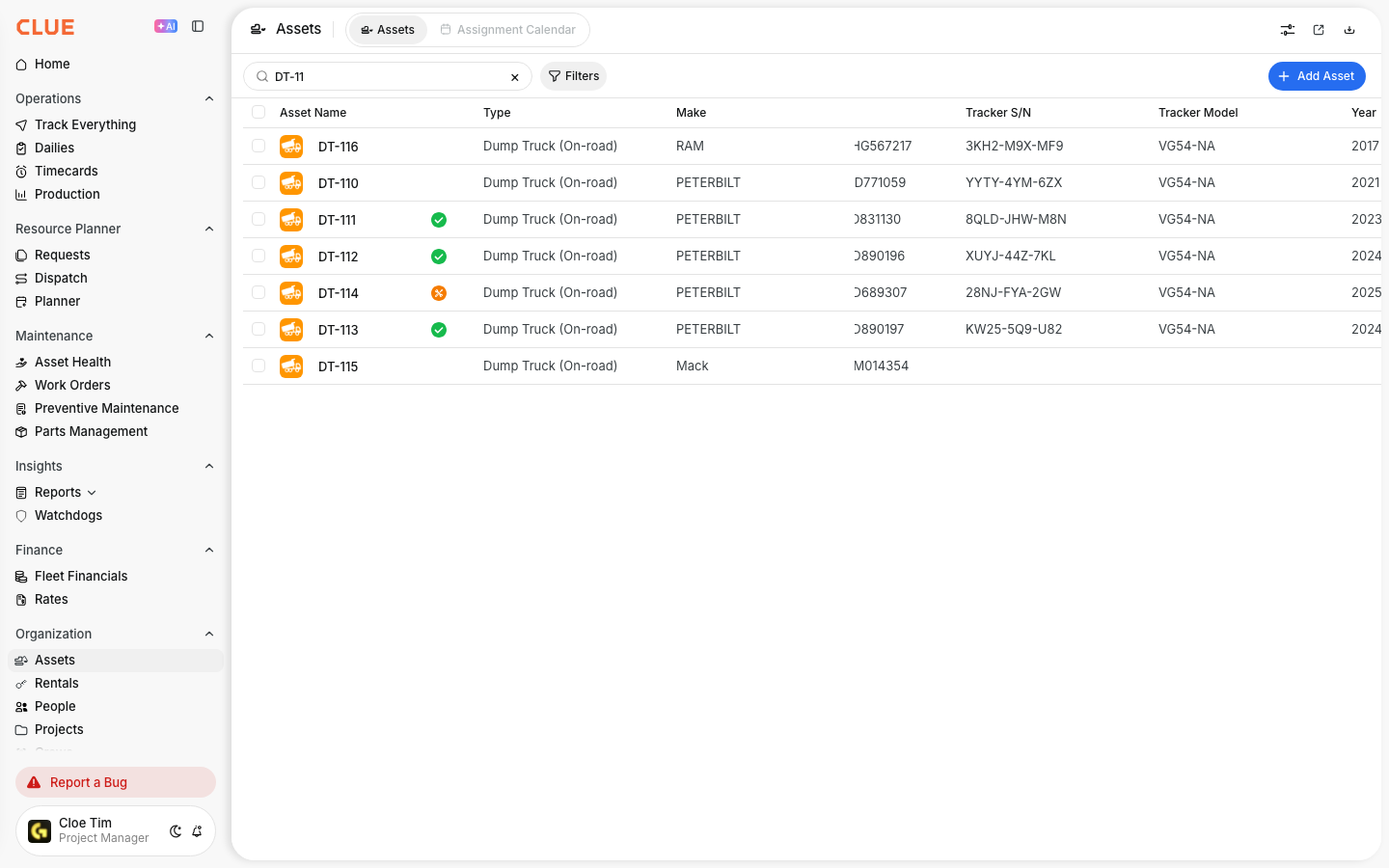
- Track Everything map shows every connected asset on a live map with last-known position, speed, and status updated automatically from telematics.
- Automatic meter readings update engine hours and odometer on each asset from the telematics feed. Manual reads are no longer needed for connected equipment.
- Fault code alerts flow from the OEM or GPS provider and trigger the Fault Code Rules Engine for auto-dismiss, severity override, or automatic work order creation.
- PM triggers use hours and miles from telematics to drive preventive maintenance schedules, ensuring services are triggered based on actual usage rather than fixed calendar intervals.
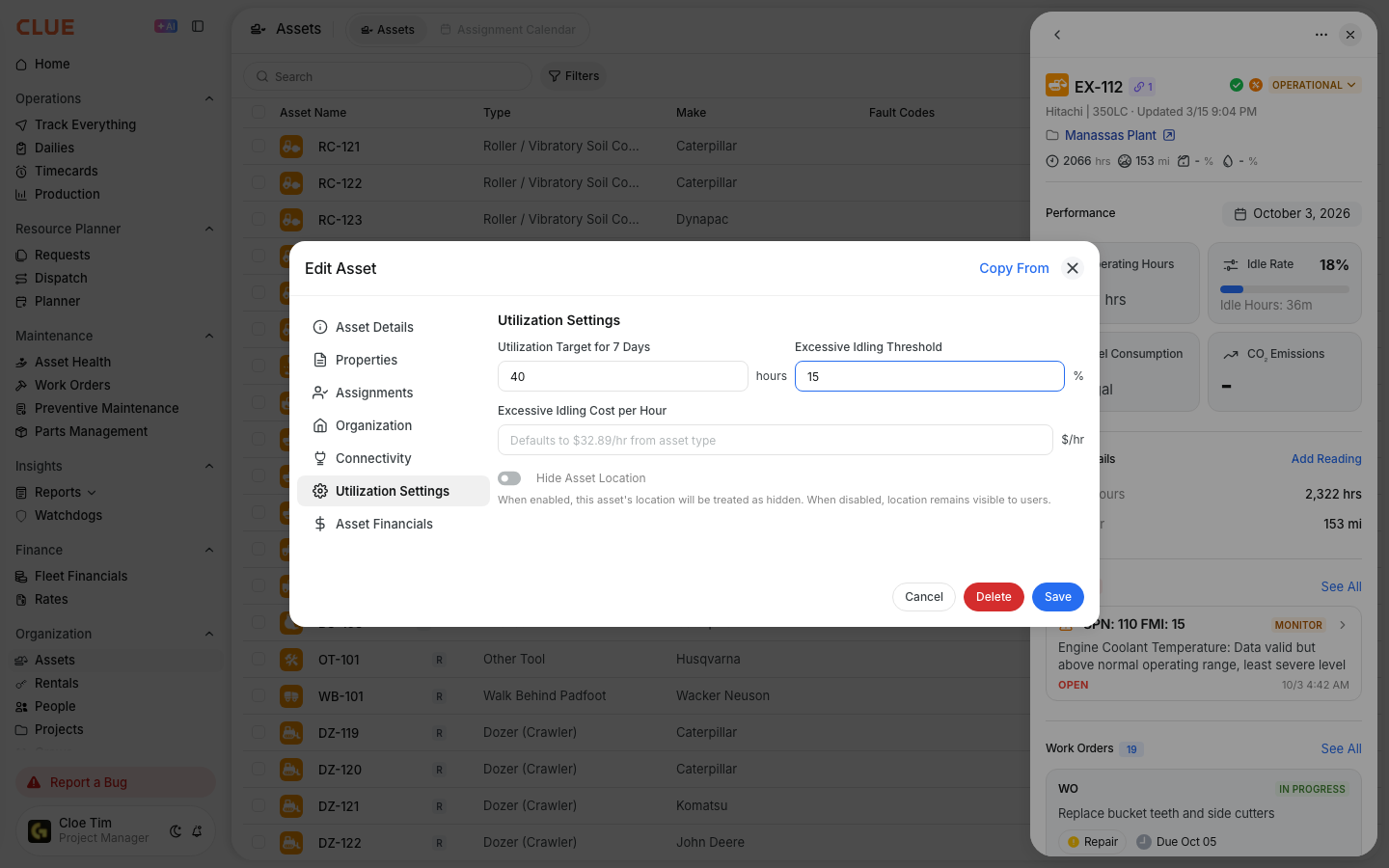
- Utilization reporting uses idle time, operating hours, and fuel data from telematics to populate utilization analytics across the fleet.
- Geofence alerts notify you when equipment enters or leaves a defined jobsite boundary.


Key Behaviors and Limitations
- No extra hardware is required. CLUE reads from your existing telematics devices. If Samsara or Tenna is already installed on your equipment, CLUE uses that data without any additional setup on the machine.
- Sync frequency varies by provider. Most providers update location data every 5 to 15 minutes. Meter readings typically sync hourly. Check with your specific provider for their update intervals.
- Multiple sources per asset are supported. If one machine has both Samsara and a CAT Product Link device, CLUE merges the data using built-in de-duplication to prevent duplicate records.
- Setup is handled at the admin level. Your CLUE admin connects the telematics provider account. Assets match automatically by VIN or equipment number. No manual mapping is required for most integrations.

Tips
- Use Samsara for on-road assets and OEM telematics for heavy iron. Most contractors find that Samsara works well for trucks and on-road equipment while built-in OEM telematics covers excavators, dozers, and other heavy equipment more reliably.
- Check the Track Everything map when data seems stale. If engine hours are not updating or a location has not changed in several hours, the telematics device on that machine may be offline. Investigate the device rather than the data.
- Configure fault code rules for the codes that matter most. Not every fault code requires action. Set auto-dismiss rules for high-frequency, low-priority codes and reserve work order creation rules for codes that signal genuine equipment risk. Let the rest log silently for trend analysis.
- Use automatic meter readings as the foundation for PM scheduling. With hours updating directly from telematics, your preventive maintenance triggers reflect actual equipment usage rather than estimates. This reduces both over-servicing and missed services across the fleet.