10 Best Preconstruction Software [2026]


Hi, I’m Maham Ali. I write about construction equipment management, helping teams use fleet data and maintenance intelligence to improve uptime, control costs, and run smoother jobsites.
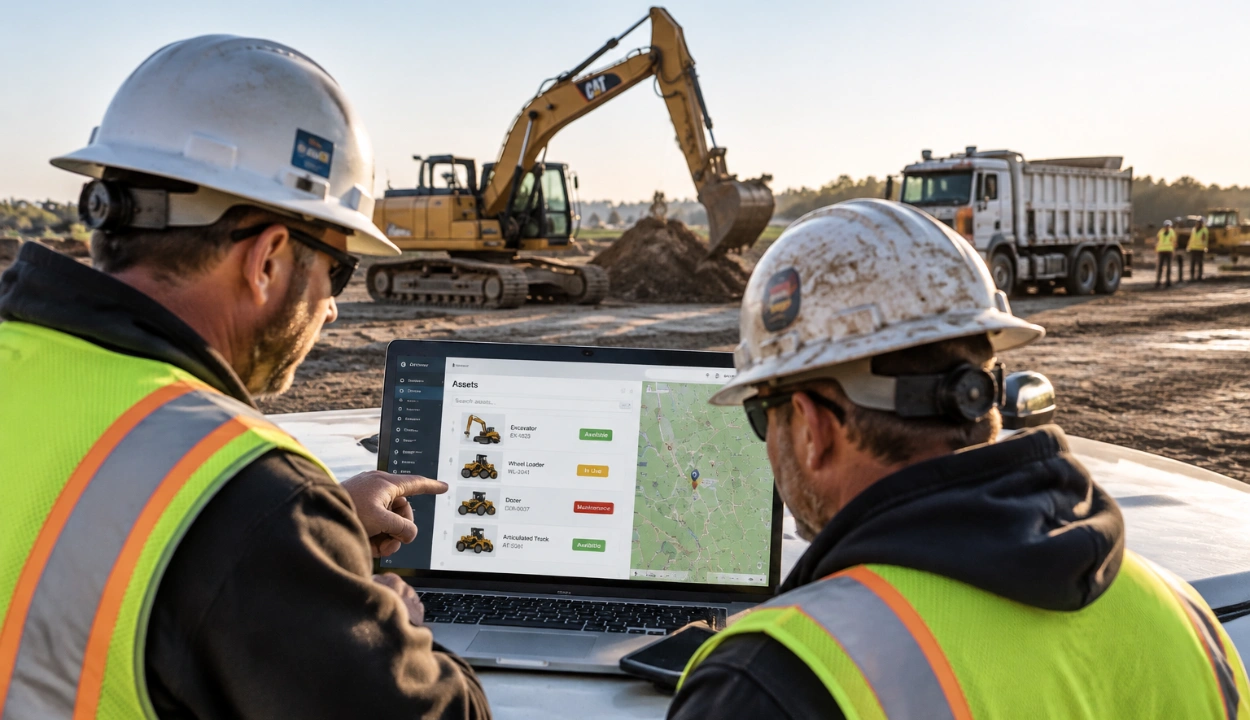
Preconstruction software helps construction teams plan, price, coordinate, inspect, and prepare projects before work starts. In 2026, the right platform depends on the workflow you need to control first. Clue is best for equipment-heavy contractors that need fleet readiness before mobilization. STACK is best for takeoff and estimating. Autodesk Forma is strongest for design coordination and connected takeoff. Procore is strongest when preconstruction needs to flow into project execution. Mitti is best for digital inspections, checklists, and site readiness workflows.
For heavy civil, road, bridge, utility, earthwork, and infrastructure contractors, preconstruction is not only about drawings and estimates. A project can have a clean estimate and still start badly if equipment is unavailable, under repair, already assigned, or not dispatched on time. That is where construction equipment management software becomes part of a serious preconstruction stack.
This guide compares the best preconstruction software options by workflow fit, not by feature volume. The goal is simple: help contractors choose the tool that removes the biggest planning risk before the job reaches the field.
How We Selected the Best Preconstruction Software
We reviewed each platform based on how well it supports real preconstruction work. That includes takeoff, estimating, design coordination, document control, project discovery, inspections, proposal comparison, resource planning, project handoff, and equipment readiness.
The list also considers search intent. Most people searching for preconstruction software expect tools for takeoff, estimating, bids, drawing coordination, site readiness, and project handoff. Clue is included first because equipment-heavy contractors have an additional preconstruction problem: making sure the fleet is actually ready to execute the plan.
Compare the Best Preconstruction Software in 2026
Ranked List of the Best Preconstruction Software:
1. Clue
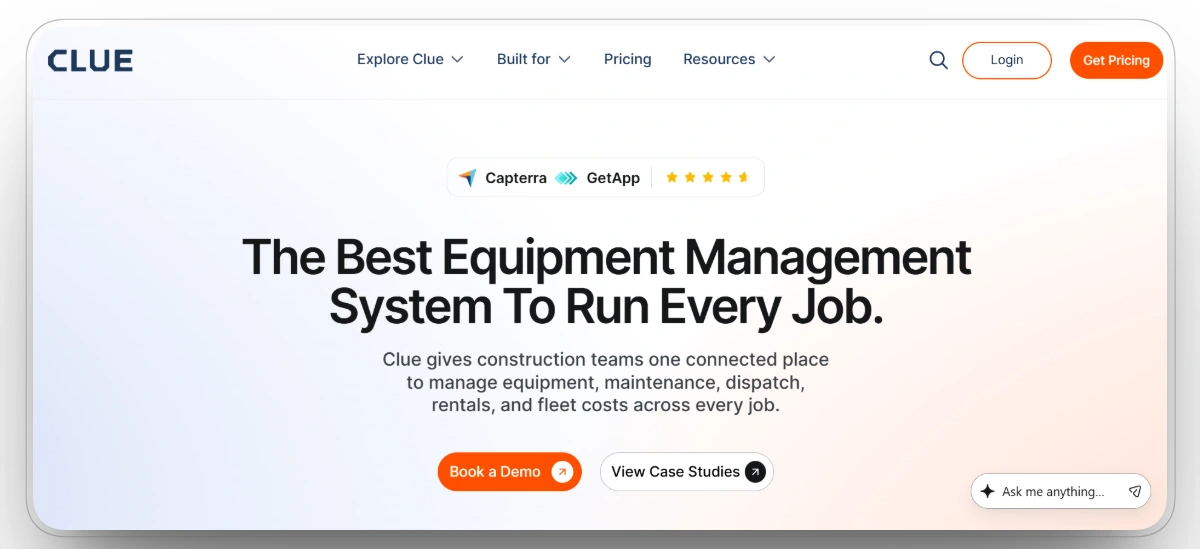
Best for: Equipment-heavy contractors that need fleet readiness before mobilization.
Clue helps heavy construction teams bring equipment planning into preconstruction instead of treating it as a last-minute operations issue. The platform connects fleet availability, maintenance status, dispatch plans, rentals, utilization, work orders, telematics, GPS data, equipment costs, and integrations in one system.
This matters before a project starts. A contractor may have accurate takeoffs, clean estimates, and approved bids, but the job can still open badly if the required machine is down, already committed to another site, waiting on service, or missing from the dispatch plan. For equipment-heavy work, preconstruction should answer one practical question: can the fleet actually support the plan?
Clue is not a takeoff tool, estimating system, or bid management platform. Its role is different. It gives the office, shop, dispatch, and field teams a shared view of whether owned and rented equipment is available, maintained, assigned, tracked, and ready before the job starts.
Our observation: Clue deserves the first position for equipment-heavy contractors only. If a company mainly needs takeoff, STACK is a cleaner first click. If the team mainly needs connected handoffs, Procore may be a better fit. But for heavy civil, road, bridge, utility, and earthwork contractors, equipment readiness is a real preconstruction risk that most estimating tools do not solve.
Key Strengths
- Fleet availability and utilization visibility across jobsites, yards, and active projects.
- Readiness checks through construction equipment maintenance software.
- Equipment assignment and movement planning through construction fleet dispatch management software.
- Location visibility through construction asset tracking software.
- Owned and rented equipment visibility through construction equipment rental management software.
- ERP, OEM, GPS, telematics, CMMS, and fuel card connections through equipment integrations.
Pros
- Strong fit for heavy equipment operations.
- Useful before mobilization, not only during active field work.
- Connects office, shop, dispatch, and field teams around the same equipment data.
- Helps reduce avoidable rental, idle time, maintenance, and dispatch confusion.
- Built around construction equipment workflows rather than generic asset tracking.
Limitations
- Does not replace takeoff, estimating, or bid management software.
- Best suited for equipment-heavy contractors.
- Teams that only need residential estimating, drawing markup, or basic bid tracking may not need it.
Clue Reviews
G2: 4.7/5 (3 reviews)
Capterra: 4.6/5 (11 reviews)
2. STACK
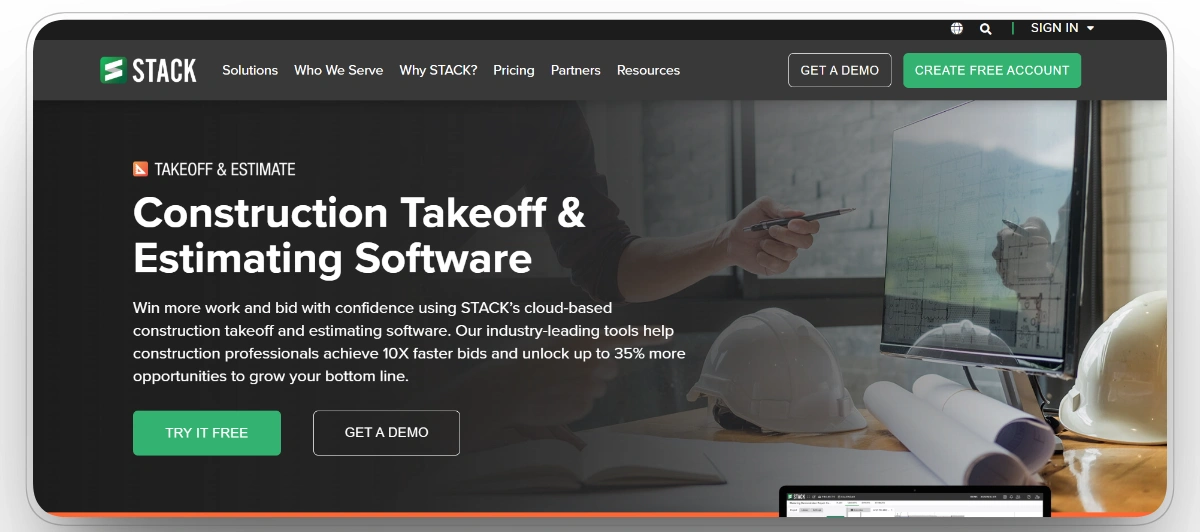
Best for: Digital takeoff and estimating.
STACK is a cloud-based construction platform with strong takeoff, estimating, plan management, and bid preparation workflows. It fits contractors that need to measure plans, build estimates, organize quantities, and collaborate without relying on desktop files or disconnected spreadsheets.
For many searchers, STACK is one of the most direct matches for preconstruction software because it sits close to the core estimating workflow. Teams can use it to review drawings, perform takeoffs, build estimates, and prepare bids in a more structured environment.
Our observation: STACK should rank high because it matches the classic search intent behind this keyword. When contractors say they need preconstruction software, they often mean takeoff, estimating, plan review, and bid preparation. STACK covers that ground clearly.
Pros
- Strong fit for takeoff and estimating teams.
- Useful for GCs, subcontractors, specialty trades, and suppliers.
- Cloud access helps multiple estimators work from shared project data.
- Good option for teams moving away from manual takeoff.
Limitations
- Does not replace every project controls or ERP workflow.
- Not the deepest BIM coordination platform.
- Teams may still need separate tools for scheduling, handoff, or equipment planning.
STACK Reviews
G2: 4.1/5 (5 reviews)
Capterra: 4.5/5 (1398 reviews)
3. Mitti by SafetyCulture
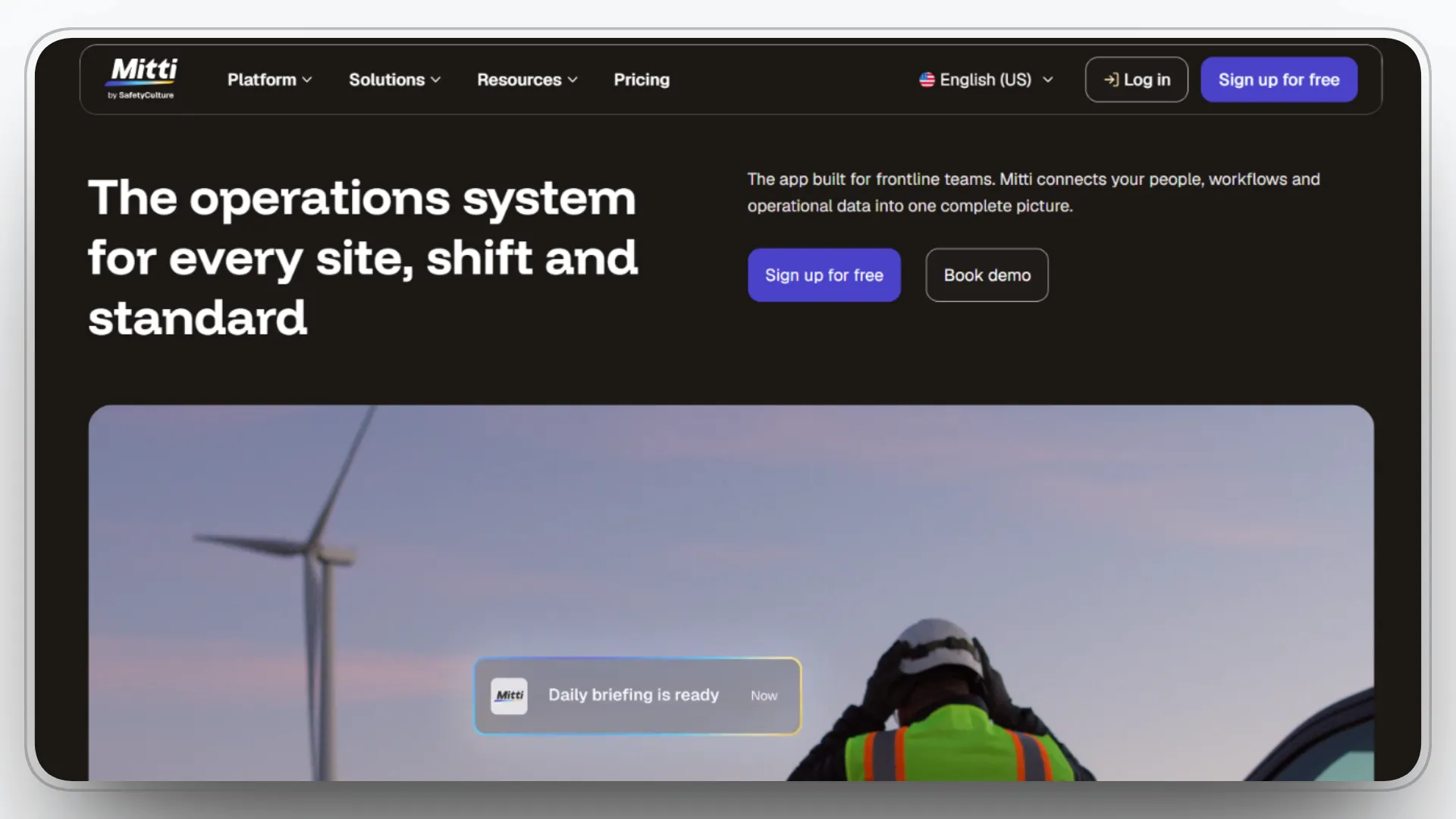
Best for: Digital inspections, checklists, and site readiness workflows.
Mitti is a mobile-first operations platform that helps teams use digital checklists, inspections, issue reporting, corrective actions, and automated workflows. In construction, it is most useful where preconstruction includes site readiness checks, safety inspections, compliance documentation, quality checks, and field preparation before crews begin work.
Mitti is not a takeoff or estimating platform. Its value is in helping teams standardize inspections, capture site conditions, document issues, assign actions, and keep safety and quality records organized before and during construction. For contractors that treat preconstruction as a readiness process, not only a pricing process, Mitti can support the field-facing side of planning.
Our observation: Mitti fits this list because preconstruction is not only about winning the job. Teams also need to confirm whether the site, workers, equipment, documentation, and safety processes are ready. Mitti is strongest when inspection discipline, compliance checks, and issue tracking are the weak points. It should sit beside takeoff and estimating tools, not replace them.
Pros
- Strong fit for site inspections and safety workflows.
- Useful for standardizing pre-start and readiness checks.
- Helps teams document issues with photos, notes, and reports.
- Mobile-first design works well for field users.
- Good option for contractors that need safer, cleaner field handoff.
Limitations
- Not a takeoff or estimating platform.
- Does not replace design coordination or project controls software.
- Best value depends on whether teams actually use inspection workflows consistently.
Mitti Reviews
G2: 4.6/5 (262 reviews)
Capterra: 4.6/5 (354 reviews)
4. Autodesk Forma
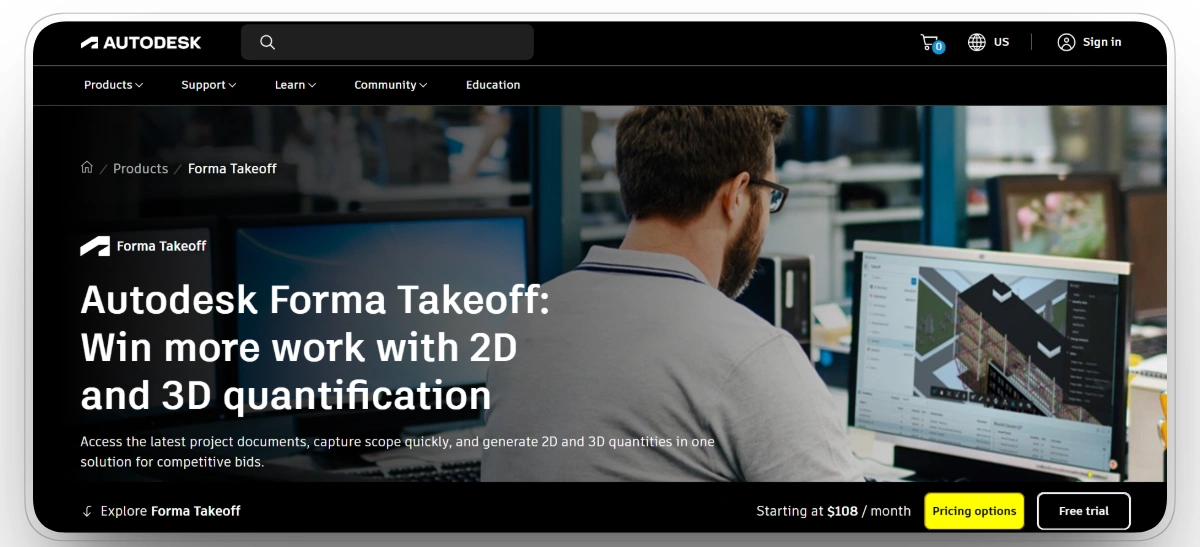
Best for: Design coordination and connected takeoff.
Autodesk Forma, including Forma Takeoff, supports preconstruction teams that need drawings, models, quantities, and design information to stay connected. Forma Takeoff supports 2D takeoffs and automated quantities from 3D models in one takeoff environment.
This makes Autodesk Forma a strong option for teams already working inside Autodesk tools. GCs, BIM teams, VDC teams, and estimators can connect design coordination, document control, model-based quantities, and early cost planning more easily when the workflow sits inside one ecosystem.
Our observation: Autodesk Forma belongs near the top because design coordination is not a side issue in preconstruction. Missed drawing changes, disconnected models, and outdated documents can weaken estimates before the first crew arrives.
Pros
- Strong for design-heavy and model-based workflows.
- Good fit for teams already using Autodesk products.
- Helps connect drawings, models, takeoff, and project data.
- Useful for GCs, BIM teams, VDC teams, and estimators.
Limitations
- Can be more complex than simple takeoff tools.
- Best value comes when the team uses the broader Autodesk ecosystem.
- Requires clean process discipline to avoid tool sprawl.
Autodesk Forma Reviews
G2: 4.4/5 (5383 reviews)
Capterra: 4.3/5 (2207 reviews)
5. Procore
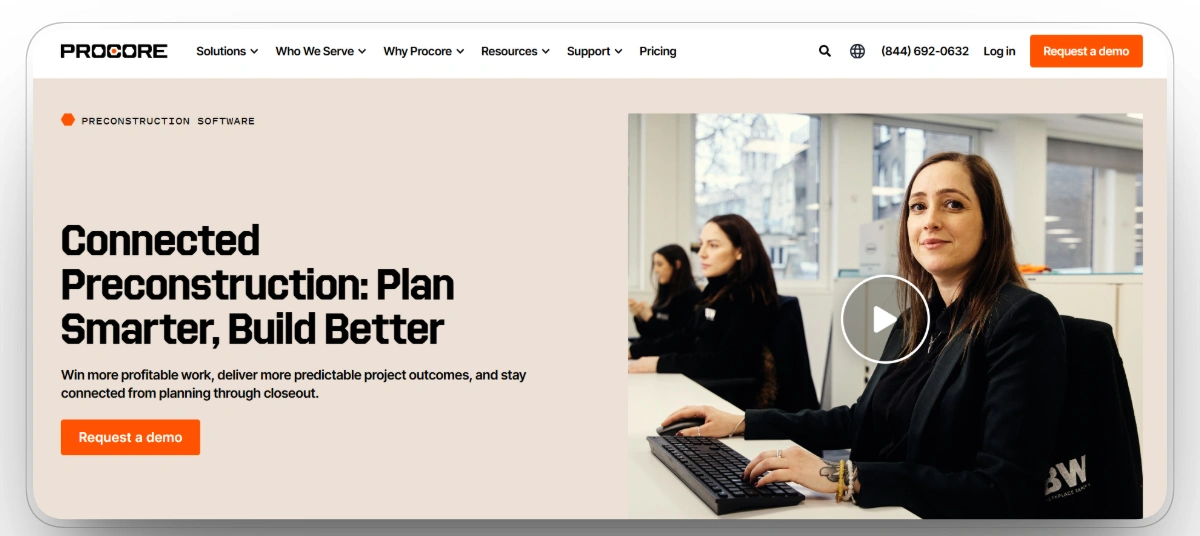
Best for: Connected preconstruction and project handoff.
Procore Preconstruction helps teams manage designs, estimates, bids, and handoff into construction from one integrated platform. It is useful when teams want bid management, structured bid forms, automated bid leveling, estimate-to-budget workflows, and project communication tied to the same system used during execution.
Procore is not always the lightest option for a team that only needs takeoff. Its value is strongest when a contractor wants preconstruction decisions to flow into budgets, documents, financials, and field execution after award.
Our observation: Procore is strongest when preconstruction cannot sit in a silo. It may not be the simplest pure takeoff choice, but it is practical when bids, estimates, budgets, documents, and field teams need to stay connected.
Pros
- Strong connection from preconstruction to execution.
- Useful for GCs, specialty contractors, and owners.
- Helps reduce handoff gaps between office and field.
- Good fit for teams already using Procore for project management.
Limitations
- Can feel heavy for teams that only need takeoff.
- Setup requires clear processes.
- Cost and complexity may not fit smaller contractors.
Procore Reviews
G2: 4.6/5 (4198 reviews)
Capterra: 4.5/5 (2665 reviews)
6. Bluebeam Revu
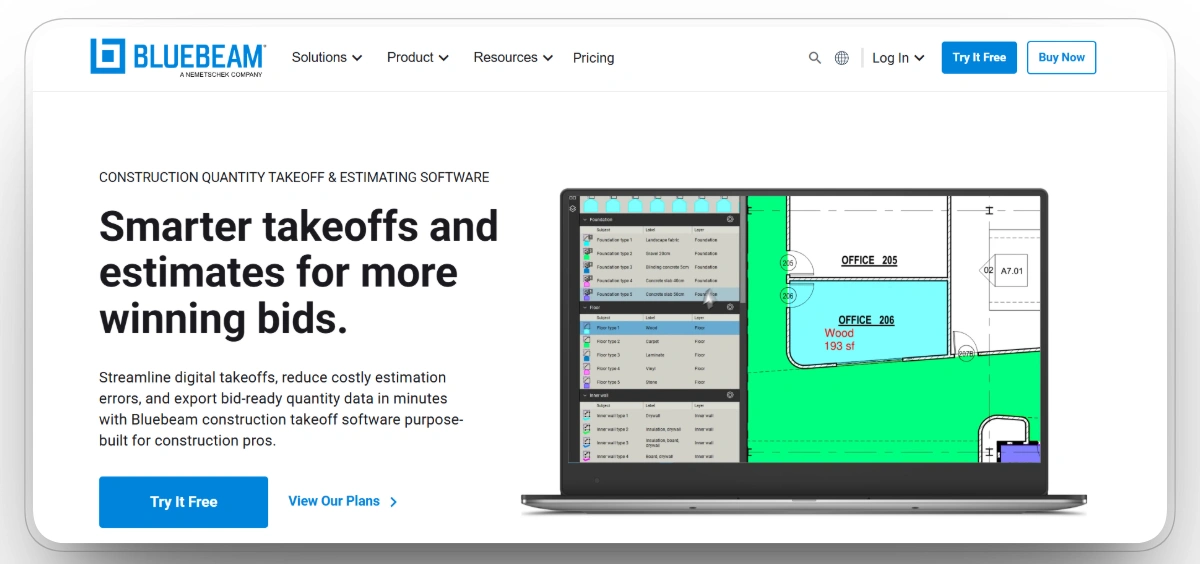
Best for: PDF collaboration and quantity takeoff.
Bluebeam Revu is widely used for PDF-based plan review, markups, measurements, and quantity takeoff. It is especially useful for teams that still work heavily from PDF drawings and need calibrated measurements, standardized markups, and clear review workflows.
Bluebeam is not a full estimating database or bid management system. Its strength is practical document control around drawings, measurements, and review comments.
Our observation: Bluebeam remains relevant because construction still runs on drawings and PDF plan sets. Even when contractors use larger platforms, Bluebeam often remains the working layer for markup, measurement, and document review.
Pros
- Excellent for PDF-heavy workflows.
- Familiar to many estimators, architects, engineers, and project teams.
- Strong measurement and markup toolkit.
- Practical for teams that need plan review without a full platform rollout.
Limitations
- Not a complete bid management system.
- Not a full estimating database.
- Advanced workflows require standards and training.
Bluebeam Revu Reviews
G2: 4.5/5 (461 reviews)
Capterra: 4.7/5 (976 reviews)
7. PlanSwift
Best for: Standalone takeoff and estimating.
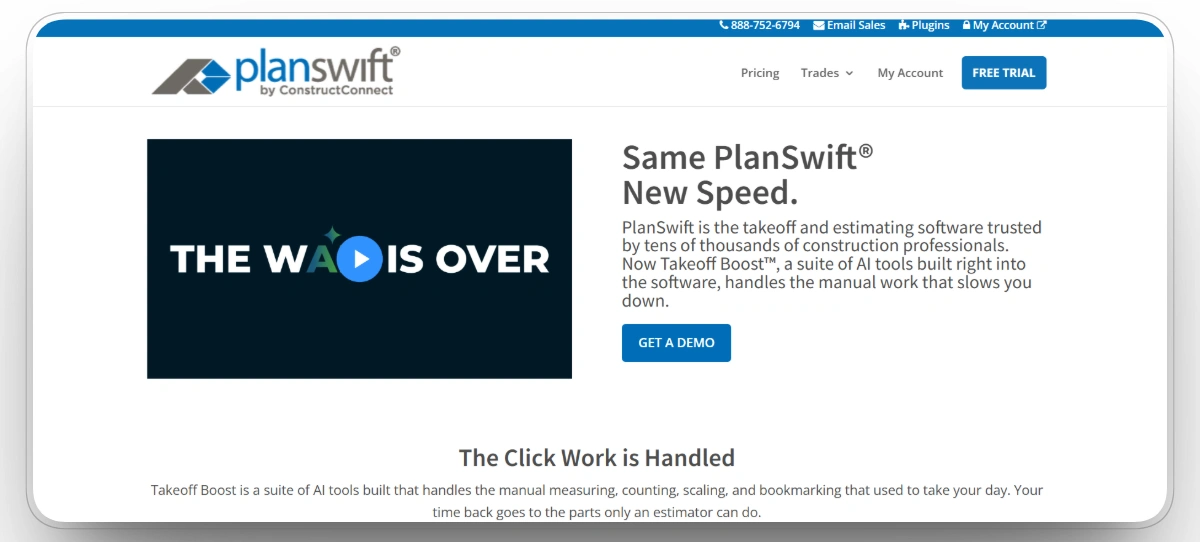
PlanSwift is a takeoff and estimating tool built around fast point-and-click measurement workflows. It supports digital plan measurement for square footage, linear dimensions, volumes, counts, material calculations, labor calculations, reports, and estimating workflows.
It is a practical option for small and midsize contractors, trade contractors, and estimators that want a focused 2D takeoff tool without adopting a larger project management or bid management platform.
Our observation: PlanSwift is still useful because not every contractor wants a large platform. Some teams simply need to measure plans quickly, build estimates, and keep the workflow familiar.
Pros
- Simple and familiar takeoff workflow.
- Good fit for trade contractors.
- Useful for fast 2D measurements.
- Can support lightweight estimating processes.
Limitations
- Less cloud-first than newer platforms.
- Limited as a collaboration hub.
- Does not replace BIM coordination or field handoff software.
PlanSwift Reviews
G2: 4.3/5 (35 reviews)
Capterra: 4.3/5 (401 reviews)
8. ConstructConnect
Best for: Project discovery and bid opportunities.
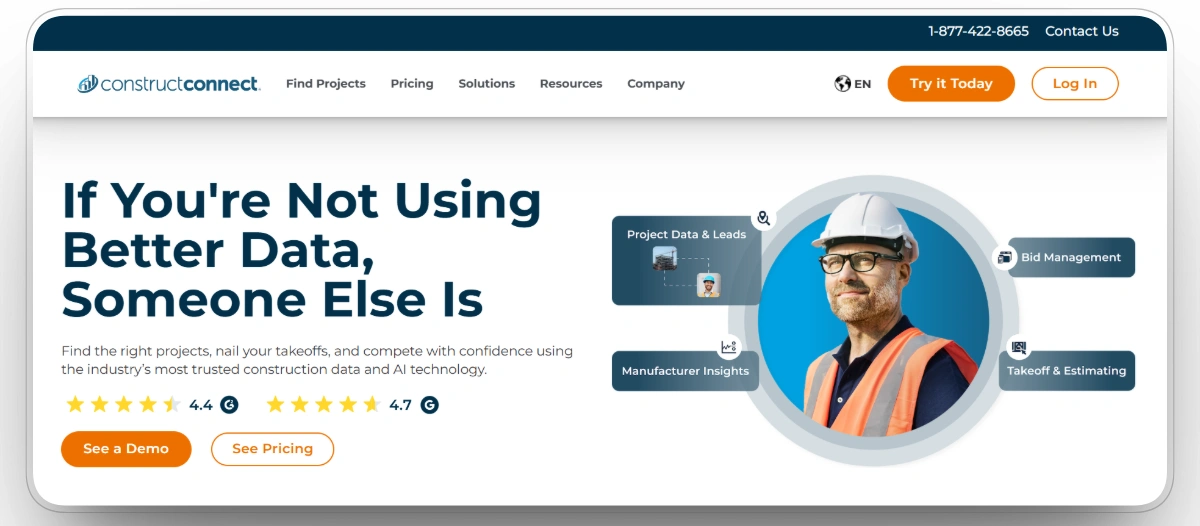
ConstructConnect helps contractors find, bid, and win construction projects. Its preconstruction value starts before takeoff. Contractors need to know which opportunities are worth pursuing before they measure quantities, price work, or assign estimating resources.
The platform is especially useful for contractors, subcontractors, suppliers, and manufacturers that need project leads, plan access, bid intelligence, and pipeline visibility.
Our observation: ConstructConnect answers the question that comes before estimating: what should we bid? For teams trying to improve pipeline quality, project discovery can be just as important as takeoff speed.
Pros
- Strong for project discovery.
- Useful for contractors seeking more bid opportunities.
- Helps teams filter and track upcoming work.
- Supports subcontractors, suppliers, manufacturers, and GCs.
Limitations
- Lead quality can vary by region, trade, and project type.
- Not a complete estimating platform by itself.
- Teams may still need separate takeoff, coordination, and handoff tools.
ConstructConnect Reviews
G2: 4.4/5 (402 reviews)
9. Togal.AI
Best for: AI-assisted takeoff speed.
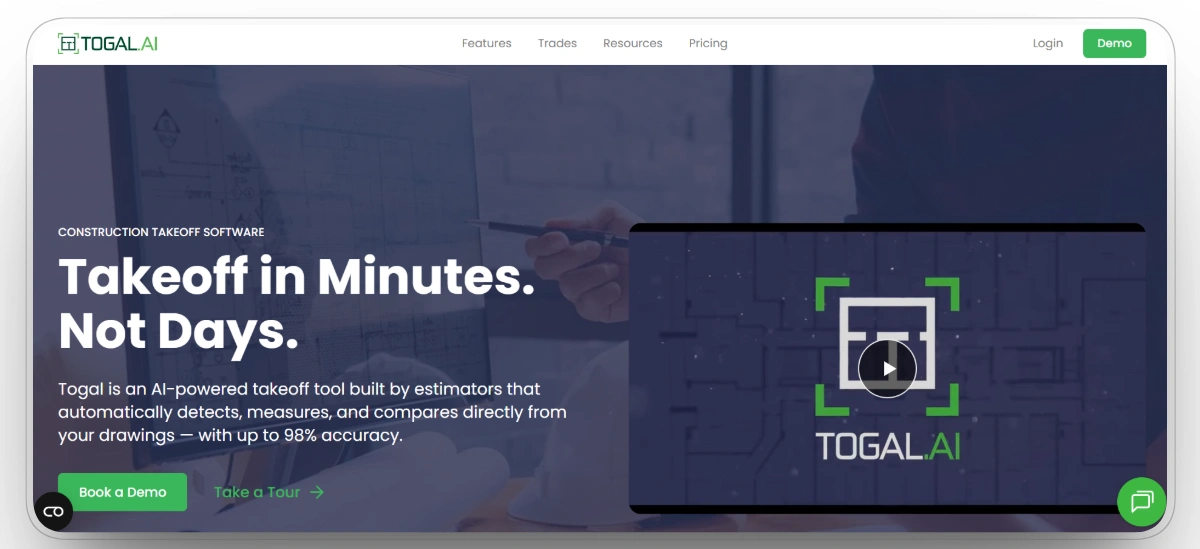
Togal.AI is an AI-powered takeoff platform built to detect, measure, compare, count, and label drawing information. It is useful for estimators and GCs that handle repetitive takeoff work and want a faster first pass through plan sets.
The tool does not remove the need for estimator judgment. AI-generated takeoffs still need review, especially when drawings are incomplete, scopes are unusual, or the bid carries high risk.
Our observation: Togal.AI earns its place because AI takeoff is now a real preconstruction workflow. The value is speed, but the danger is overtrusting automation. The best use is estimator assistance, not estimator replacement.
Pros
- Strong for speed and repetitive takeoff work.
- Useful for large drawing sets.
- Good fit for teams testing AI in preconstruction.
- Can reduce manual measurement time.
Limitations
- AI outputs still require professional review.
- May not handle every scope or drawing condition perfectly.
- Not a full enterprise estimating platform.
Togal.AI Reviews
G2: 4.8/5 (60 reviews)
10. Buildxact
Best for: Residential estimating and quoting.
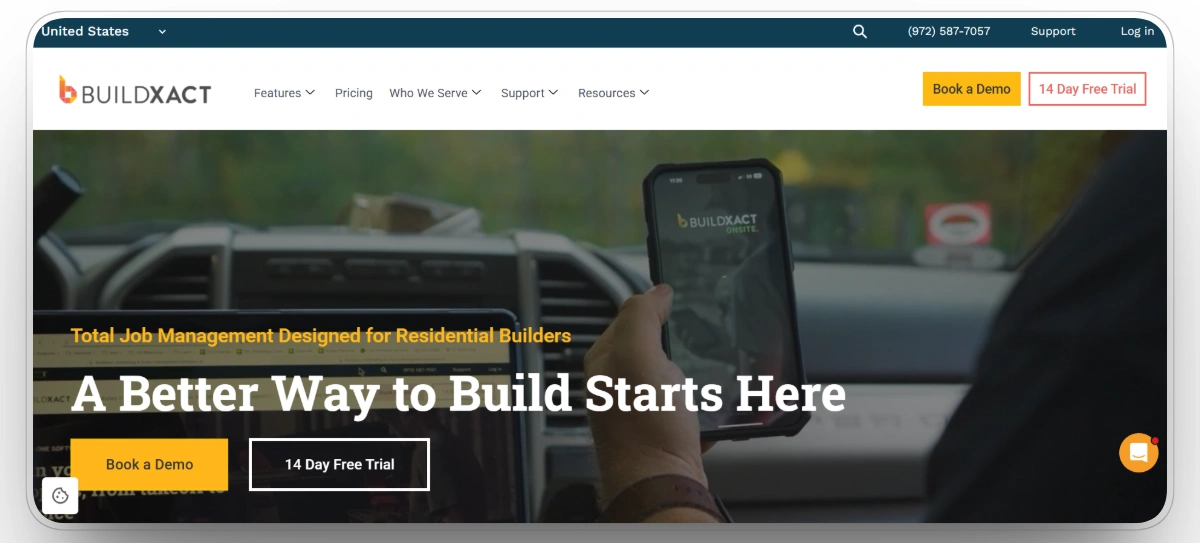
Buildxact is designed for residential builders, remodelers, and smaller contractors that need takeoff, estimating, quoting, purchasing, scheduling, and job tracking in one workflow.
It fits builders that need to move from plans to client-ready quotes quickly without the weight of enterprise estimating systems. Residential preconstruction usually values speed, clarity, and customer-facing pricing more than complex bid leveling or deep project controls.
Our observation: Buildxact should be judged against residential use cases, not enterprise commercial estimating. For home builders and remodelers, a simple quote-to-job workflow may be more valuable than a larger platform with features the team will not use.
Pros
- Strong fit for residential builders and remodelers.
- Easier to understand than enterprise estimating tools.
- Connects takeoff, estimating, quoting, and job tracking.
- Good option for smaller builder workflows.
Limitations
- Not ideal for large commercial or infrastructure projects.
- Less suited to complex GC bid management.
- May not be deep enough for mature estimating departments.
Buildxact Reviews
G2: 4.3/5 (66 reviews)
Capterra: 4.6/5 (183 reviews)
What Features Should Preconstruction Software Include?
The best preconstruction software should reduce uncertainty before work starts. Depending on the contractor, that uncertainty may come from quantities, estimates, document gaps, drawing changes, inspection issues, proposal gaps, resource availability, or field handoff.
Important features can include:
- Digital takeoff and quantity measurement.
- Cost estimating and cost databases.
- Bid preparation and proposal tracking.
- Design coordination and document control.
- Plan review and PDF markups.
- Project discovery and lead tracking.
- BIM coordination and model-based takeoff.
- Inspection checklists and site readiness workflows.
- Equipment readiness and fleet availability.
- Workforce and resource planning.
- Materials, purchasing, and procurement planning.
- Project handoff from estimating to field execution.
- Integrations with ERP, accounting, project management, BIM, telematics, safety, and field systems.
No single platform handles all of these equally well. A contractor may use Clue for equipment readiness, STACK for estimating, Mitti for inspections, Bluebeam for PDF review, and Procore for project handoff. That is not a messy stack if each tool has a clear job.
How to Choose the Right Preconstruction Software
Start with the workflow that creates the most risk before the project starts. The wrong buying process starts with a feature checklist. The right buying process starts with the failure point.
The practical rule is simple: buy the tool that fixes the first serious bottleneck. If the estimate is weak, fix takeoff and estimating. If inspection readiness is inconsistent, fix checklists and issue tracking. If equipment is not ready, fix fleet planning. If handoff breaks after award, fix the connection between preconstruction and execution.
What Is the Difference Between Preconstruction Software and Construction Management Software?
Preconstruction software is used before work starts. It helps teams estimate, take off quantities, review drawings, inspect readiness, compare proposals, plan resources, and prepare the project for execution.
Construction management software is used during the project. It helps teams manage RFIs, submittals, budgets, change orders, drawings, daily logs, schedules, field tasks, inspections, punch lists, and closeout.
Some platforms cover both areas. Procore and Autodesk Forma connect preconstruction with broader construction workflows. STACK, Bluebeam Revu, PlanSwift, and Togal.AI are stronger around takeoff and estimating. Mitti is stronger for inspection and readiness workflows. Clue is stronger for equipment readiness and fleet planning before mobilization.
FAQs
What is preconstruction software?
Preconstruction software helps construction teams plan work before construction starts. It can support takeoff, estimating, design coordination, document control, project discovery, inspections, resource planning, equipment readiness, and project handoff.
What is the best preconstruction software in 2026?
The best preconstruction software depends on the contractor's main planning risk. Clue is best for equipment-heavy contractors that need fleet readiness before mobilization. STACK is best for takeoff and estimating. Mitti is best for inspections and readiness workflows. Autodesk Forma is best for design coordination and connected takeoff. Procore is best for connected project handoff.
What software is best for construction takeoff?
STACK, Bluebeam Revu, PlanSwift, Autodesk Forma, and Togal.AI are strong options for construction takeoff. STACK is a strong cloud-based takeoff and estimating platform, Bluebeam Revu is strong for PDF-based measurements, PlanSwift is strong for standalone 2D takeoff, Autodesk Forma supports connected 2D and 3D takeoff, and Togal.AI is strong for AI-assisted takeoff speed.
What software is best for construction bid preparation?
STACK, Procore, Autodesk Forma, ConstructConnect, and Bluebeam Revu can support different parts of bid preparation. STACK helps with takeoff and estimating, Procore helps connect bids with project handoff, Autodesk Forma supports connected takeoff and design coordination, ConstructConnect helps with project discovery, and Bluebeam Revu helps with plan review and measurements.
What software is best for construction inspections before work starts?
Mitti is a strong option for construction inspections before work starts because it supports digital checklists, issue capture, corrective actions, photos, inspection reports, and mobile workflows for field teams.
What software is best for commercial construction estimating?
STACK, Autodesk Forma, Bluebeam Revu, PlanSwift, and Togal.AI are strong options for commercial construction estimating workflows. STACK is useful for cloud-based takeoff and estimating, Autodesk Forma supports connected takeoff, Bluebeam Revu is strong for PDF-based measurements, PlanSwift works well for standalone 2D takeoff, and Togal.AI supports AI-assisted takeoff speed.
What software is best for residential builders?
Buildxact is a strong fit for residential builders, remodelers, and small contractors that need takeoff, estimating, quoting, purchasing, scheduling, and job tracking in one workflow. It is better suited to residential construction than complex commercial or infrastructure estimating.
Why is equipment readiness part of preconstruction?
Equipment readiness is part of preconstruction for equipment-heavy contractors because a project can lose time before work starts if machines are unavailable, under repair, overbooked, rented late, or not dispatched correctly. Checking fleet availability, maintenance status, rental needs, and dispatch plans before mobilization helps reduce avoidable delays.
Do contractors need one preconstruction platform or multiple tools?
Most contractors need multiple connected tools rather than one platform for everything. One system may handle takeoff, another may support inspections, another may support project handoff, and another may manage equipment readiness. The right stack depends on contractor type, project complexity, and the planning risk that causes the most delay or rework.
Final Thoughts
The best preconstruction software depends on the risk your team needs to control first. If takeoff accuracy is the issue, STACK, Bluebeam Revu, PlanSwift, Autodesk Forma, or Togal.AI are stronger starting points. If site readiness, inspections, and safety checks are the weak point, Mitti fits better. If project discovery is the bottleneck, ConstructConnect is the cleaner choice. Residential builders should look at Buildxact, while teams that need preconstruction connected into execution should consider Procore.
For equipment-heavy contractors, Clue is the strongest fit because preconstruction is not only about drawings, bids, and estimates. Fleet availability, maintenance status, rental needs, dispatch plans, utilization, and equipment readiness can decide whether a project starts cleanly or loses time before work begins.
The practical rule is simple: choose the platform that fixes the first serious planning risk. Measure the work accurately, price it clearly, coordinate drawings, document readiness, and make sure the people and equipment are ready before mobilization.
Transform Your Equipment Management