Understanding Parts Management
Parts Management
Reading Time:
4 min read
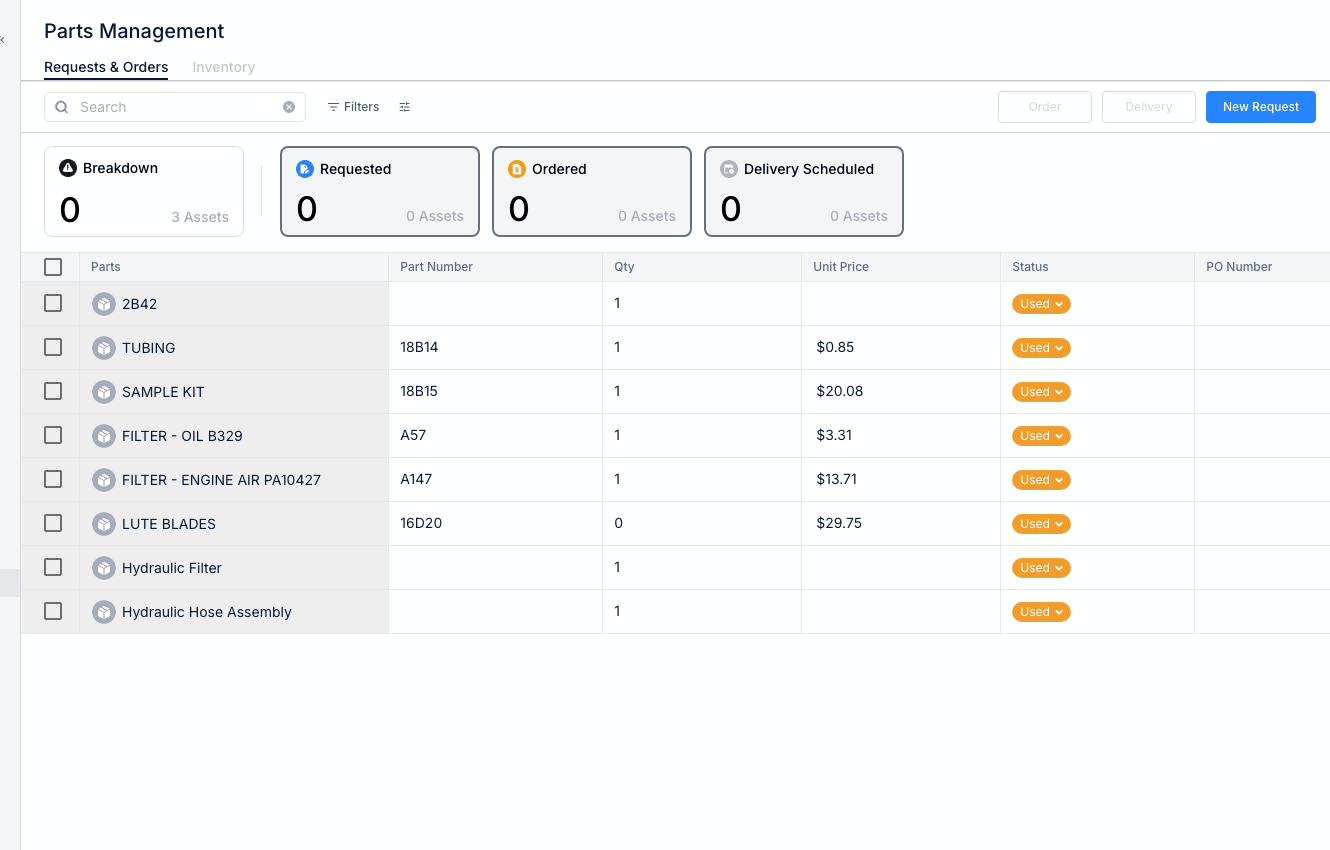
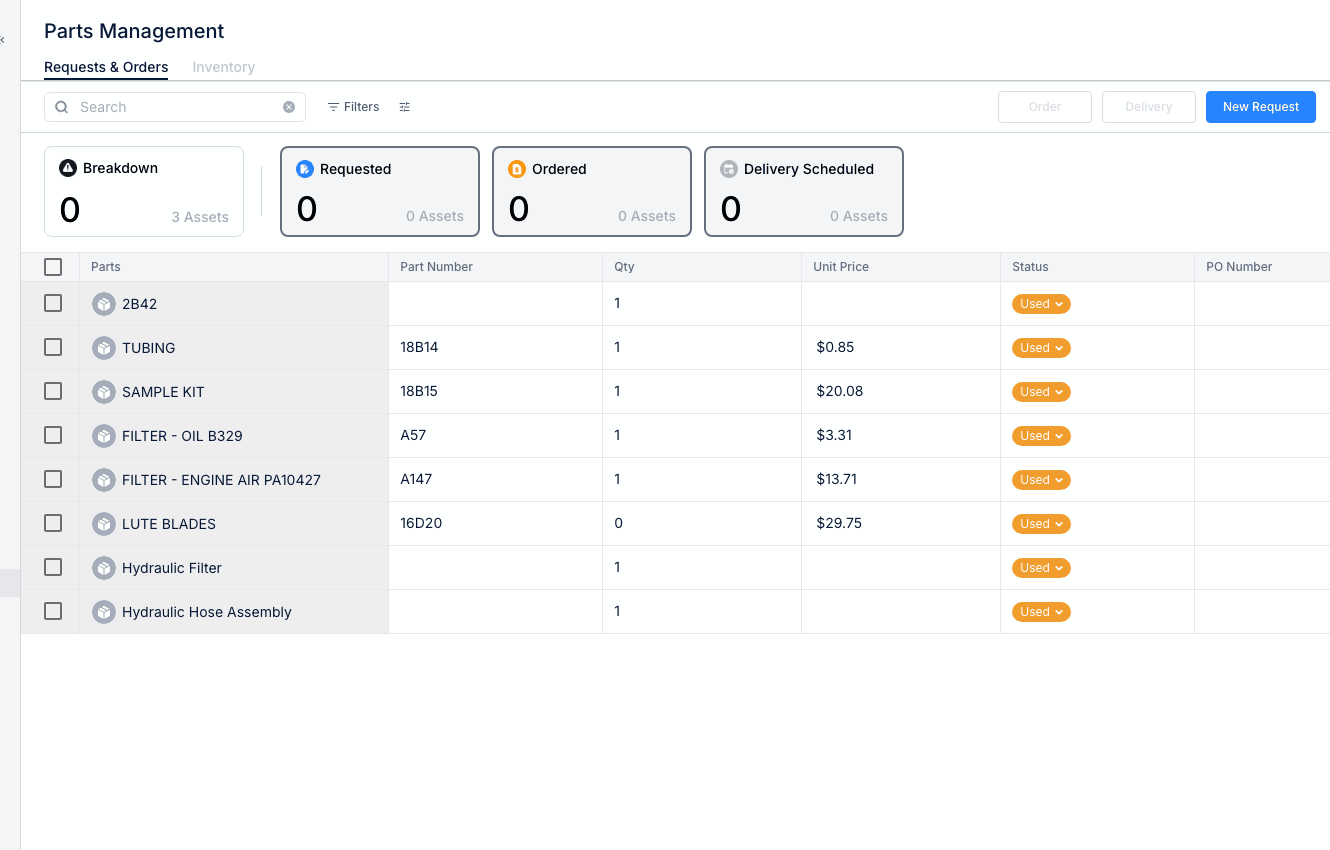
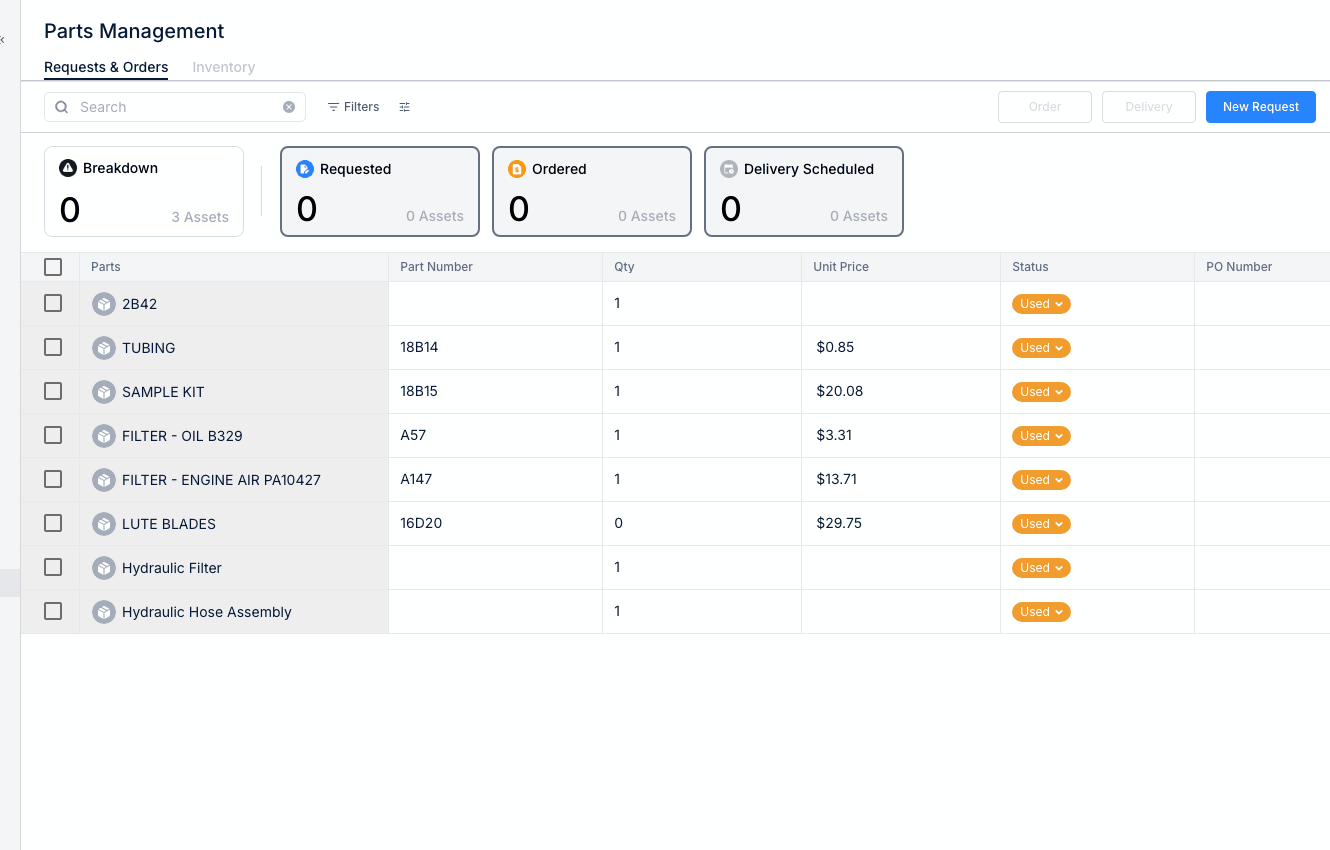
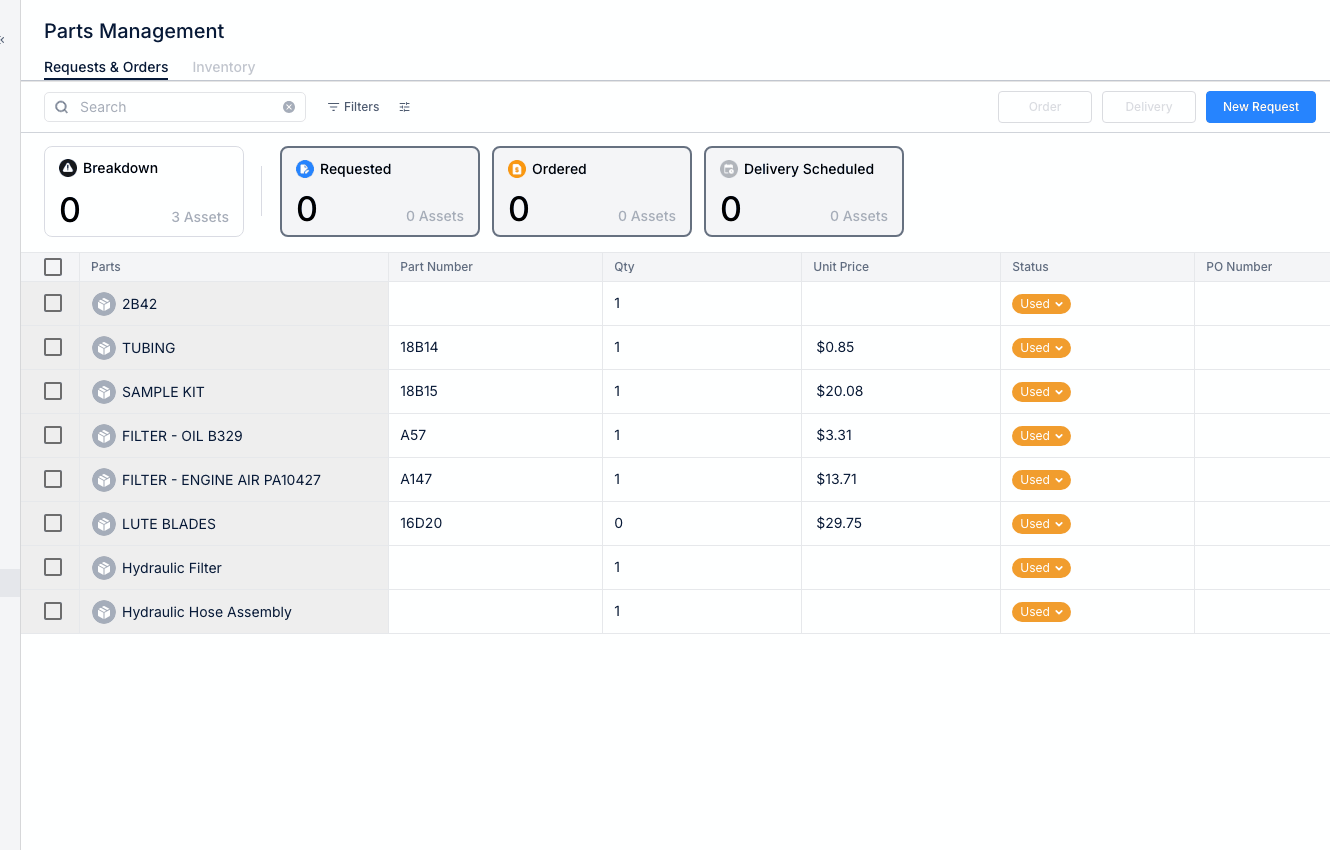
CLUE's Parts Management module helps you track inventory, request parts, and manage orders for maintenance operations.
Accessing Parts Management
- Navigate to Parts Management in the Maintenance section
- Two main tabs: Requests & Orders and Inventory
Requests & Orders Tab
Track parts through the procurement process:
- Pending Requests - Parts needed but not ordered
- Open Orders - Parts ordered, awaiting delivery
- Received - Delivered parts
Inventory Tab
View and manage parts in stock:
- Part Name/Number - Identification
- Quantity on Hand - Current stock level
- Location - Where parts are stored
- Reorder Point - When to order more
Parts Workflow
- Request - Mechanic requests a part
- Approve - Manager approves the request
- Order - Purchasing places the order
- Receive - Part arrives and is checked in
- Issue - Part is used on a work order
Benefits
- Know what parts you have in stock
- Avoid downtime waiting for parts
- Track parts costs accurately
- Reduce waste from over-ordering
Tips
- Keep inventory counts accurate with regular audits
- Set reorder points for critical parts
- Link parts to work orders for cost tracking