Tracking Parts Costs
Parts Management
Reading Time:
3 min read
Overview
CLUE tracks parts costs to give you visibility into maintenance spending. Understanding cost tracking helps with budgeting, vendor negotiations, and equipment cost analysis.
Where Costs Are Tracked
Inventory Level
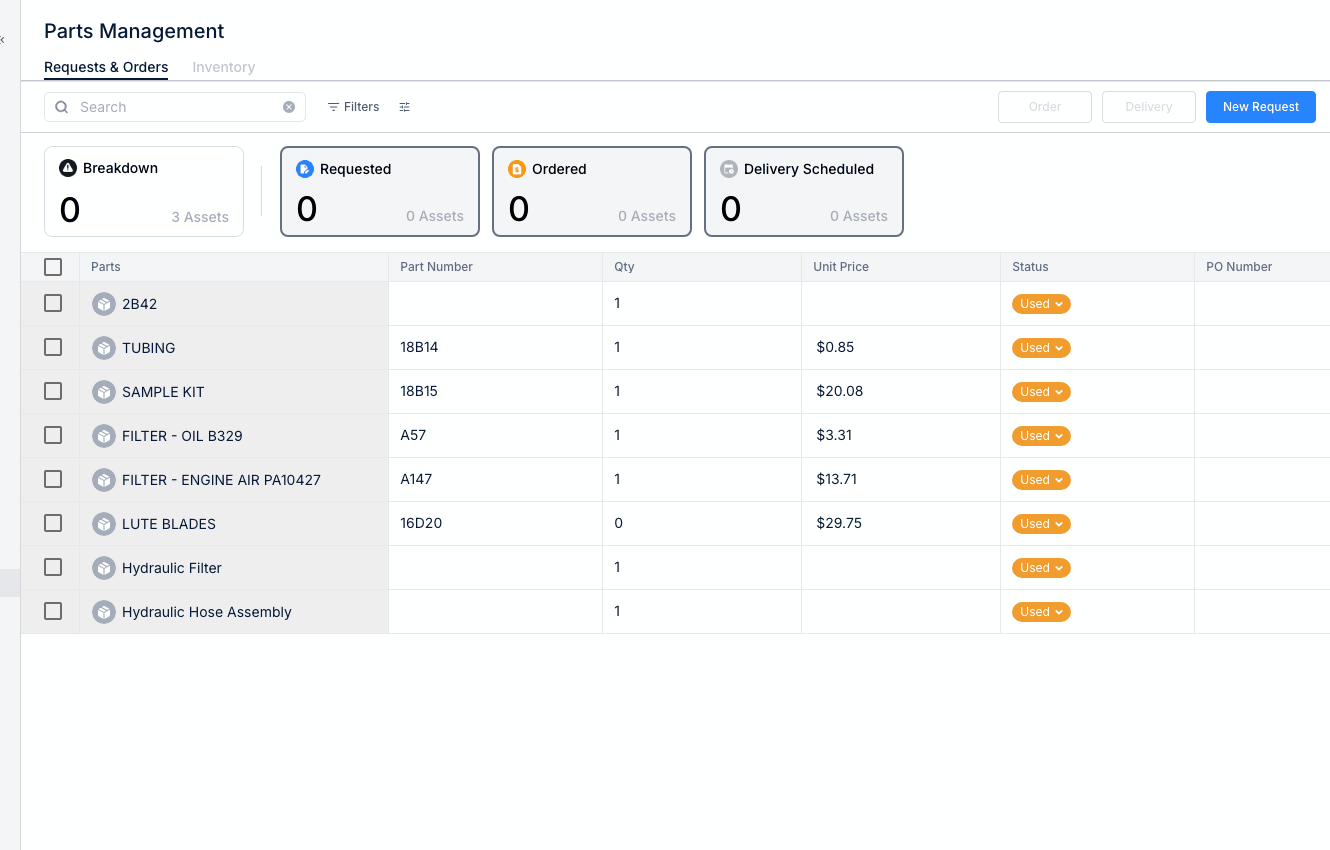
- Unit cost per part
- Total inventory value
- Cost changes over time
Work Order Level
- Parts used on each repair
- Parts cost per work order
- Total maintenance cost (parts + labor)
Asset Level
- Cumulative parts spend per asset
- Cost by part category
- Year-over-year comparisons
Updating Part Costs
Keep costs current by:
- Updating unit costs when prices change
- Recording actual costs on orders
- Adjusting for vendor price changes
Cost Reports
Available cost reports include:
- Parts spend by period
- Cost by asset or asset type
- Cost by work order type
- Vendor spend analysis
Using Cost Data
Parts cost tracking helps you:
- Budget - Plan maintenance spending
- Negotiate - Identify high-volume parts for vendor discounts
- Analyze - Find costly assets or repair types
- Decide - Repair vs. replace decisions
Tips
- Keep unit costs updated for accurate reporting
- Review high-cost parts regularly
- Compare costs across similar assets