Understanding Asset Detail View
Asset Tracking
Reading Time:
5 min read
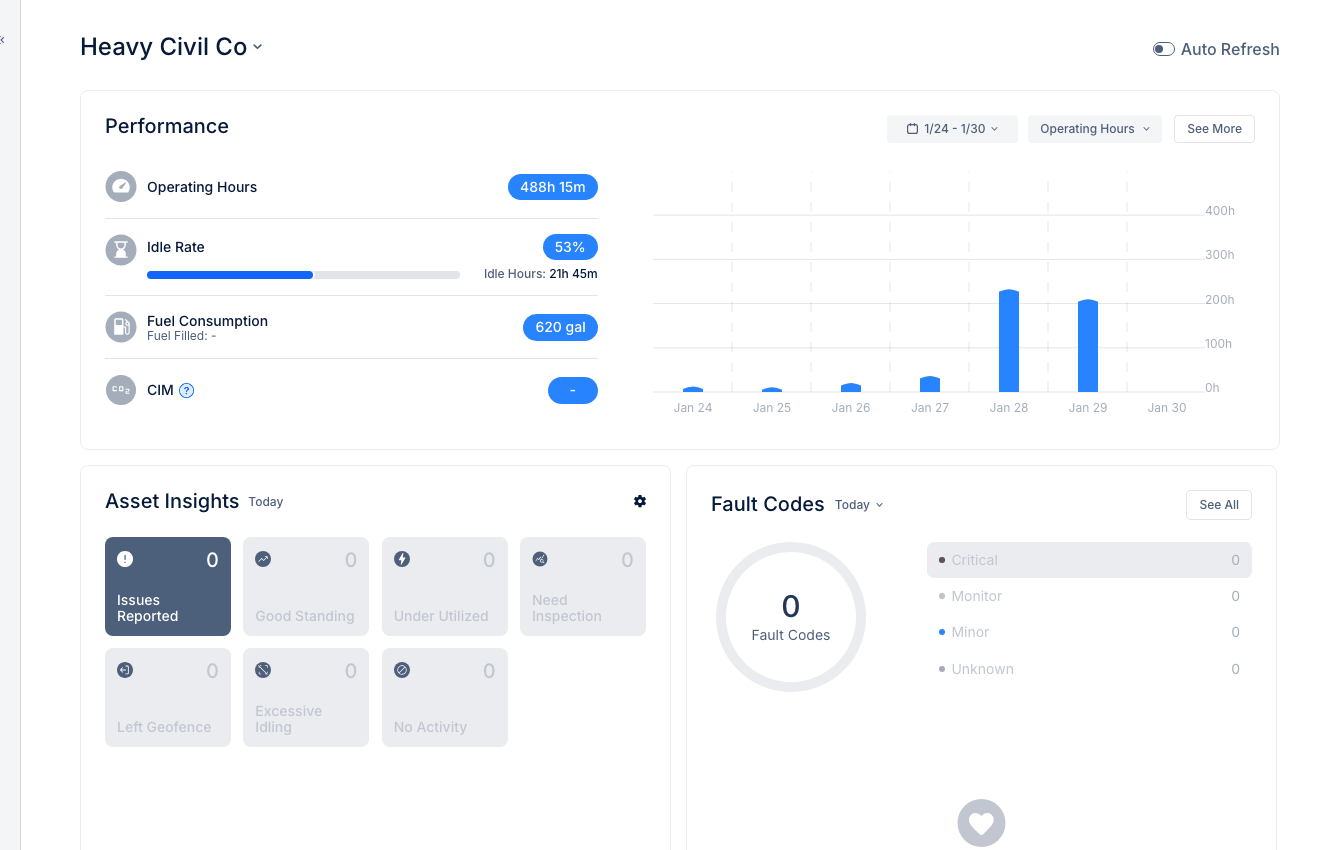
The Asset Detail view provides complete information about a piece of equipment. Learn what each section contains and how to use it effectively.
Accessing Asset Details
- Navigate to Assets in the Directory
- Click any asset row to open the detail slide-in
Header Information
- Asset Name - Equipment display name
- Status badges - Operational status, connectivity, PM status
- Quick actions - Edit, Create WO, View on Map
Overview Tab
Basic Details
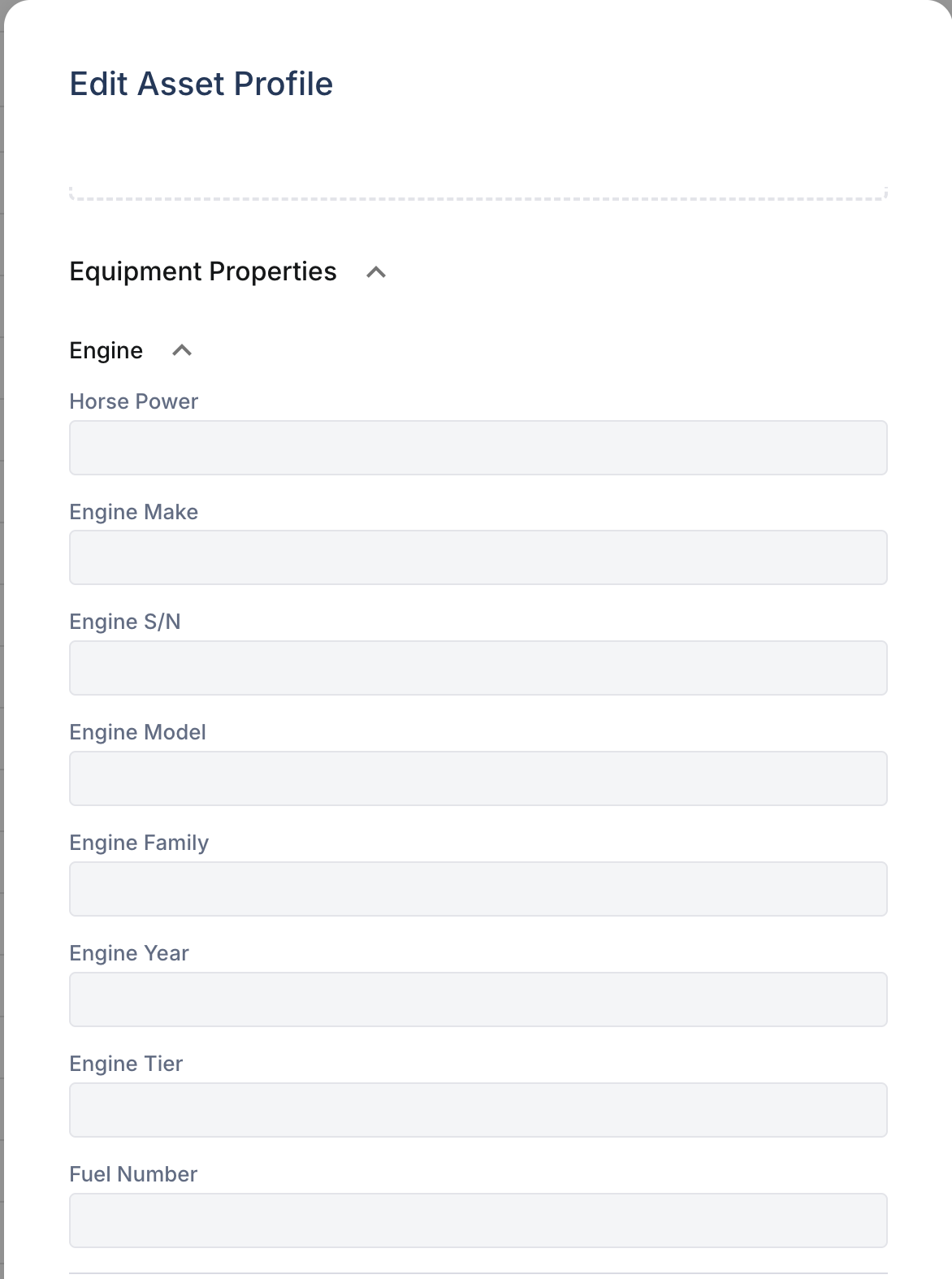
- Make/Model/Year - Equipment specifications
- Serial Number - Unique identifier
- Asset Type - Category classification
- Product Class - Specific equipment type
Operational Data
- Hour Meter - Current engine hours
- Odometer - Current mileage
- Operational Status - Active, Down, Storage
Assignment
- Division/Department - Organizational unit
- Project - Current job site
- Linked User - Primary operator
Telematics
- Connectivity Status - GPS connection state
- Tracker S/N - GPS device serial
- Last Connected - Most recent data
Additional Tabs
- Work Orders - Maintenance history
- PM Status - Preventive maintenance schedule
- Inspections - DVIR history
- Fault Codes - Diagnostic alerts
- Assignment Calendar - Project assignments over time
Tips
- Check PM Status before scheduling service
- Review Work Order history for recurring issues
- Verify connectivity if location data seems stale