Setting Utilization Targets
Asset Tracking
Reading Time:
4 min read
Overview
Utilization targets help you measure whether your equipment is being used efficiently. Set targets for operating hours and idle time thresholds to identify underperforming assets and optimize your fleet.
What Are Utilization Targets?
CLUE allows you to set two key targets per asset:
- Utilization Target (7 Days) - Expected operating hours over a week
- Excessive Idling Threshold - Maximum acceptable idle percentage
Setting Targets on an Asset
Step 1: Navigate to DIRECTORY → Assets and select an asset.
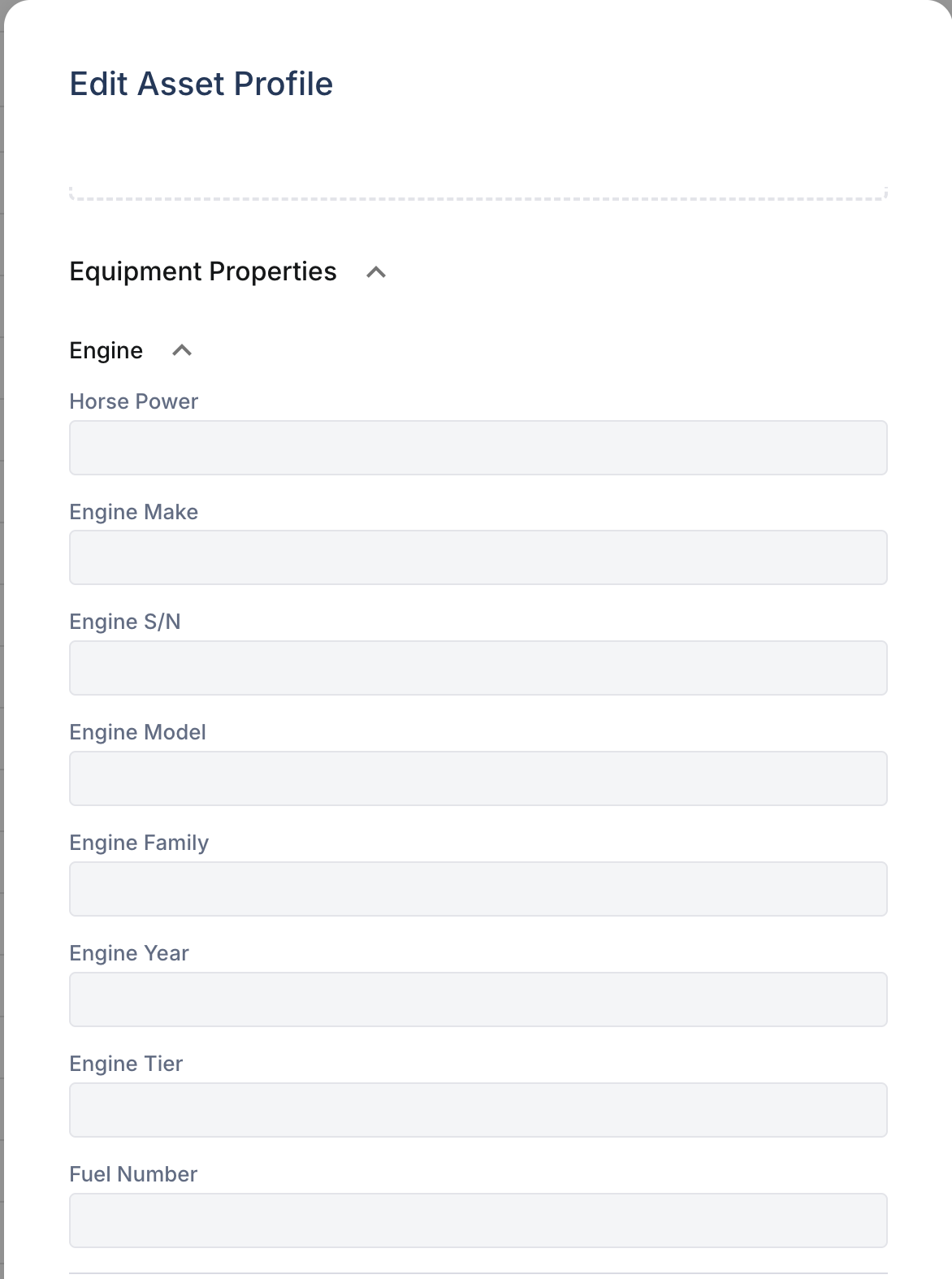
Step 2: In the asset detail panel, find the utilization settings section.
Step 3: Enter your target values:
- For utilization: Enter expected weekly hours (e.g., 40 hours)
- For idling: Enter maximum idle percentage (e.g., 15%)
Step 4: Save your changes.
How Targets Affect Reporting
Once set, CLUE compares actual performance against targets:
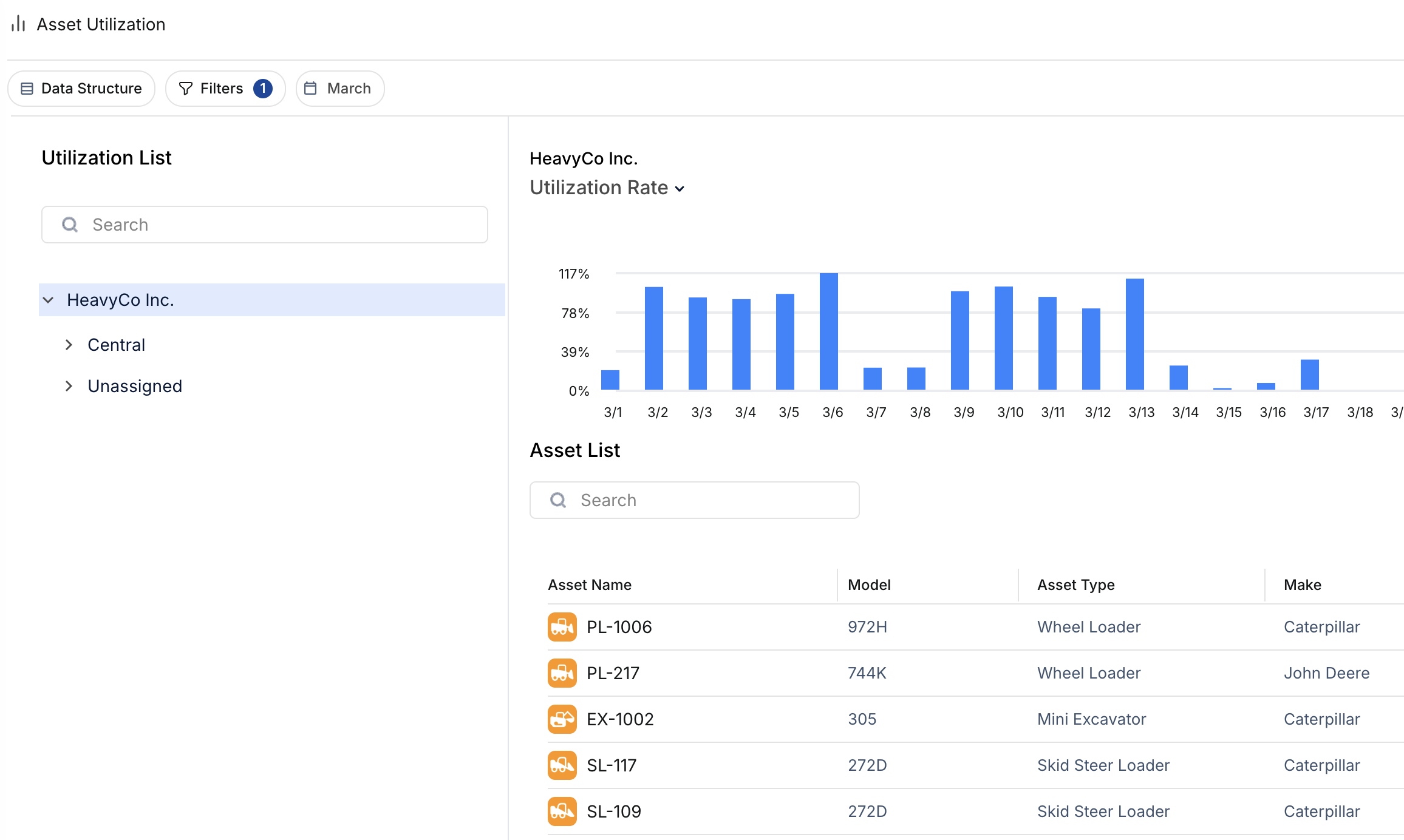
- Assets below utilization target appear in "Under Utilized" reports
- Assets exceeding idle threshold trigger excessive idling alerts
- Home dashboard widgets highlight assets missing targets
Recommended Targets by Equipment Type
- Heavy equipment (excavators, loaders): 35-45 hours/week, 20% idle max
- Vehicles (trucks, pickups): 30-40 hours/week, 15% idle max
- Support equipment (generators, compressors): Varies by job requirements
Tips
- Start with industry benchmarks, then adjust based on your operational patterns
- Review targets quarterly as project demands change
- Consider seasonal variations when setting annual targets