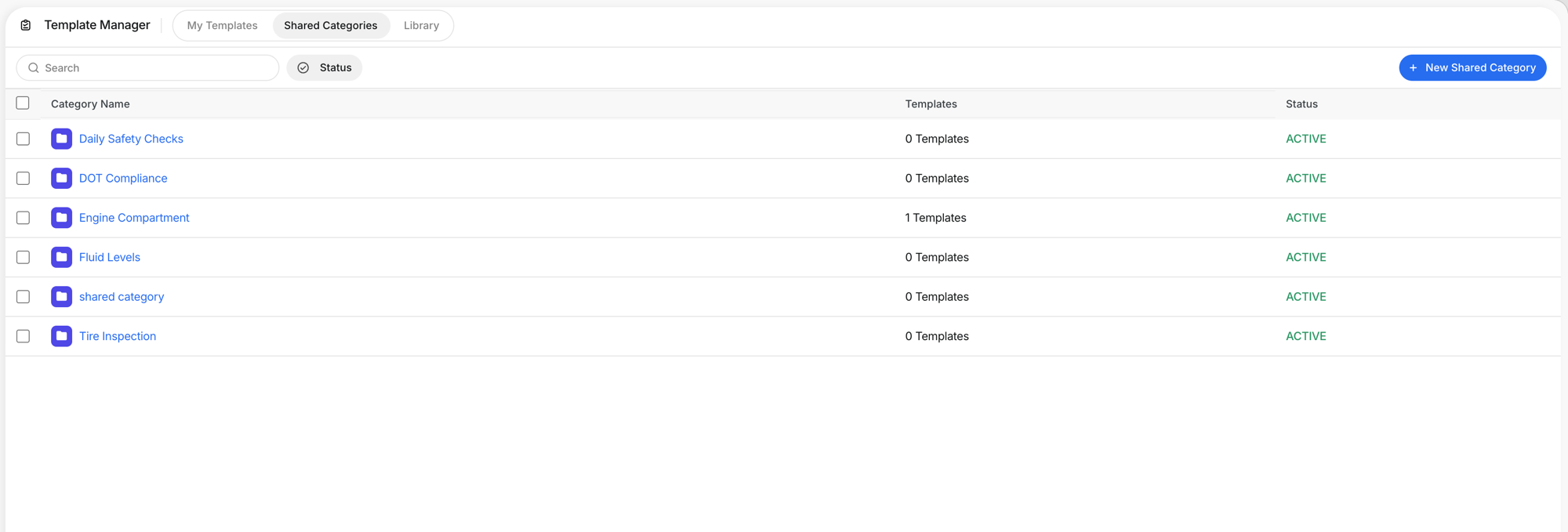
Template Manager: Creating Templates
Inspections
Reading Time:
4 min read
What is this?
The Template Manager is where you build checklists your team fills out in the field. Inspection reports, PM checklists, fuel reports.
How to use it
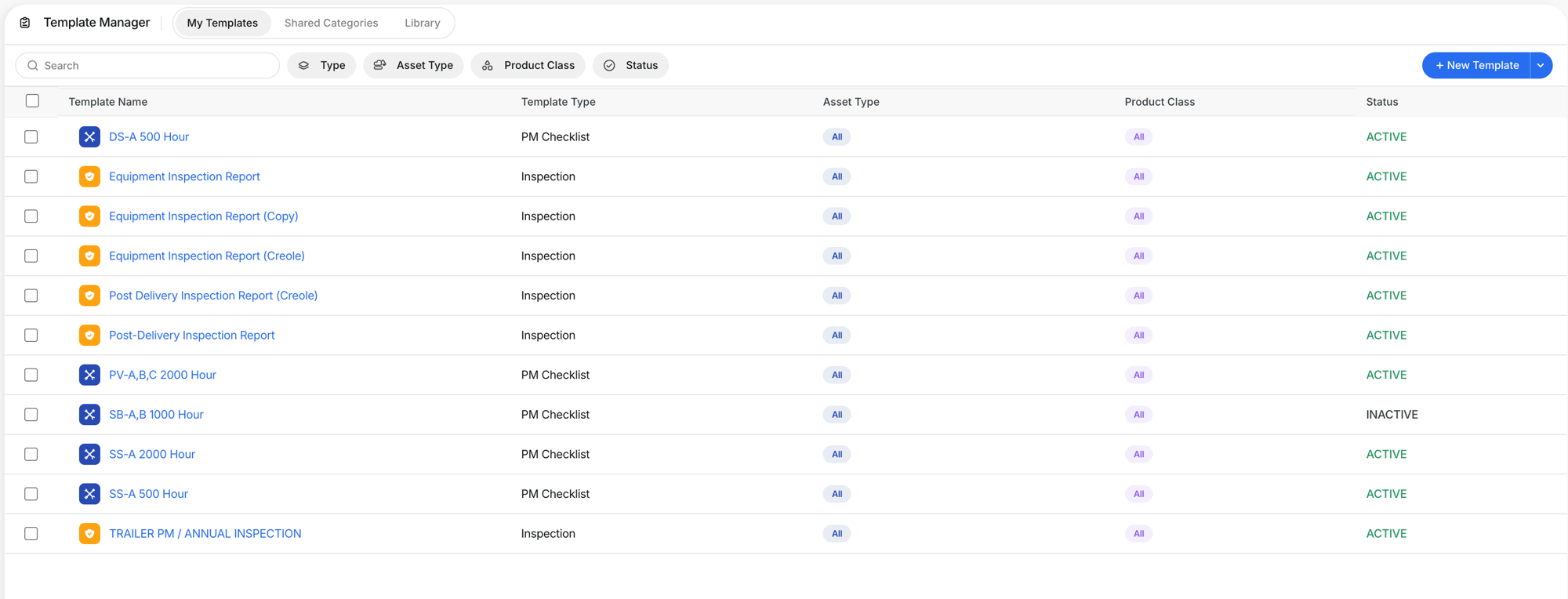
Step 1: View your templates
Go to Company Settings > Template Manager > My Templates.
Step 2: Create a new template
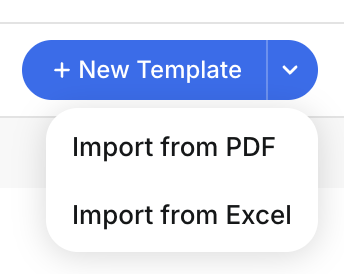
Click + New Template. Import from PDF or Excel, or build from scratch.
Step 3: Configure settings
Choose Type, set scope, compliance, and behavior options.

Step 4: Build your checklist
Add categories and items with response types.

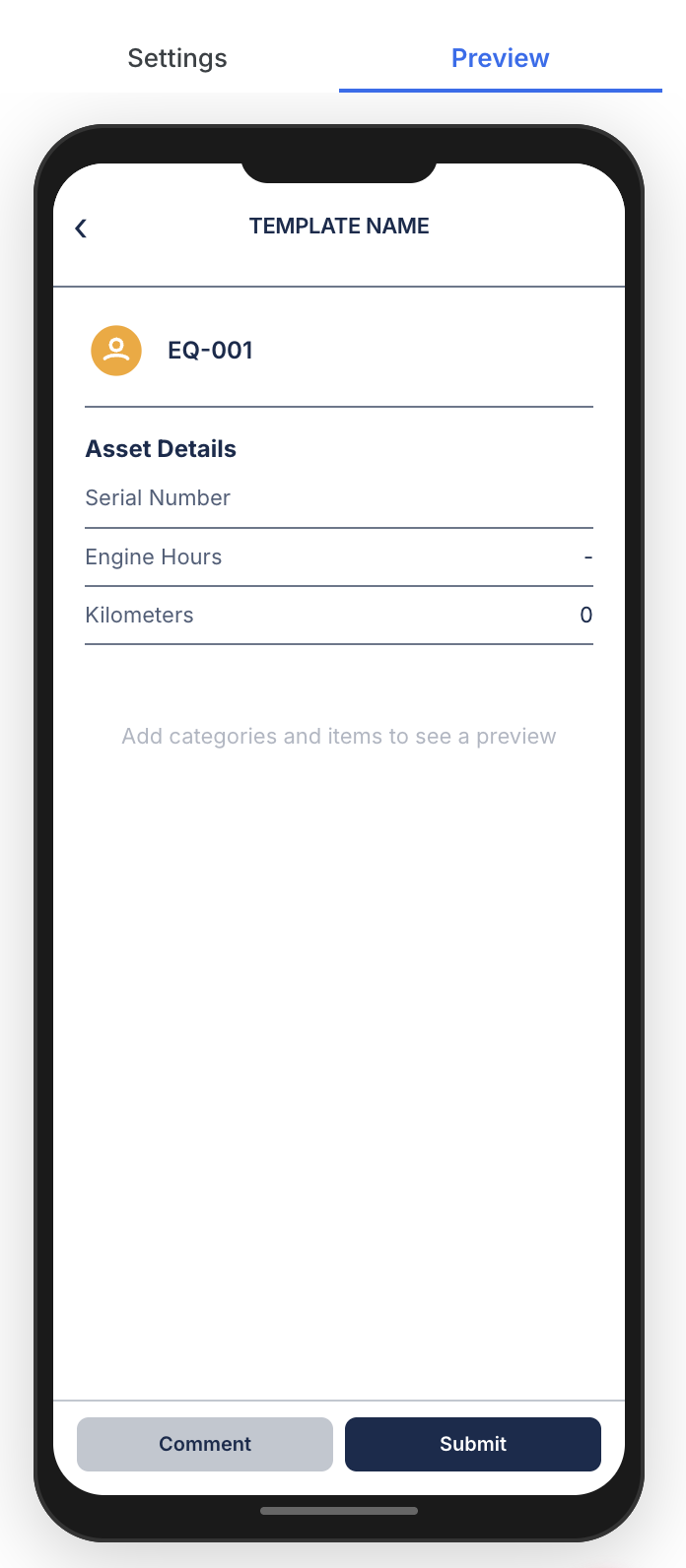
Step 5: Preview on mobile
Click Preview to see what operators see.
The full details
- Three types: Inspection, PM Checklist, Fuel Report
- Import: Build from PDF or Excel
Tips
- Organize by walk-around path.
- Set Photo Required on safety items.