Template Library: Ready-Made Checklists
What is this?
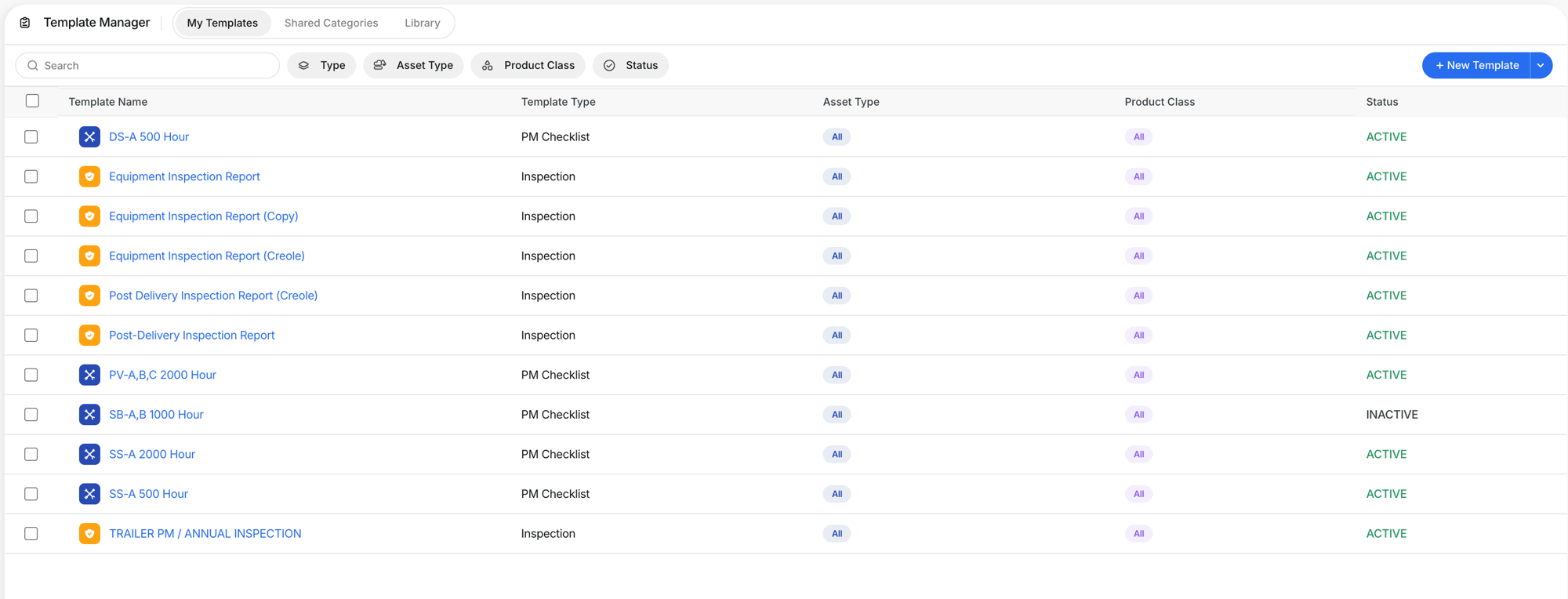
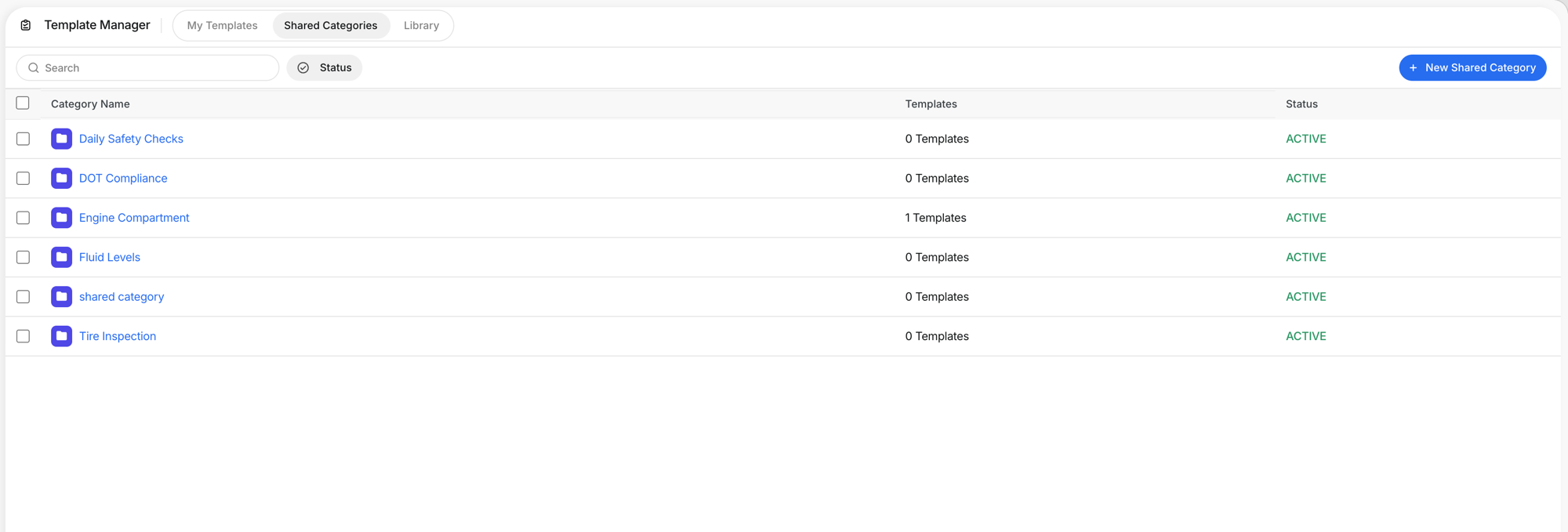
The Template Library is a collection of ready-made inspection and PM checklist templates provided by Clue. Instead of building every template from scratch, browse the library, find one that fits, and add it to your templates with one click. Customize it to match your specific needs.
How to use it
Step 1: Open the Library
Go to Template Manager > Library. You see all available templates with name, type, source (CLUE DEFAULT), asset type, make, and whether it is currently in use.

Step 2: Preview a template
Click the eye icon to preview any template. See the full structure with categories and items before adding it. The preview shows exactly what the mechanic or operator will see on their phone.


Step 3: Add to your templates
Click + Add to My Templates (or toggle the "In Use" switch). The template copies to your My Templates tab where you can customize it: rename it, add or remove items, change response types, adjust settings.
The full details
- Requires subscription. The Template Library is available with your Clue subscription.
- CLUE DEFAULT templates are maintained by Clue. They follow industry standards and best practices.
- Adding a template copies it. Changes you make to your copy do not affect the library version.
- Filter by Type and Asset Type to find templates for specific equipment or use cases.
- Recommended toggle: Filter to show only Clue-recommended templates for your fleet.
Tips
- Start with library templates, then customize. The 500 Hour PM Checklist covers most heavy equipment. Add or remove items for your specific machines.
- Use the Equipment Inspection Report as your daily DVIR base. It covers Outside, Engine Compartment, Inside Cabin, and Fluid categories with standard items.
- Check back periodically. Clue adds new templates to the library as industry requirements evolve.