Reviewing Team Timecards
Timecards
Reading Time:
4 min read
Overview
Managers and supervisors can review timecards for their team members. This guide covers how to view, approve, and manage time submissions across your team.
Manager View Access
To review team timecards, you need appropriate permissions. Contact your administrator if you can't see team time entries.
Viewing Team Timecards
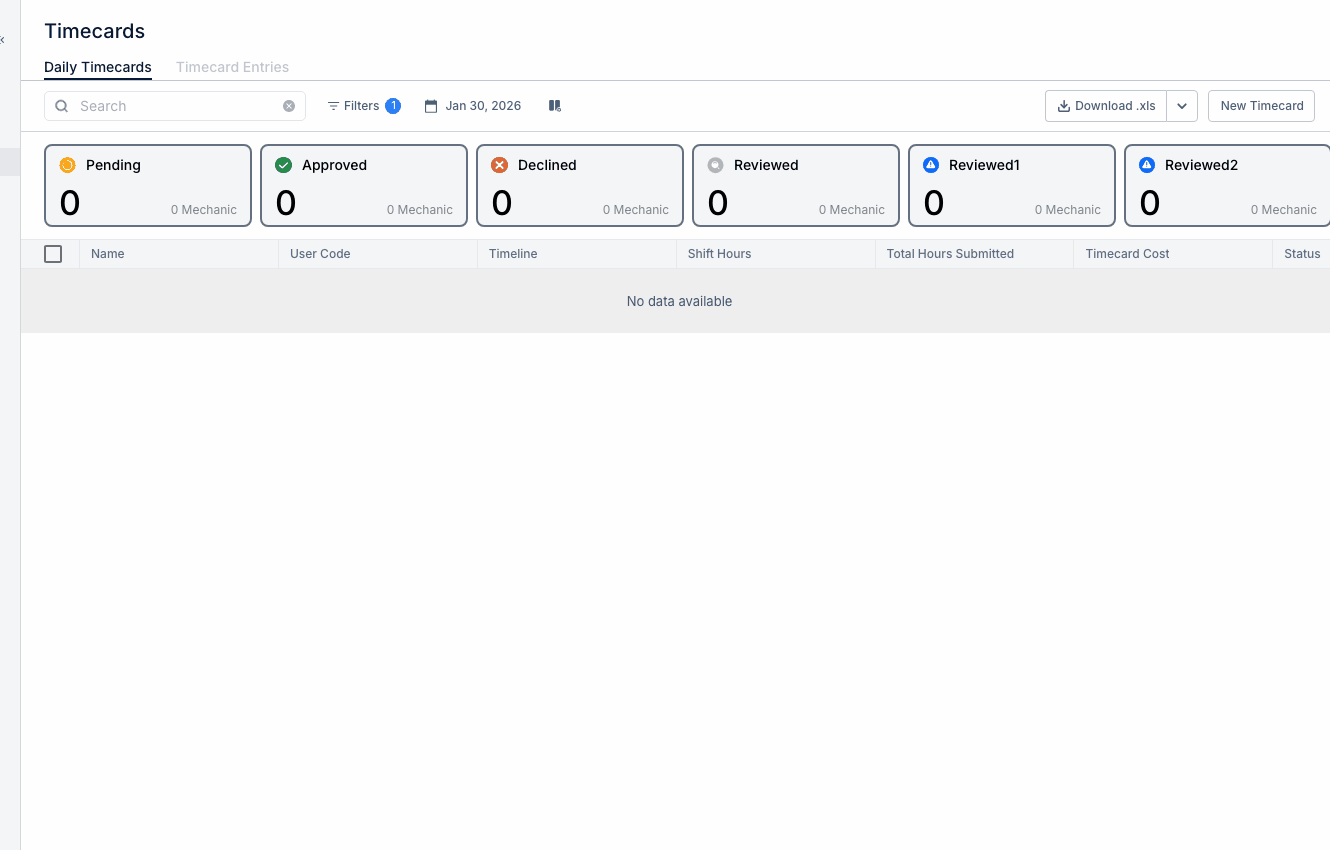
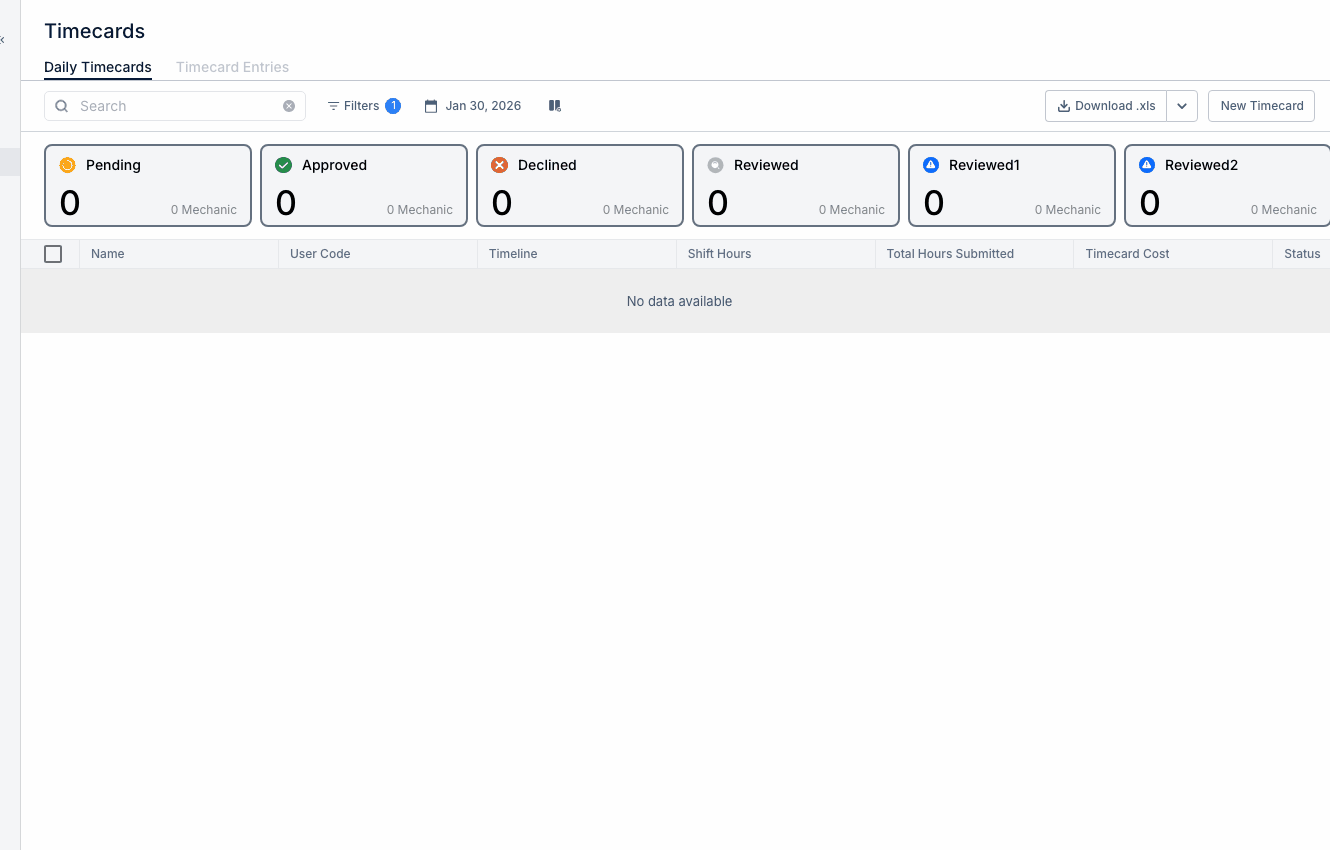
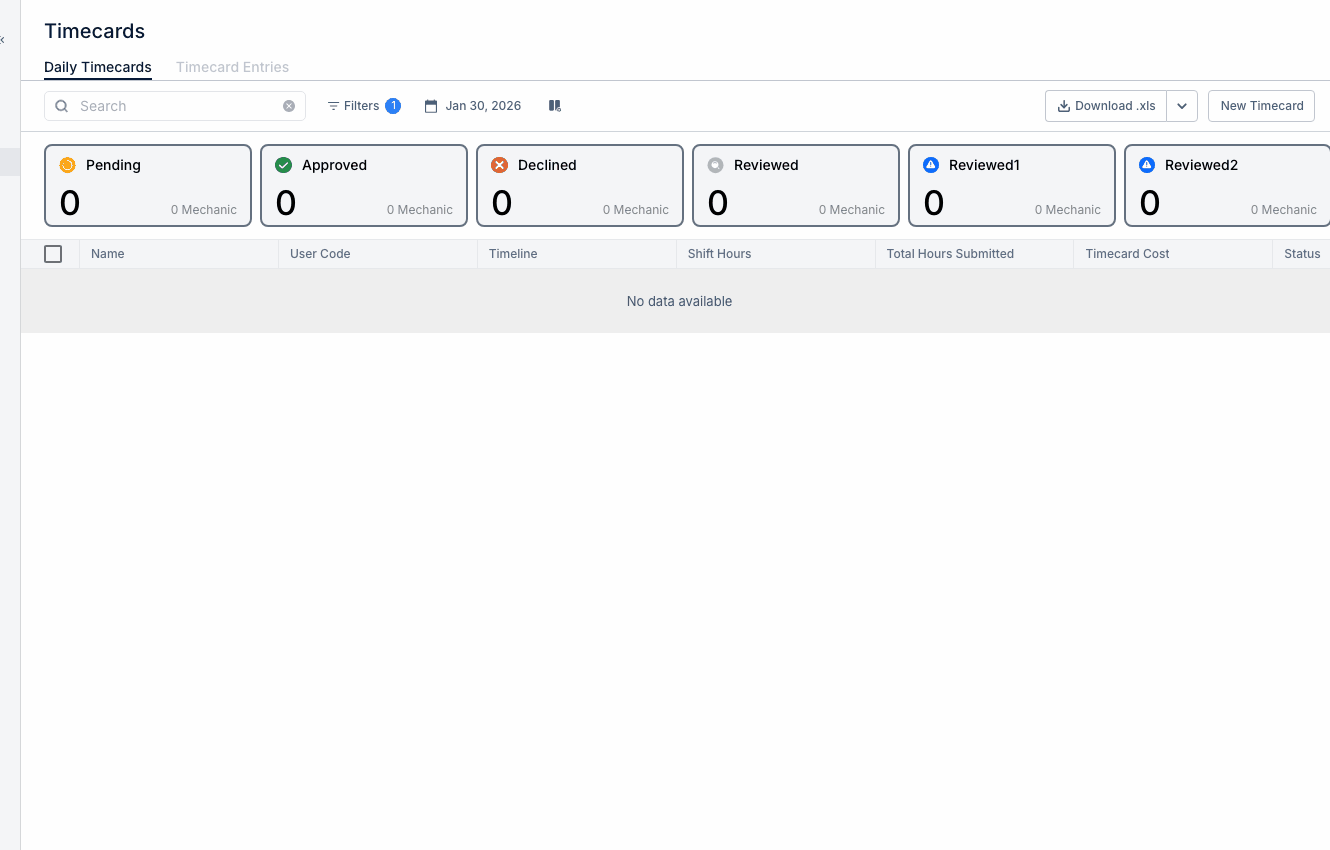
Step 1: Navigate to MAIN MENU → Timecards.
Step 2: Use filters to select:
- Specific team members
- Your crew or department
- Date range (pay period)
What to Review
Check for:
- Missing entries - Days with no time logged
- Unusual hours - Overtime, short days
- Project accuracy - Time charged to correct jobs
- Work order links - Maintenance time properly assigned
Approval Workflow
If your organization uses approvals:
- Review pending entries
- Click individual entries to see details
- Approve accurate entries
- Reject entries that need correction (with notes)
- Bulk approve multiple entries if available
Handling Corrections
When rejecting entries:
- Provide clear reason in comments
- Employee receives notification to correct
- Re-review after corrections are made
Tips
- Review daily to catch issues early
- Complete approvals before payroll deadline
- Follow up with employees who consistently have issues