Managing Your Asset Directory
Asset Tracking
Reading Time:
6 min read
Your Fleet at a Glance
The Asset Directory is your complete inventory of equipment, vehicles, and other tracked assets.

Accessing the Asset Directory
Navigate to Directory → Assets from the main menu. You'll see a table listing all assets in your organization.
Understanding the Asset Table
Each row shows key information:
- Equipment ID - Unique identifier (e.g., EX-123)
- Name/Alias - Display name for the asset
- Type - Vehicle, Equipment, Tool, etc.
- Status - Active, Inactive, or other status
- Assigned Project - Current work assignment
- Location - Last known GPS location
Viewing Asset Details
Click any asset name to open the detail panel. Here you can see:
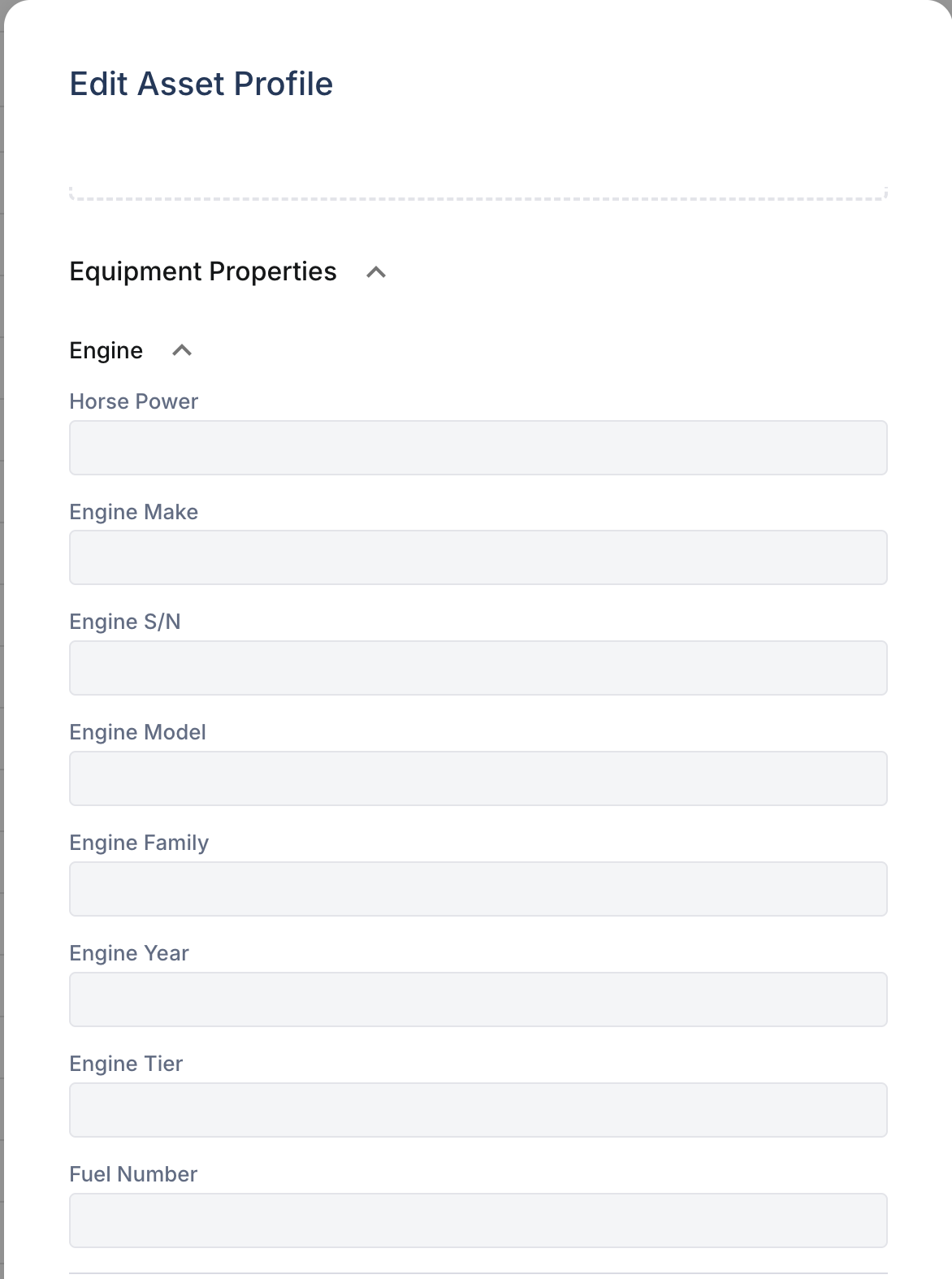
- Full profile information (make, model, serial number)
- Current location on map
- Work order history
- Inspection records
- Maintenance alerts
Filtering Assets
Use the filter chips at the top to narrow down your view by asset type, project, crew, or status.
Adding a New Asset
Click + Add Asset to create a new entry. Fill in the required fields: Equipment ID, Name, and Asset Type. Save to add it to your directory.