Editing Asset Information
Asset Tracking
Reading Time:
4 min read
Keep your asset records accurate by updating equipment details, ownership, assignments, and operational information as things change.
Accessing Asset Edit Mode
- Navigate to Assets in the Directory section
- Click on any asset row to open the Asset Detail view
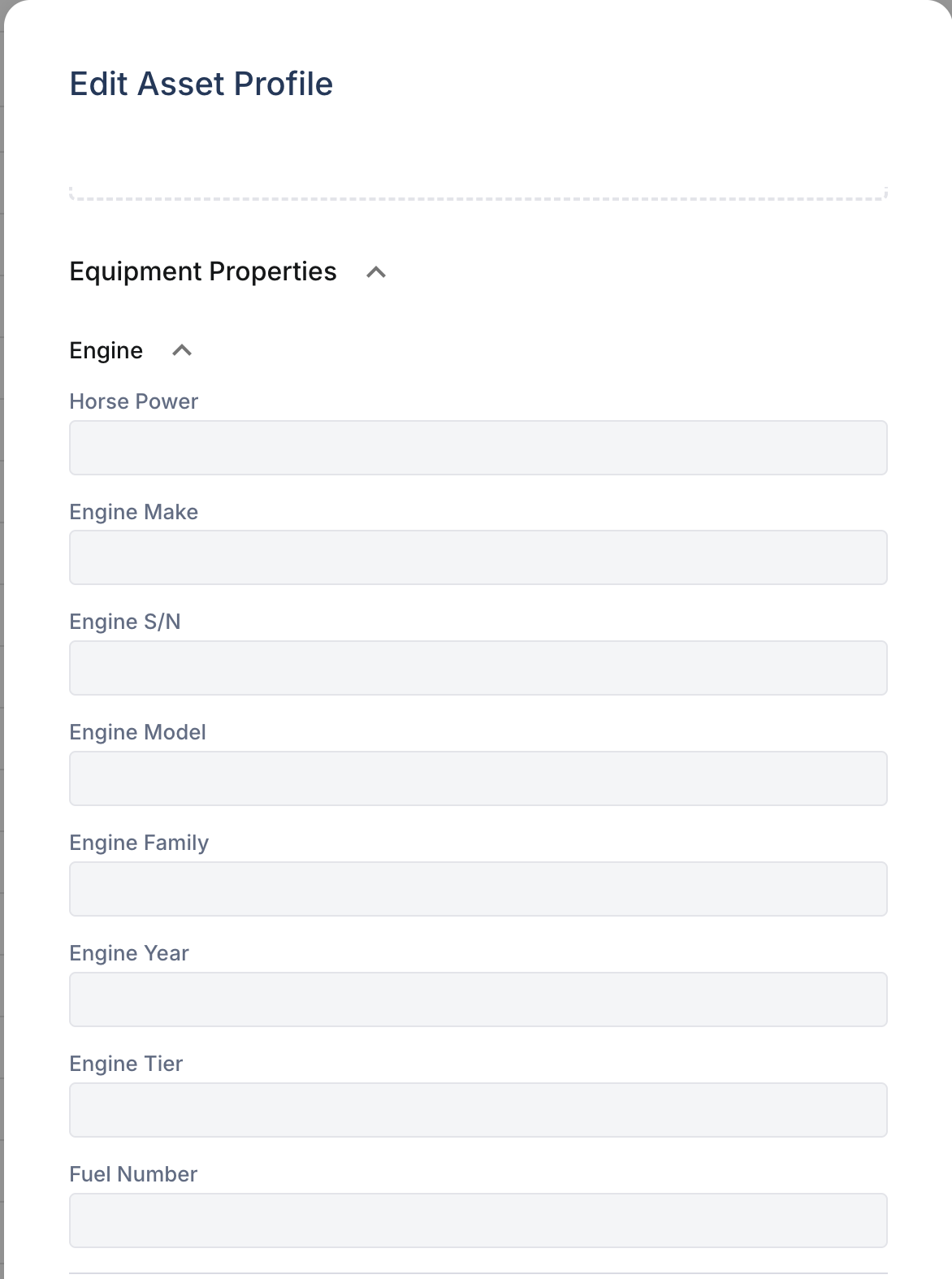
- Click the Edit button (pencil icon) to enable editing
Editable Asset Fields
Basic Information
- Name - Equipment display name
- Make - Manufacturer (Caterpillar, John Deere, etc.)
- Model - Model number or name
- Serial Number - Equipment serial/VIN
- Year - Year of manufacture
Classification
- Asset Type - Vehicle, Equipment, Tool, etc.
- Product Class - Specific category (Excavator, Loader, etc.)
- Tags - Custom labels for grouping
Ownership & Assignment
- Ownership - Owned, Rented, Leased
- Division/Department - Organizational assignment
- Project - Current job site assignment
- Linked User - Primary operator
Operational Data
- Hour Meter - Current engine hours
- Odometer - Current mileage
- Operational Status - Active, Down, Maintenance
Saving Changes
- Make your edits in the relevant fields
- Click Save to apply changes
- Changes take effect immediately
Bulk Editing
To update multiple assets at once:
- Select multiple assets using checkboxes
- Click Bulk Edit from the actions menu
- Choose the field to update
- Enter the new value
- Apply to all selected assets
Tips
- Update hour meters regularly for accurate PM scheduling
- Change ownership type when rentals are returned or equipment is purchased
- Use tags to create custom groupings beyond standard categories
- Keep serial numbers accurate - they're used for warranty and service records