Assigning Work Orders
Maintenance
Reading Time:
3 min read
Properly assigning work orders ensures the right mechanic gets the job and everyone knows who's responsible for each repair.
When to Assign
Assign work orders when:
- Creating a new work order
- Workload needs rebalancing
- Mechanic availability changes
- Skills match the repair type
Assigning During Creation
- Create new work order
- Find the Assignee field
- Select mechanic from dropdown
- Complete other fields and save
Reassigning Existing Work Orders
- Open the work order
- Click Edit
- Change the Assignee field
- Save changes
The new assignee receives notification of the assignment.
Finding Available Mechanics
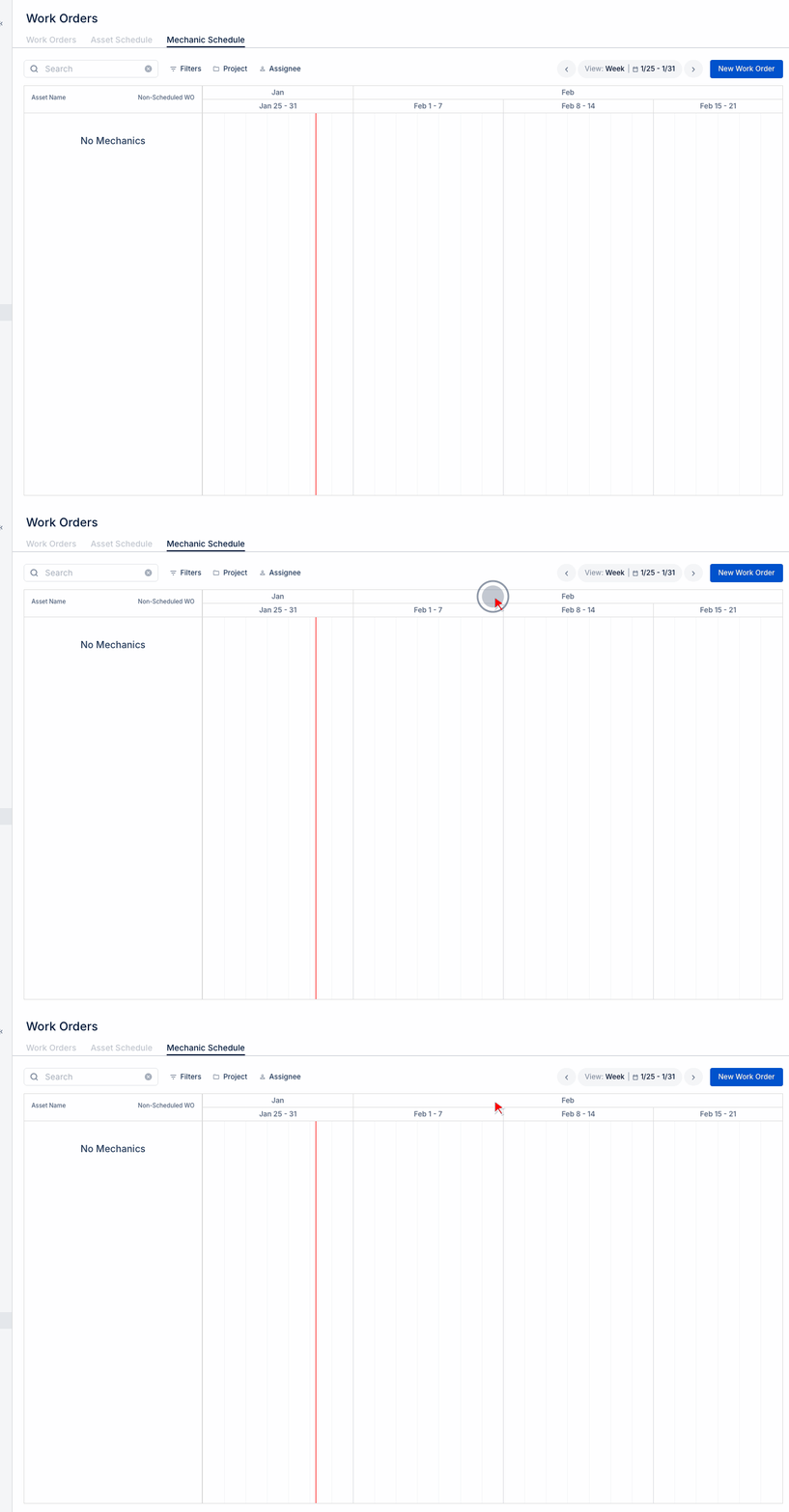
Use the Mechanic Schedule view to see:
- Current workload per mechanic
- Open capacity
- Skills and certifications
Unassigned Work Orders
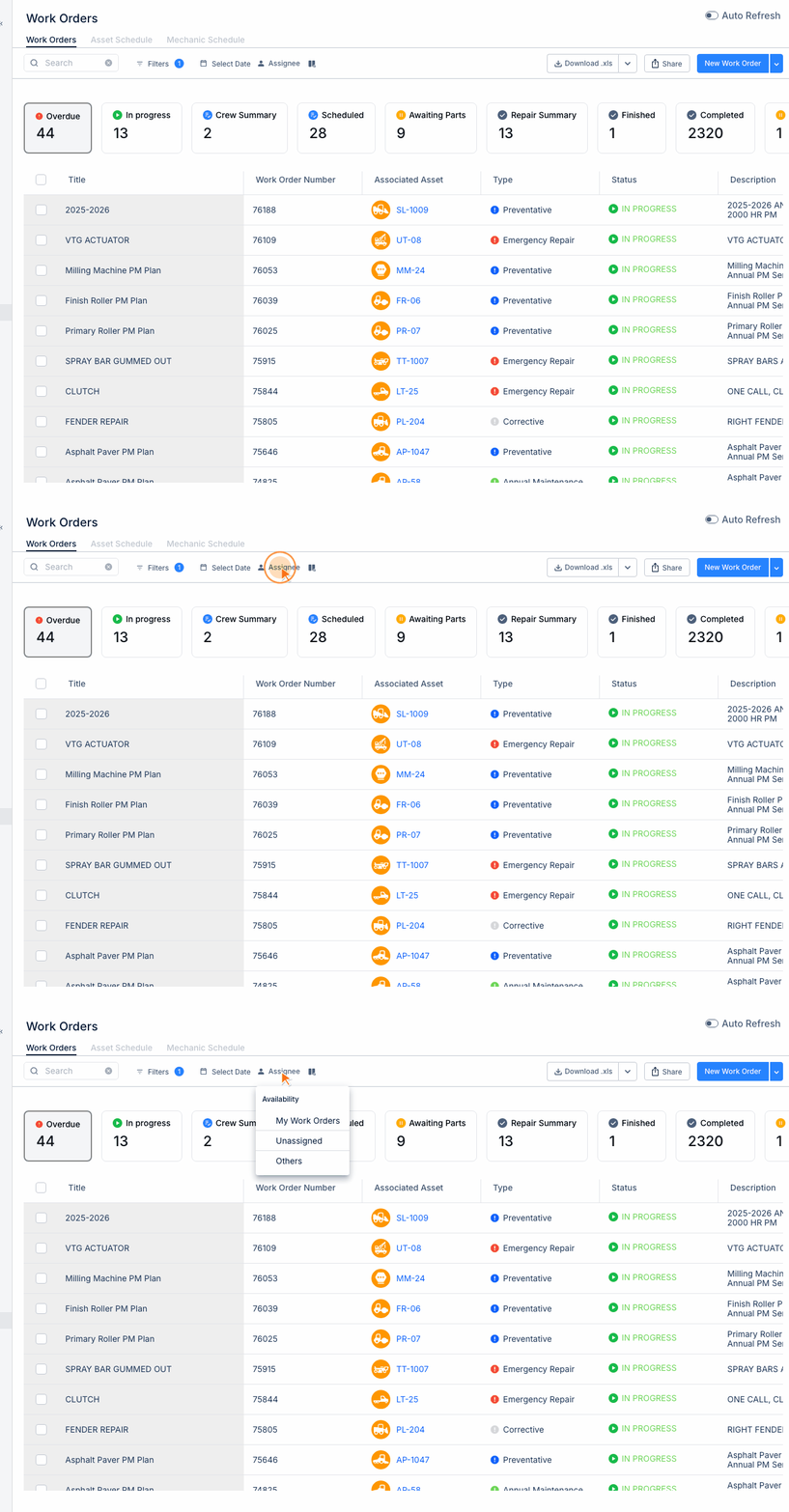
Filter by "Unassigned" to find work orders needing assignment:
- Go to Work Orders
- Click Assignee filter
- Select "Unassigned"
- Assign as needed
Tips
- Balance workload across mechanics
- Consider skill requirements for complex repairs
- Reassign if original mechanic is unavailable
- Use location to minimize travel time