Adding Invoices and Attachments
Maintenance
Reading Time:
4 min read
Overview
Attach invoices, photos, and documents to work orders to maintain complete maintenance records. This documentation supports cost tracking, warranty claims, and audit requirements.
Adding Invoices to Work Orders
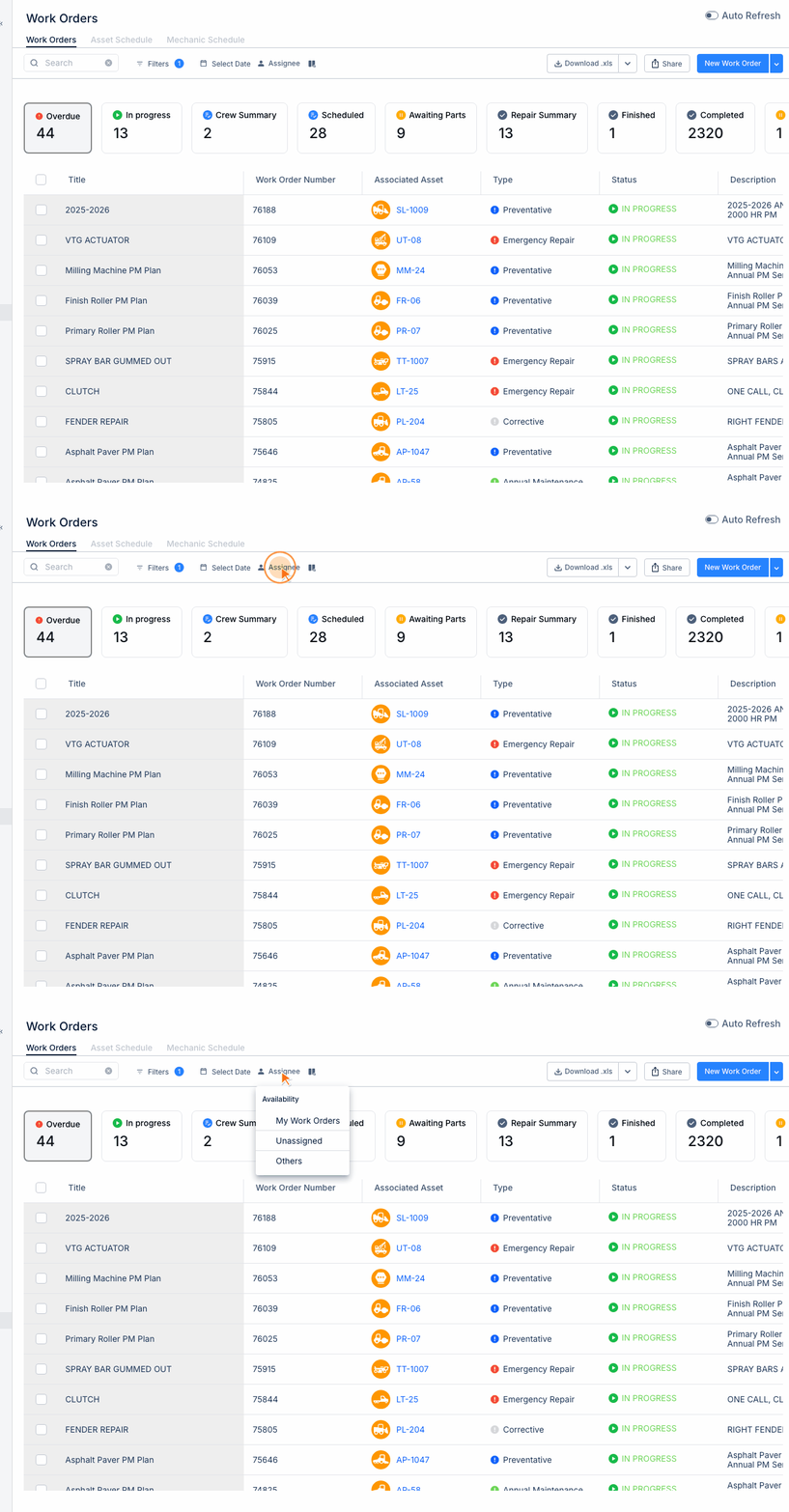
Step 1: Open a work order by clicking on it from the Work Orders list.
Step 2: Navigate to the Invoices section in the work order detail.
Step 3: Click "Add Invoice" to upload a new invoice.
Step 4: Enter invoice details:
- Invoice number
- Vendor name
- Amount
- Invoice date
Step 5: Upload the invoice file (PDF, image, or document).
Adding Other Attachments
Work orders can include various attachments:
- Photos - Before/after repair images, damage documentation
- Documents - Warranty info, service bulletins, spec sheets
- Receipts - Parts purchases, shop supplies
Best Practices for Documentation
- Take photos of damage before starting repairs
- Capture "after" photos showing completed work
- Include vendor quotes for major repairs
- Attach warranty documentation for reference
Accessing Attachments Later
All attachments remain linked to the work order permanently. Access them anytime by:
- Opening the work order from history
- Navigating to the Invoices or Attachments section
- Clicking to view or download files
Tips
- Use clear file names that describe the content
- Compress large images before uploading
- Keep invoice totals accurate for cost reporting