Understanding Asset Location Data
Asset location data in CLUE comes from telematics devices linked to your equipment. When you understand what those location fields mean, it becomes easier to read the map, spot stale data, and make better decisions about where assets are and how they are moving.
Overview
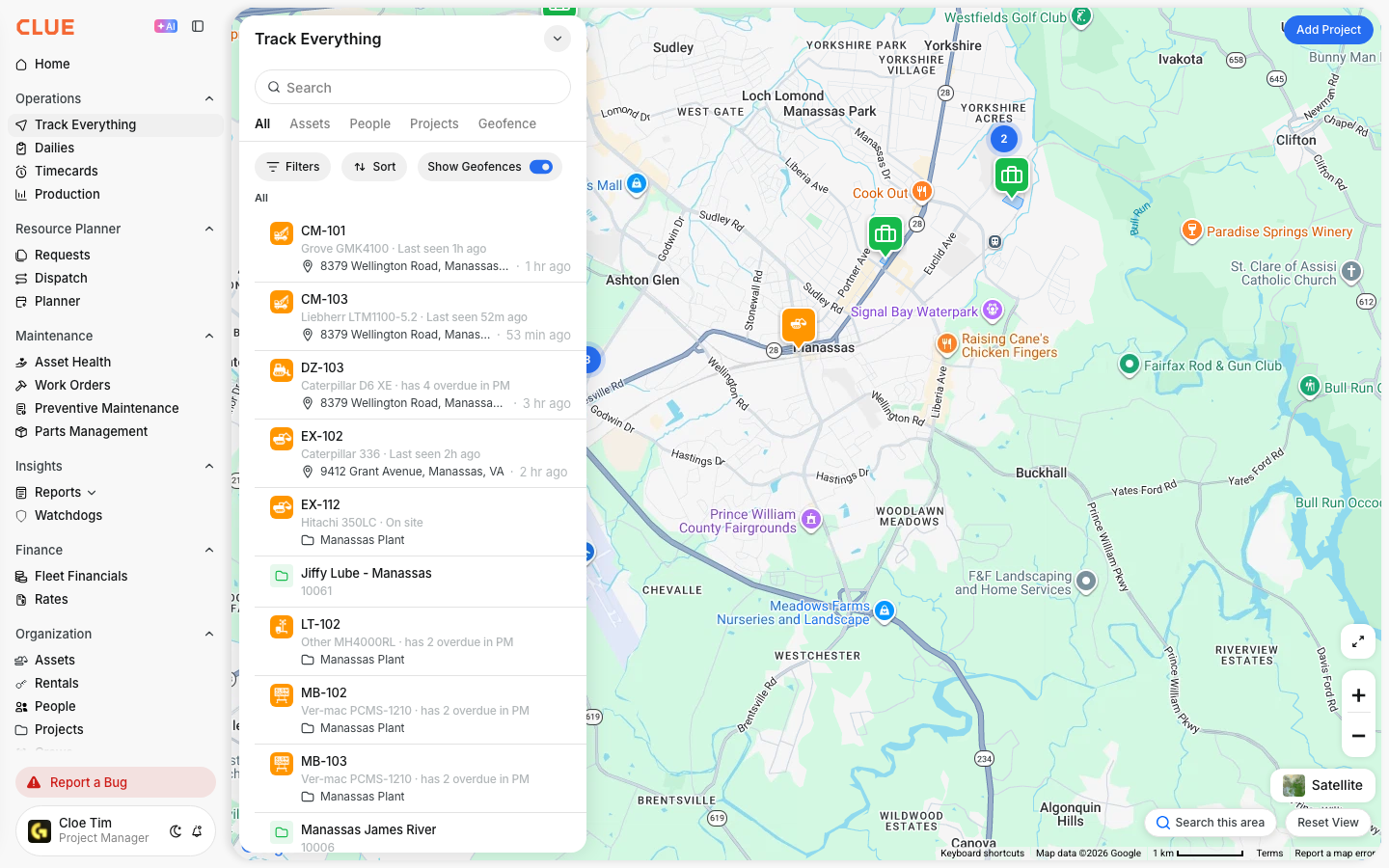
CLUE receives location data from telematics devices installed on your equipment. This data helps your team understand where an asset was last seen, when it was last reported, and whether it appears to be moving, stopped, idling, or off.
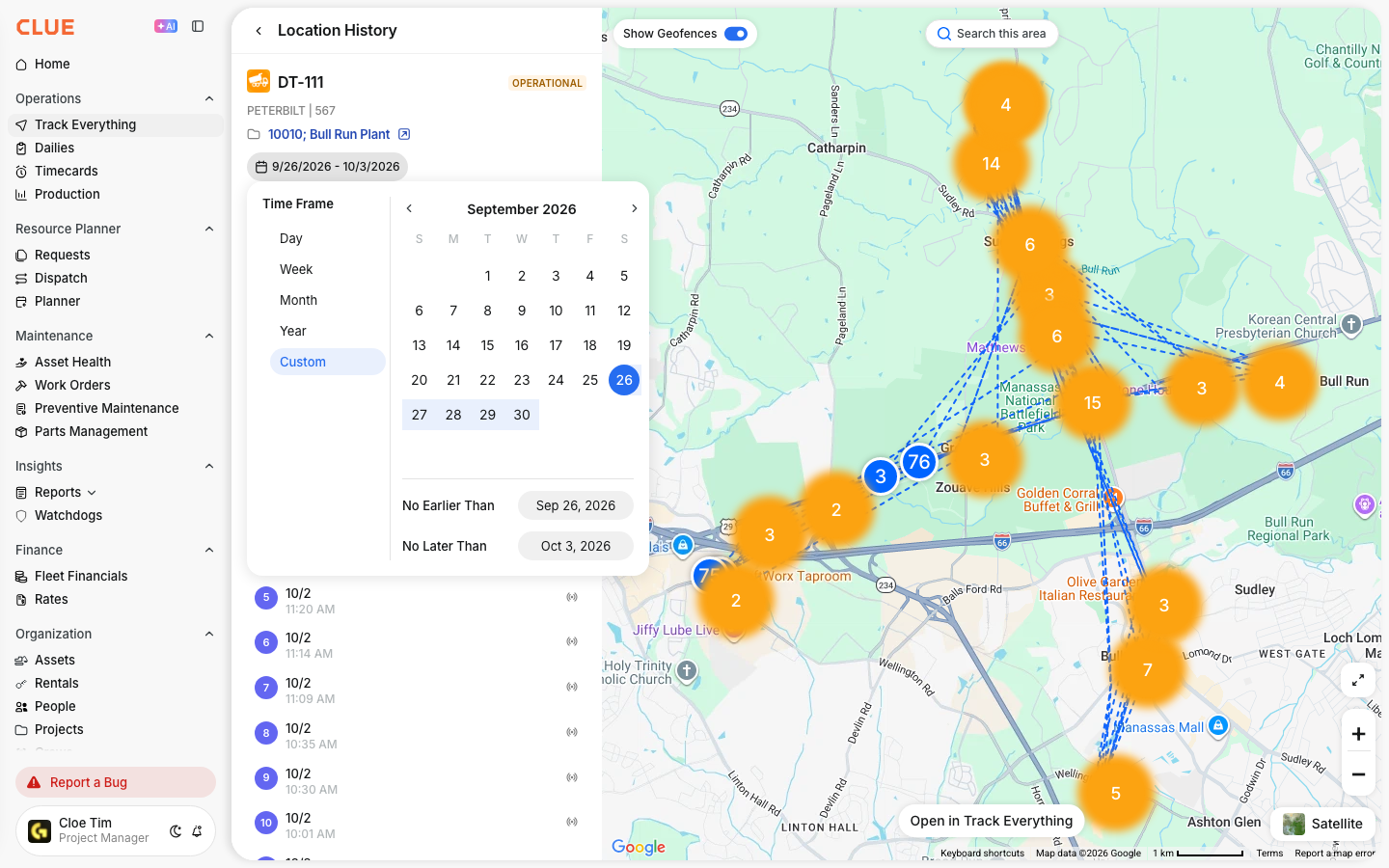
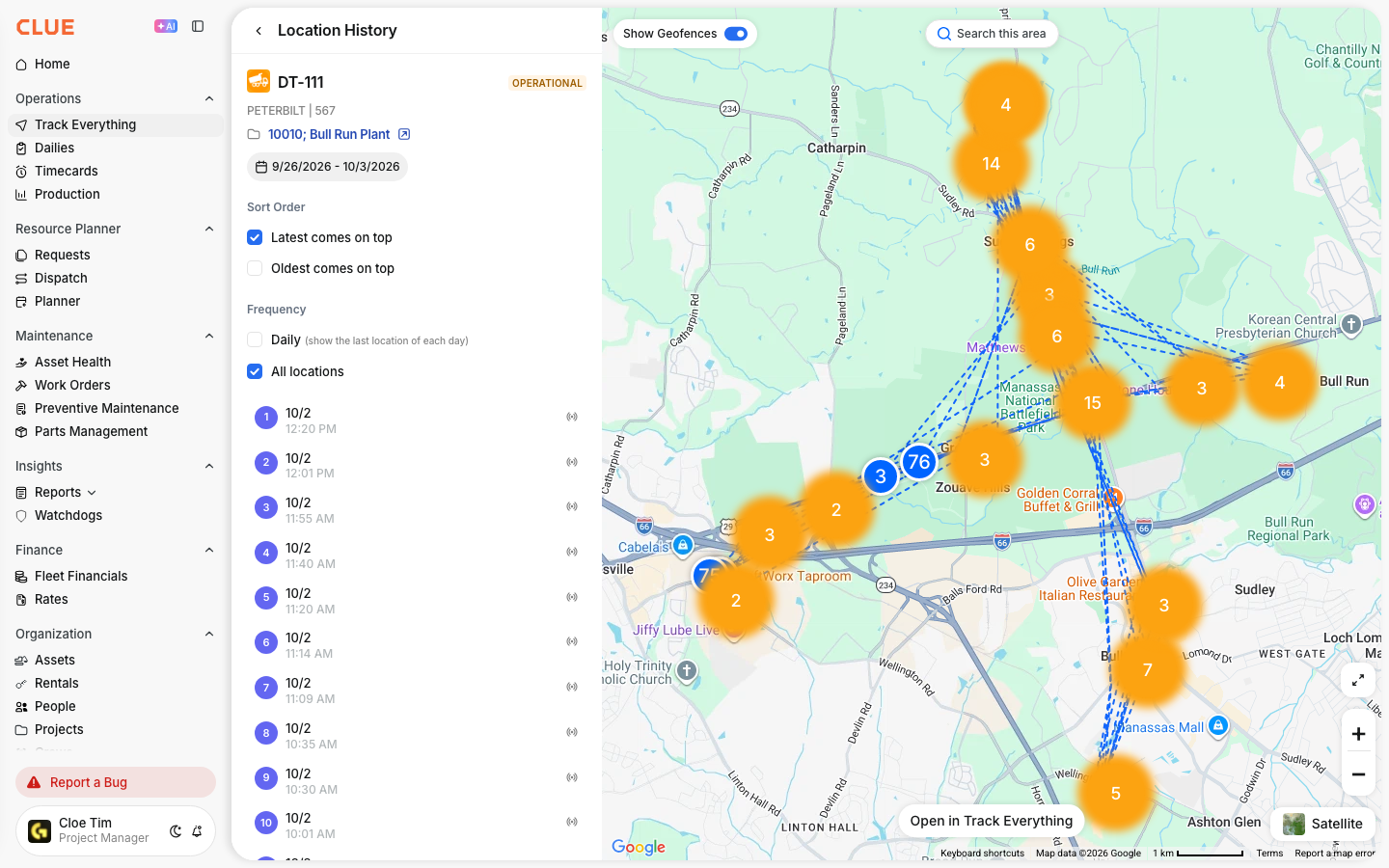
If you want to review where an asset has traveled over time, use Viewing Asset History on Map.
How Location Data Works
Location updates are sent from the telematics device on the asset to CLUE. Each update includes position data and timing information, which CLUE uses to show the asset on the map.
Telematics devices on your equipment:
- record GPS coordinates at regular intervals
- transmit data to CLUE through cellular networks
- include a timestamp for each location point
Key Location Fields
The main location fields help you understand both where the asset is and how reliable that location appears to be. Review these fields together instead of looking at only one value on its own.
Current Location
This is the most recent reported position for the asset. It gives you the latest known location based on the last successful device update.
Current Location may show:
- latitude and longitude
- address
- geofence name, if the asset is inside one

Last Connected
This field shows when the device last sent data to CLUE. It is one of the quickest ways to tell whether the location is current or possibly outdated.
In general:
- a recent timestamp usually means the device is reporting normally
- an older timestamp can point to a connectivity issue or delayed reporting

Location Accuracy
GPS location is not always exact. Accuracy can change based on the device, the environment, and how clearly the device can connect to satellites.
Location accuracy can be affected by:
- satellite visibility
- device quality
- surroundings such as buildings, cover, or terrain
Understanding Status Indicators
Status indicators help you quickly understand what the asset appears to be doing based on the most recent data. These labels are useful when scanning the map or checking whether a machine is working, parked, or inactive.
- Moving - the asset is currently in motion
- Stopped - the asset is stationary at a location
- Idle - the engine is running, but the asset is not moving
- Off - the engine or ignition is off
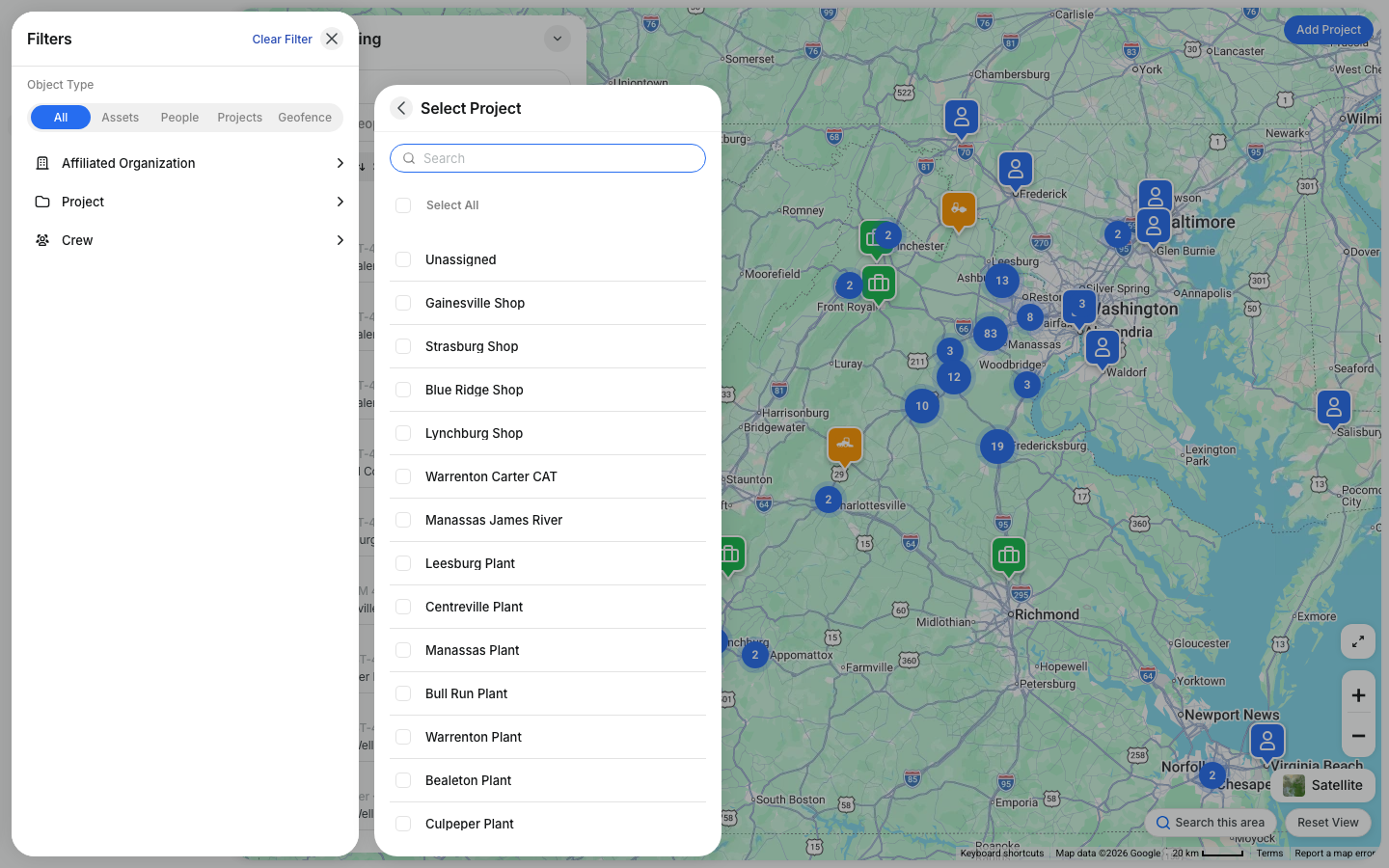
If you need to narrow the map to assets in one part of the map, use, Using Search This Area.

Data Update Frequency
Location data does not always refresh at the same rate. Update frequency depends on what the asset is doing and how the device is configured to report.
Typical reporting intervals are:
- Moving - every 1 to 2 minutes
- Idle - every 2 to 5 minutes
- Stopped - less often, to help conserve battery
Tips
A few simple checks can help you read asset location data more accurately. When something looks off, start by checking the timestamp before assuming the asset or device has a problem.
- allow for small delays in location updates
- indoor or covered locations may be less accurate
- check Last Connected if the location looks stale