Filing a Fuel Report
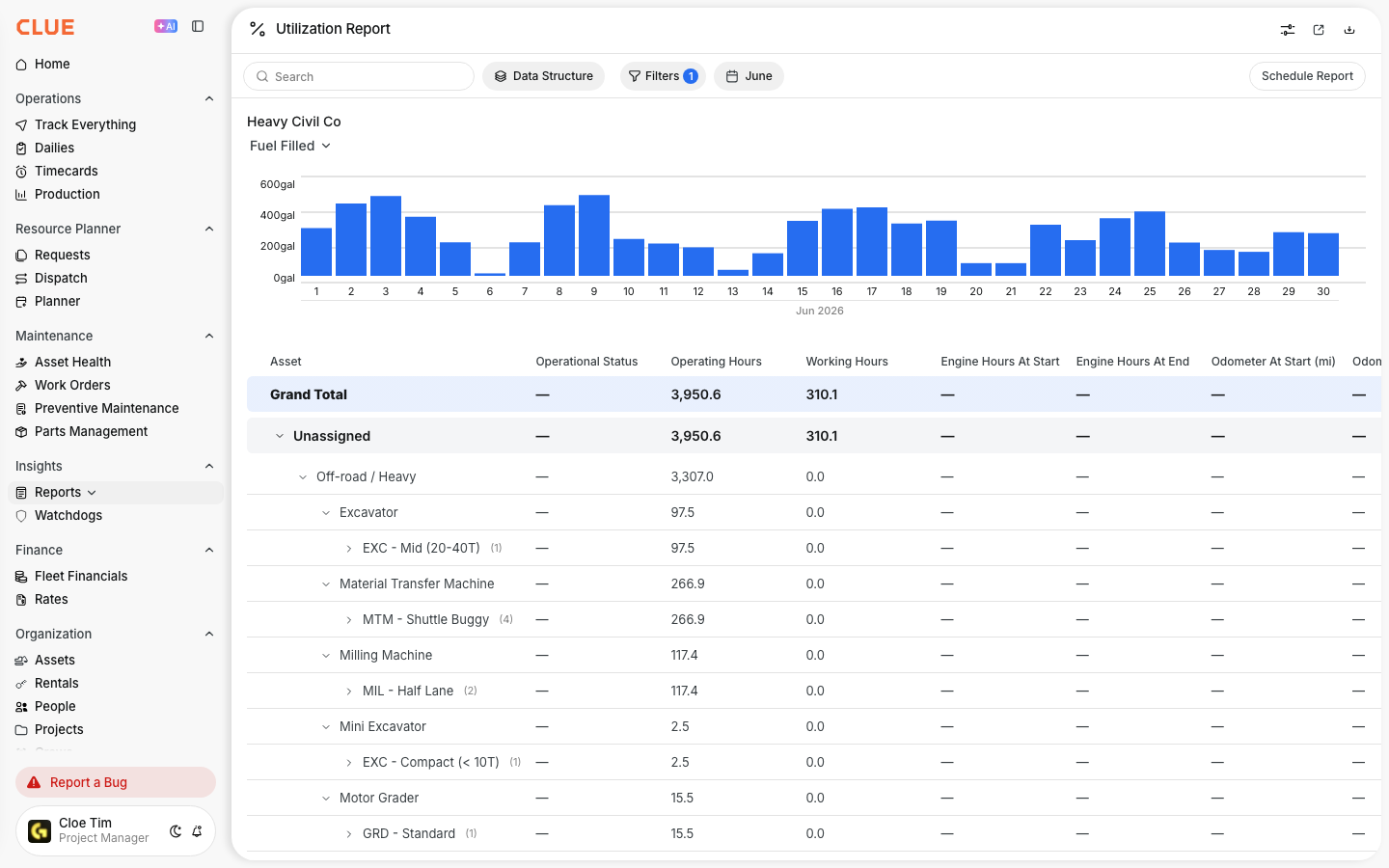
Use the mobile app to record each fill-up in the field. Once the report is submitted, the entry syncs to CLUE so that fuel activity is available for reporting, cost tracking, and review when using CLUE via a web browser.
A Fuel Report has a basic mobile workflow that allows for recording fuel added to an asset. The user opens the report, selects the asset, enters the gallons, and submits the entry. If the job also includes fluid checks like DEF, engine oil, or coolant, use the Oiler Reports and Fluid Inspections report instead of the basic fuel report.
How to Use It
The Fuel Report workflow is built so entry can be done quickly in the field. You'll start the report by choosing the right template, select the asset involved, add the fuel details, and then submit the entry. If a mistake needs to be fixed later this is possible and described in the Reviewing and Editing Fuel Entries.
1. Open Fuel Report
Tap on Fuel Report in the mobile app menu, then tap the + button to start a new entry. If someone on your team is new to CLUE mobile, we recommend they review our Getting Started with the Mobile App documentation. It's the best place to begin.
2. Choose a Report Template
Select the Fuel Report option for basic fueling. If the person fueling the machine also needs to check fluid levels, choose Oiler Report instead. CLUE's Oiler Report adds checks for items like DEF, engine oil, transmission oil, hydraulic oil, and coolant in the same workflow.
3. Select the Asset
Find the asset by searching its name, browsing nearby assets on the map, or scanning a QR code. The map helps the user pick equipment close to their current location, which makes field fueling faster.
4. Select a Fuel Source
If the fuel is coming from a fuel truck or tank, select that fuel source asset in the report. This helps CLUE track where the fuel came from as part of the entry.
5. Enter Fuel Details
The report shows the main asset details, including serial number, engine hours, miles, fueling date, project, and fuel source. Tap the fuel field to enter the gallons added. If your team uses custom fuel forms or wants to change what appears in the report, you can set that up in the Template Manager: Creating Templates section of your CLUE dashboard.
6. Submitting Your Report
Tap on Submit to save the entry. The report is then added to the Fuel Report list and syncs to the web dashboard automatically. If someone needs to review entries at the end of the shift or correct a wrong gallon amount, they can open Reviewing and Editing Fuel Entries from there.