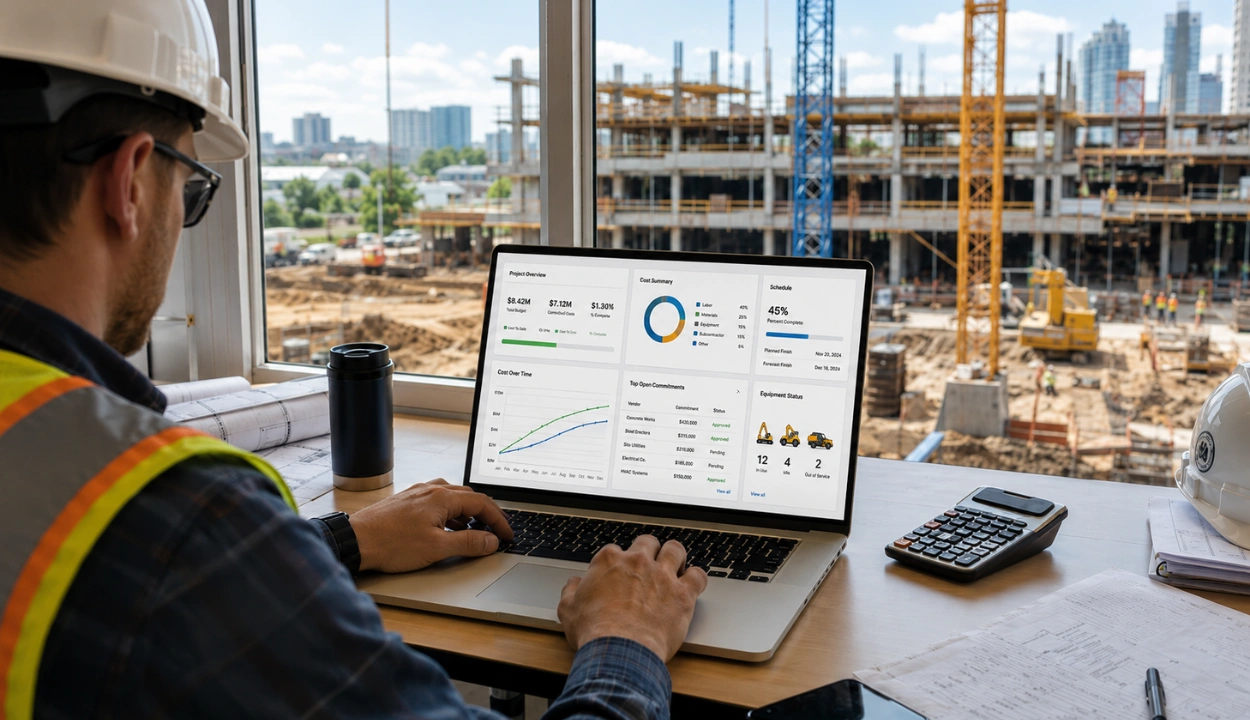
10 Construction Equipment Economics Software for Cost Tracking


Hi, I’m Maham Ali. I write about construction equipment management, helping teams use fleet data and maintenance intelligence to improve uptime, control costs, and run smoother jobsites.
Most construction companies know what they spend on equipment, few know what it really costs them. Between fuel, maintenance, downtime, and rentals, the numbers scattered across invoices, job tickets, and spreadsheets rarely tell the full story.
That’s where equipment economics software comes in. The right platform doesn’t just track assets, it connects costs, utilization, and financial data so you can see which machines make money, which ones drain margins, and when to rent, repair, or sell.
In this guide, we break down the leading systems built to help construction firms get control over their equipment costs; what each does well, where it falls short, and who it’s really for.
How We Evaluated These Tools
We evaluated the software tools based on the following criteria:
- End-to-End Equipment Cost Tracking: The platform should consolidate all equipment-related expenses in one place. This eliminates manual calculations and offers full visibility into ownership, operating, and job costs.
- Profitability by Rate Class: It should automatically generate real-time profit and loss (P&L) reports by asset class. This ensures cost recovery through better utilization, aligns financial teams around consistent data, and supports faster, more confident decision-making.
- Month-to-Month P&L Analysis: Allows businesses to track profitability each month, helping them decide whether to buy, sell, rent, or repurpose equipment.
- Total Cost of Ownership (TCO) Monitoring: Tracks every expense across an equipment’s lifecycle from purchase to the last repair, providing a complete picture of total cost of ownership.
- Automated Rental Invoicing: Simplifies the rental process by generating accurate, transparent invoices automatically.
- Cost Recovery Tracking: Enables tracking and recovery of fuel, maintenance, and damage costs across projects.
- Faster Payment Cycles: Automates invoicing and cost allocation to speed up billing, prevent disputes, and improve cash flow. This helps reduce financial bottlenecks and keeps projects moving smoothly.
- Telematics Integration: Integrates seamlessly with telematics systems to centralize all key data for managing equipment economics.
- Predictive Maintenance: Automates preventive maintenance and work orders to cut downtime and repair costs. Tools with telematics based or condition triggered scheduling rank higher, with a few offering early predictive insights.
Top 10 Construction Equipment Economics Software Comparison
1. Clue
Best for: Large construction firms and mixed fleets that need a detailed, data-driven approach to managing equipment costs and sustainability.
Clue is an AI-driven construction equipment management software platform designed to provide construction companies with comprehensive insights into their equipments' economics. By centralizing data from various sources, Clue enables businesses to track costs, optimize total cost of ownership (TCO), and streamline profit and loss (P&L) analysis.
This holistic approach empowers equipment managers, CFOs, and project teams to make informed, data-driven decisions that enhance profitability and operational efficiency.
Clue also offers real-time financial tracking, giving construction companies up-to-the-minute data on equipment costs, utilization, and performance. This enables teams to make quick adjustments to optimize asset allocation, reduce unnecessary expenses, and ensure that every piece of equipment is working as efficiently as possible.
By integrating with other key systems, such as GPS tracking and fleet management tools, Clue provides a holistic view of equipment performance, helping businesses improve long-term asset strategy and sustainability while keeping costs under control.
Key Features
End-to-End Equipment Cost Tracking
Clue consolidates all equipment-related expenses; fuel, repairs, rentals, and insurance into a single platform. This integration eliminates the need for manual calculations and provides a clear view of ownership, operating, and job costs. By centralizing this data, Clue helps businesses identify cost-saving opportunities and optimize spending across their fleet.
Profitability by Rate Class
Clue’s construction reporting and analytics software generates automated, real-time profit and loss (P&L) reports for each asset class. These reports support accurate cost recovery, give financial teams consistent data, and help decision-makers evaluate profitability by rate class. Companies can then adjust equipment rates, utilization strategies, and fleet decisions based on clearer financial insights.
Month-to-Month P&L Analysis
Clue enables businesses to monitor profitability on a monthly basis, providing insights into whether to buy, sell, rent, or repurpose equipment. This dynamic financial oversight allows for timely adjustments to fleet strategies, ensuring optimal asset performance and financial outcomes.
Total Cost of Ownership (TCO) Monitoring
The platform tracks all expenses associated with equipment from purchase to the last repair, offering a comprehensive view of TCO. By zooming in on asset-level activity, Clue helps businesses reduce spending and improve efficiency, ultimately extending the lifespan of their equipment.
Automated Rental Invoicing
Clue simplifies the rentals' management process by generating accurate, transparent invoices effortlessly. This automation reduces administrative overhead, minimizes errors, and accelerates payment cycles, improving cash flow and financial predictability.
Usage-Based Cost Allocation
The platform aligns charges with actual equipment usage rather than flat rates. This approach ensures that costs are distributed fairly and accurately across projects, enhancing budget accuracy and accountability.
Cost Recovery Tracking
Clue facilitates the tracking and recovery of fuel, maintenance, and damage costs from projects. By capturing these expenses, businesses can ensure that all costs are accounted for and reimbursed, protecting margins and improving profitability.
Faster Payment Cycles
With automated invoicing and transparent cost allocation, Clue helps businesses speed up invoicing processes, avoid disputes, and improve cash flow. This efficiency reduces financial bottlenecks and supports smoother project execution.
Clue Pros
- Unified cost visibility across all equipment types.
- Helps boost utilization & cost recovery via analytics.
- Integrates disparate telematics/ERP data to reduce reconciliation losses.
- Enables predictive maintenance to cut unexpected repair costs.
- Lightweight (no proprietary hardware) reduces lock-in.
Clue Cons
- Dependent on the quality of underlying data sources.
Clue Overall Rating
Capterra: 4.6/5
G2: 4.5/5
Clue User Reviews
2. Procore

Ideal For: Construction firms that need a fully integrated platform for managing projects and equipment.
Procore is a popular project management software for the construction industry, and its equipment management tools allow businesses to track equipment costs throughout the project lifecycle. With Procore, companies can track expenses related to equipment rental, maintenance, and fuel consumption, helping them manage their fleet's total cost of ownership.
The platform also integrates with telematics systems to gather real-time data on equipment performance, enabling proactive maintenance and reducing costly repairs. Procore’s analytics tools provide insights into the financial performance of each asset, helping construction firms make data-driven decisions about purchasing and renting equipment.
Procore Pros
- Equipment cost becomes part of integrated project financials (no separate silos).
- Improves cost allocation accuracy (rentals, fuel, maintenance) across jobs.
- Better cash flow forecasting when equipment costs flow into billing/AR.
- Reduces data handoffs and reconciliation errors.
- Helps link asset economics to project profitability.
Procore Cons
- The equipment management component is not as deep as dedicated tools.
- May require third-party add-ons (costs) for full telematics / predictive features.
- Learning and setup overhead can be large.
- Performance or complexity issues for very large fleets.
- Possible “feature overload” where simpler tools might be more efficient for small operators.
Procore Overall Rating
Capterra: 4.5/5
G2: 4.6/5
Procore User Reviews
3. UpKeep
Ideal For: Small to medium-sized construction firms seeking a user-friendly, mobile platform for equipment management.
UpKeep is a mobile-first CMMS (Computerized Maintenance Management System) designed to track and manage the full lifecycle of construction equipment. The platform provides tools for tracking repair and maintenance costs, which are crucial for calculating total cost of ownership (TCO).
UpKeep’s real-time asset tracking allows businesses to monitor equipment performance, maintenance schedules, and downtime, enabling them to forecast maintenance costs and prevent expensive repairs. The system also integrates usage-based maintenance triggers and provides reports on the financial performance of each asset, helping companies assess ROI and optimize their fleet.
Upkeep Pros
- Strong mobile / field-first design helps real-time cost capture.
- Good for companies wanting simple maintenance / cost control without full ERP.
- Reduces paperwork and lag between field and finance.
- More affordable / incremental adoption possible.
- Helps avoid reactive repair costs via preventive workflows.
Upkeep Cons
- Less functionality for full project / job costing.
- May lack deep integration with construction accounting systems.
- Scalability limits for very large fleets.
- Analytics depth may be shallow compared to more robust systems.
- Dependence on disciplined use in the field; if people don’t log data, cost estimates degrade.
Upkeep Overall Rating
Capterra: 4.6/5
G2: 4.5/5
Upkeep User Reviews
4. Autodesk Construction Cloud
Ideal for: GCs that need unified project cost control with asset/equipment tracking tied to field workflows.
Autodesk Construction Cloud’s Cost Management centralizes budgets, commitments, and change orders so you can control exposure and forecast accurately as costs move from estimate to actuals making equipment-related expenses (rentals, fuel, repairs) visible in project finances.
The Assets module tracks equipment/components through build and handover, linking assets to issues, checklists, and files for lifecycle traceability useful when downtime or condition impacts cost decisions (repair vs. replace). Model-based asset views further help visualize status/locations for planning.
Pros
- Centralized project cost controls and forecasting.
- Asset tracking tied to issues, checklists, and turnover.
- Connects cost items to field workflows (RFIs/meetings).
- Scales across programs with consistent governance.
Cons
- Not a full CMMS; maintenance/telematics require integrations.
- Governance/config effort for large teams.
- Best results when standardized on Autodesk tools.
- Some equipment analytics need exports/BI.
Autodesk Overall Rating
Capterra: 4.3/5
G2: 4.4/5
Autodesk User Reviews
5. RedTeam Flex
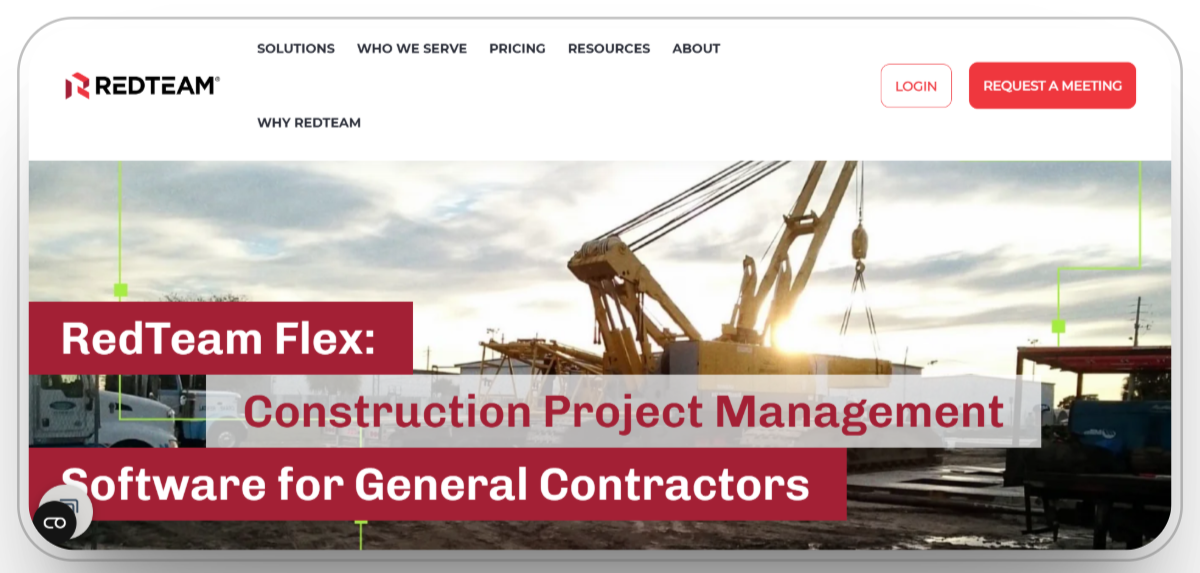
Ideal for: Growing GCs that want standardized cost control from estimating through execution.
RedTeam Flex provides guided, repeatable workflows so teams reduce risk, control cost, and increase predictability; communications and actions are time-stamped to improve accountability on commitments and changes that affect equipment spend.
Its preconstruction and estimating capabilities keep vendor quotes and scope aligned to downstream budgets, helping prevent slippage on equipment rentals and supplier costs as jobs progress.
Pros
- “Reduce risk, control cost” with standardized workflows.
- Estimating/bid management aligns quotes to budgets.
- Time-stamped collaboration improves auditability.
- Cloud access for field–office coordination.
Cons
- Not purpose-built for shop maintenance or CMMS needs.
- Heavy-civil/equipment analytics are limited.
- Deeper ERP or telematics links may require middleware.
- Admin setup needed to mirror internal SOPs.
RedTeam Flex Overall Rating
Capterra: 4.2/5
G2: 4.4/5
RedTeam Flex User Reviews
6. Limble CMMS
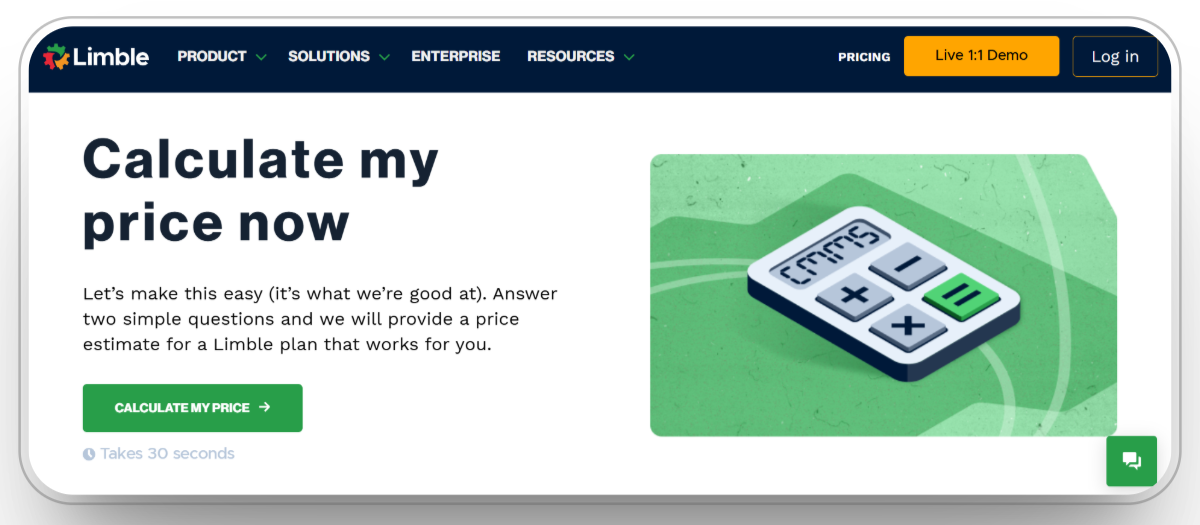
Ideal for: Contractors needing a mobile-first CMMS to track maintenance cost, parts, and downtime by asset.
Limble centralizes assets, PMs, work orders, and parts so you can log labor/parts and report maintenance costs per asset over time key inputs for TCO and repair-vs-replace calls. It’s designed for quick field adoption, which increases data completeness for accurate costing.
Construction teams can prioritize critical equipment, schedule PM, and pull asset histories to reduce unplanned downtime that erodes margins supporting cost control at the job and fleet level.
Pros
- Fast, mobile work orders and PM scheduling.
- Asset histories & parts tracking support TCO.
- Construction use case: prioritize critical equipment/downtime.
- Generally quick to deploy.
Cons
- Not construction-ERP native; job cost mapping needs integration.
- Advanced analytics may require exports/BI.
- Limited native telematics connectors vs. fleet tools.
- Results depend on consistent field data entry.
Limble CMMS Overall Rating
Capterra: 4.8/5
G2: 4.8/5
Limble CMMS User Reviews
7. Equipment360 (HCSS)
%20homepage.webp)
Ideal for: Heavy civil contractors needing shop/field maintenance + equipment cost analysis.
HCSS Equipment360 manages PMs, repairs, labor/parts, and analyzes equipment costs so you can surface high-cost assets, plan replacements, and optimize PM intervals to cut downtime. It’s built specifically for heavy equipment workflows in construction.
Within Fleet Analytics/Asset Management, managers filter by date and cost types (work orders, maintenance categories, parts) to understand spend drivers and chargeback impacts across projects and divisions.
Pros
- Purpose-built for heavy equipment maintenance.
- Tracks PMs, work orders, labor/parts, and costs together.
- Fleet analytics expose failure and cost patterns.
- Strong fit with HCSS field ecosystem.
Cons
- Best value when paired with broader HCSS suite.
- Training/rollout effort for shop + field teams.
- Interface depth can feel complex initially.
- Licensing scales with fleet/modules.
Equipment360 Overall Rating
Capterra: 4.1/5
G2: 4.6/5
Equipment360 User Reviews
8. Fiix CMMS (Rockwell Automation)
%20homepage.webp)
Ideal for: Teams wanting a cloud CMMS to track cost of maintenance over time and enable condition-based work.
Fiix lets you view, analyze, and act on equipment data in one place from triggering work on real-time performance signals to tracking maintenance cost across weeks, months, and years for TCO insight.
Its reporting highlights labor/parts spend, backlog, and reliability metrics to inform repair-vs-replace and capital planning, while APIs/connectors help push cost data to ERP/job-cost systems.
Pros
- Cost-of-maintenance tracking over time.
- Supports condition-based maintenance triggers.
- Cloud CMMS with integrations and reporting.
- Backed by Rockwell ecosystem.
Cons
- Not construction-specific; job-cost alignment requires setup.
- Report building/admin learning curve.
- Some advanced analytics need external BI.
- Data quality depends on field logging discipline.
Fiix CMMS Overall Rating
Capterra: 4.5/5
G2: 4.6/5
Fiix CMMS User Reviews
9. Viewpoint Vista (Trimble)
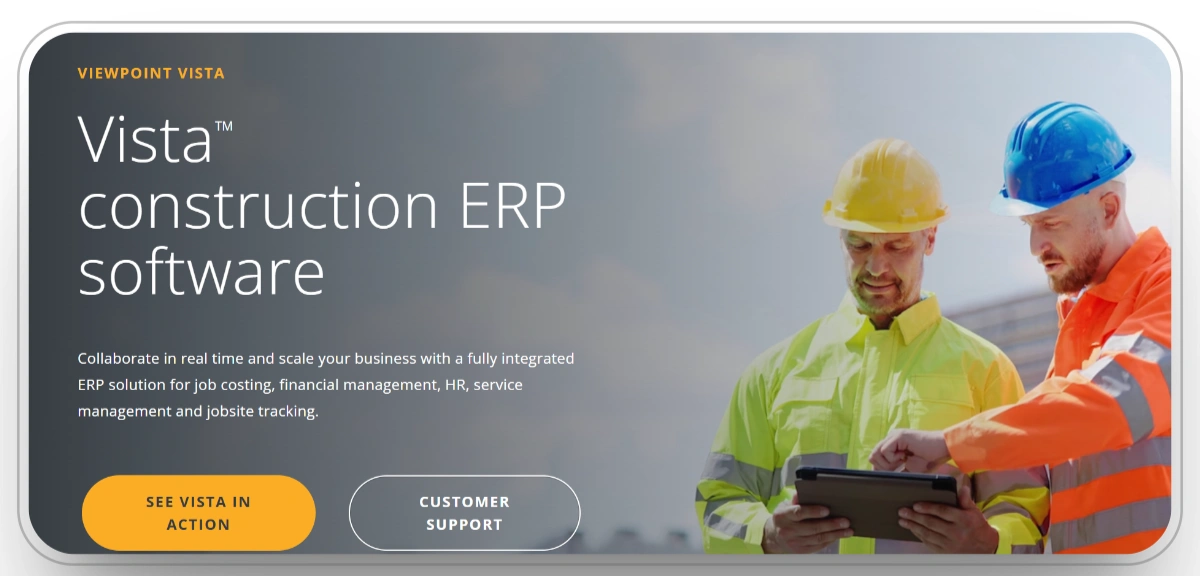
Ideal for: Contractors needing ERP-level equipment costing & revenue, PM schedules, and depreciation integrated with job billing.
Vista’s Equipment Management provides full cost and revenue management, including automatic billing to jobs, location tracking, and detailed cost/revenue reporting so equipment charges are recovered and visible in project P&L.
It supports preventive maintenance, usage/fuel posting, cost allocations/adjustments, and depreciation reporting connecting lifecycle economics directly to financials and job cost.
Pros
- Unified ERP with equipment cost, revenue, and billing.
- PM schedules and alerts reduce unplanned downtime.
- Usage/fuel posting and cost allocation tools.
- Built-in depreciation/cost-to-date reporting.
Cons
- ERP implementation/change management can be heavy.
- Overkill for small fleets.
- Higher TCO than point solutions.
- Works best within the Trimble/Viewpoint stack.
Viewpoint Vista Overall Rating
Capterra: 3.9/5
G2: 4/5
Viewpoint Vista User Reviews
10. Buildertrend

Ideal for: Residential/specialty contractors needing real-time job cost visibility and tighter control of equipment-related expenses at the project level.
Buildertrend’s Job Costing Budget is a central hub for estimated vs. actual vs. projected costs, syncing with estimates, POs, and bills so rentals, fuel, and repair invoices hit the job budget promptly to prevent margin slippage.
Its Purchase Orders & Bills workflows set cost expectations with vendors and capture invoices/receipts from the field (mobile), improving accuracy and cutting un-invoiced costs.
Pros
- Live budget view (estimated/actual/projected).
- PO/Bills streamline expense capture and controls.
- Field receipt capture via mobile improves accuracy.
- SMB-friendly adoption curve.
Cons
- Not a CMMS; no native PM/work-order/parts tracking.
- Limited heavy-civil/equipment analytics.
- Depends on disciplined data entry to stay accurate.
- Deeper ERP integrations may need middleware/partners.
Buildertrend Overall Rating
Capterra: 4.5/5
G2: 4/5
Buildertrend User Reviews
Choose the Right Construction Equipment Economics Software
When it comes to managing equipment costs, cash flow, and profitability, the right platform can show you exactly where money is earned and where it’s leaking.
- Choose Clue if: You want a construction-specific platform that ties utilization, maintenance, fuel, and job costing into one real-time economic dashboard. Clue gives operations and finance teams a shared view of true equipment ROI, from the field to the balance sheet.
- Choose Procore if: You need project-centric financial control where equipment expenses (rentals, fuel, repairs) flow directly into budgets, commitments, and change management for tighter cost tracking across jobs.
- Choose UpKeep if: You’re a small or mid-size contractor that wants a mobile-first CMMS to capture work orders, parts, and labor in the field so maintenance costs roll up clearly for TCO decisions.
- Choose Autodesk Construction Cloud if: You want unified cost controls plus asset/equipment tracking centralizing budgets, POs, and changes while linking assets to checklists/issues for lifecycle traceability.
- Choose RedTeam Flex if: You need standardized estimating-to-project workflows to control vendor and rental costs, with time-stamped approvals and documentation that improve predictability and cost recovery.
- Choose Limble CMMS if: You want simple, fast PM/work-order execution with parts tracking so you can measure maintenance cost per asset over time and cut downtime that erodes job margins.
- Choose Equipment360 (HCSS) if: You run heavy civil fleets and need shop + field maintenance with fleet cost analytics PM schedules, repair history, labor/parts, and cost types in one system built for equipment.
- Choose Fiix CMMS if: You need cloud CMMS plus condition-based triggers to track maintenance cost across weeks, months, and years supporting repair-vs-replace and lifecycle planning.
- Choose Viewpoint Vista if: You want ERP-grade equipment economics cost and revenue tracking, automatic job billing, PM schedules, and depreciation integrated directly with job cost and financials.
- Choose Buildertrend if: You’re a residential/specialty builder that wants real-time job costing and tighter vendor control using POs and bills to capture equipment-related expenses and avoid margin slippage.
Conclusion
Controlling equipment costs isn’t just about tracking expenses it’s about seeing the full financial picture behind every machine, vehicle, and attachment. From ownership and operating costs to utilization and recovery rates, every data point tells a story about profitability and efficiency.
The right software turns those stories into decisions. Whether that means automating job cost capture, catching underperforming assets early, or accelerating billing cycles, the right system connects your finances to the realities of the field.
For smaller teams, tools like UpKeep, Limble CMMS, Fiix CMMS, or Buildertrend offer quick wins for maintenance visibility and project-level cost control. For larger contractors, platforms such as Procore, Autodesk Construction Cloud, Viewpoint Vista, RedTeam Flex, and Equipment360 provide deeper financial control, forecasting, and integration across departments.
And for companies looking to unify it all from telematics to project costs Clue delivers a real-time command center for understanding where every equipment dollar is going.
FAQs
1. How does equipment economics software help reduce project costs?
It connects data from maintenance, fuel, labor, and utilization into one financial view. This helps identify underused assets, spot high-cost equipment, and catch billing errors early. By automating cost allocation and job charging, companies recover more of what they spend and stop losing margin to inefficiency or downtime.
2. What’s the ROI timeline for adopting equipment cost tracking software?
Most contractors start seeing measurable ROI within 6 to 18 months. Savings come from reduced idle time, better maintenance planning, accurate cost recovery, and faster invoicing. For larger fleets, the payback is even faster once financial and operational data are fully connected.
3. Can equipment cost tracking software integrate with accounting or ERP systems?
Yes. Leading platforms like Clue sync cost data, work orders, and billing details directly into accounting and ERP systems. This eliminates double entry, ensures consistency, and gives both operations and finance a unified economic view of each asset and job.
Transform Your Equipment Management