Vista Purchase Order Sync
Viewpoint Vista
Reading Time:
3 min read
What is this?
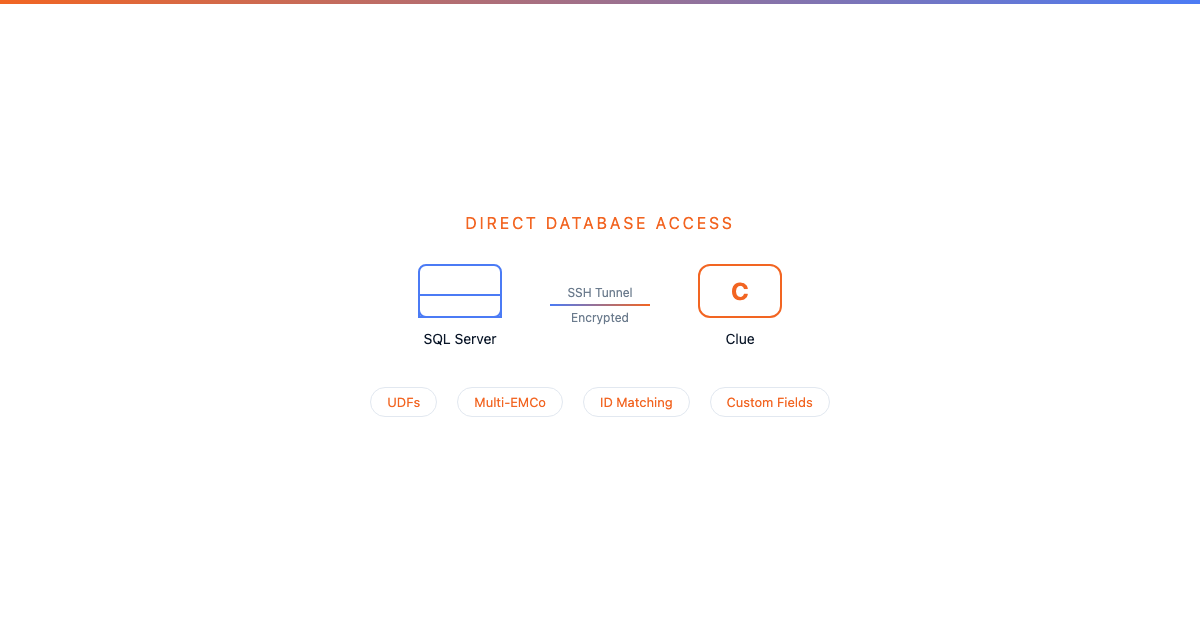
Clue supports integration with Vista's Purchase Order module. Purchase orders approved in Clue can push to Vista so accounting sees committed costs immediately. POs created directly in Vista sync down to Clue so the parts team knows what is on order without checking two systems.
What data flows
PO Headers (POHD)
The PO header carries the top-level information about the purchase order:
- PO Number and Company Code (POCo) for multi-company routing
- Vendor number and vendor group
- Description (e.g., "NAPA BILLING OF AMERICAN RADIATOR INV S503368")
- Order Date and Expected Date
- Status and Approved flag (Y/N) with ApprovedBy tracking
- Pay Terms and JC Company for cost allocation
- Job and Location (when the PO is tied to a specific project)
PO Line Items (POIT)
Each line item on the PO tracks the specific material being ordered:
- Material number (e.g., N3800003) and Vendor Material ID (e.g., 559168A)
- Description (e.g., "NAPA INVOICE 385500 BILLING FOR AMERICAN RADIATOR S503368")
- Unit of Measure (EA, BX, etc.) and Quantity
- Unit Cost and Total Cost (e.g., .99 per unit)
- Tax amount, code, and group (e.g., .72 tax on a .99 item)
- Equipment link (ties the cost to a specific asset, e.g., "23. 30.19")
- Work Order link (ties the cost to a WO, e.g., WO 23301924, Item 66)
- Cost Code and GL Account for Vista job cost and general ledger posting
- Received Units and Back Order tracking
How the sync works
Clue to Vista
When a purchase requisition is approved in Clue:
- A PO header is created in Vista's POHD table with the vendor, description, and dates
- Each line item writes to POIT with material, quantity, cost, and the linked equipment and work order
- Vista accounting sees the committed cost immediately for budget tracking
- The GL account and cost code ensure costs hit the right ledger
Vista to Clue
When a PO is created directly in Vista (e.g., by the purchasing department):
- The PO syncs down to Clue so the parts team can see it is on order
- Line items show material numbers, quantities, expected dates, and costs
- The equipment and work order links carry through so costs roll up correctly in Clue
The full details
- Vista tables: POHD (PO headers) and POIT (PO line items)
- Multi-company: POCo routes the PO to the correct Vista entity. JCCo routes to the correct job cost company.
- Equipment linkage: The Equip field on line items connects costs to specific assets in both systems
- Work order linkage: WO and WOItem fields tie PO costs back to the originating work order
- GL posting: GLCo and GLAcct fields ensure costs land in the right general ledger accounts
- Tax handling: Tax codes, groups, and amounts carry through for accurate financial reporting
- Receiving: RecvdUnits tracks what has been received vs. what is still on back order
Tips
- Always link PO line items to equipment and work orders. Without these links, the cost shows up in Vista but does not roll up to the asset or WO in Clue.
- Material numbers must match Vista inventory. If the Material field references an item that does not exist in Vista, the sync fails. Verify material numbers before approving.
- Check the Approved flag. Vista POs with Approved = "N" may not be visible to all users. Ensure the approval workflow completes on both sides.
- Use the udRequested UDF on POHD to track which POs originated from Clue requisitions vs. direct Vista entry.