Configuring Vista Integration Parameters
What is this?
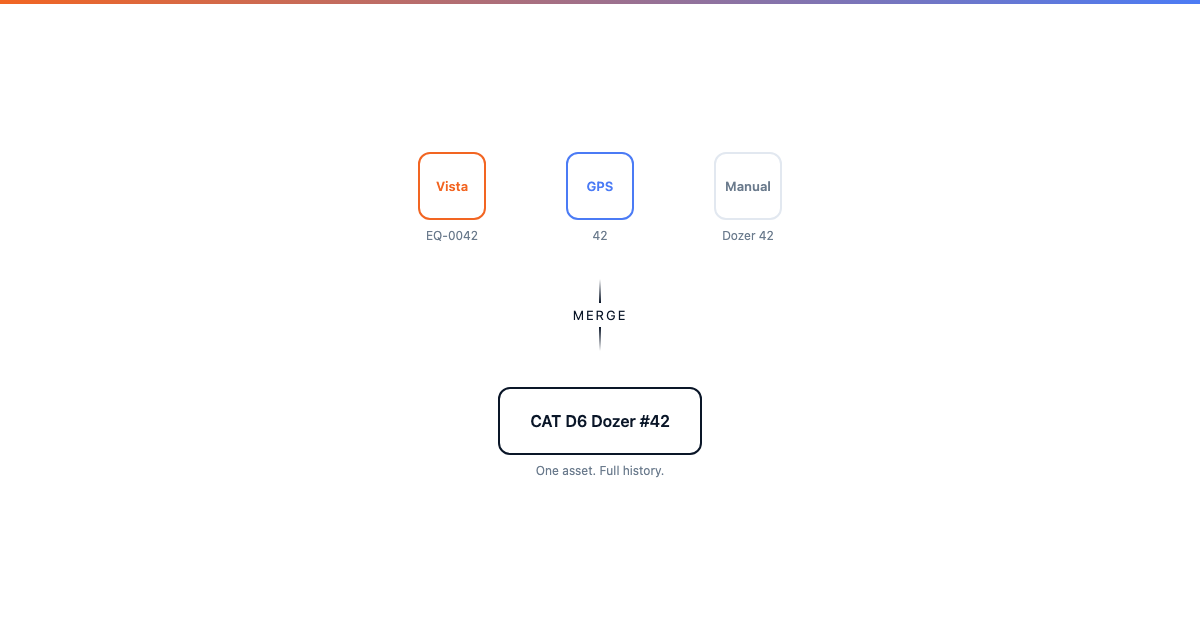
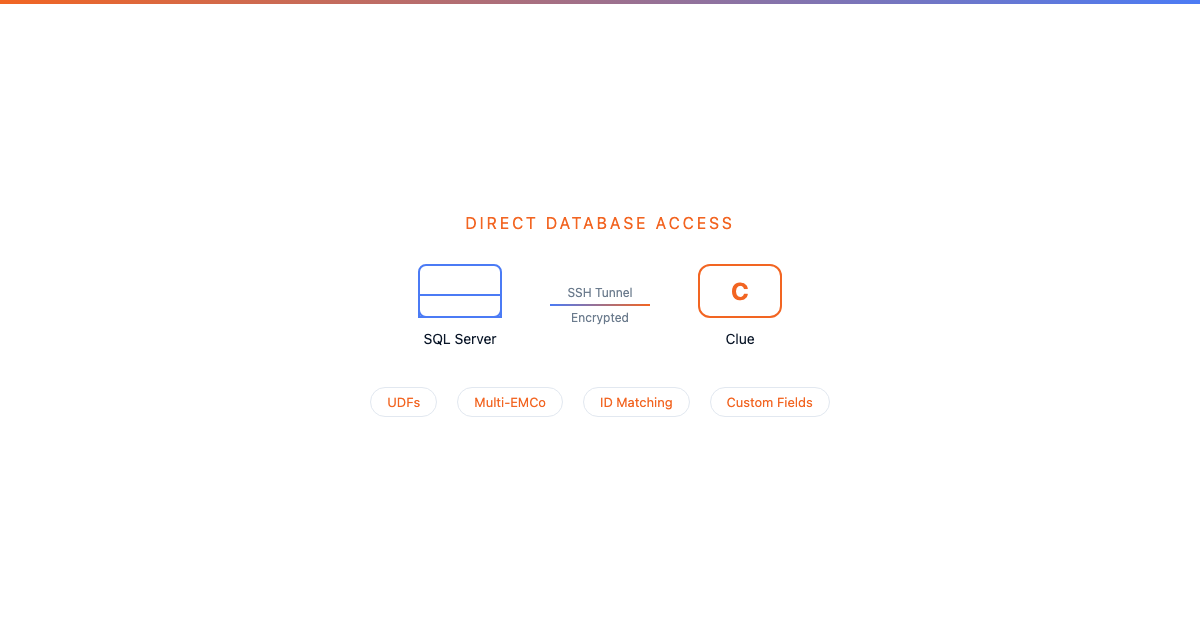
The Vista integration is controlled by 45+ configuration parameters. These settings determine what data syncs, which direction it flows, how equipment gets matched, and what happens with edge cases. You do not need to touch code. Everything is configurable.
Parameters are managed through the Clue admin panel under Global Parameters, in the Integrations_vista group. Your Clue account manager can also adjust these for you during setup or when your needs change.

Who manages these?
Most parameters are set once during initial setup and rarely change. Some get adjusted as your fleet or Vista configuration evolves.
Key parameters explained
Controlling what syncs
Equipment matching and filtering
Multi-company setup
Work order defaults
Warranty handling
Common configuration scenarios
"We only want active equipment in Clue"
Set viewpoint_use_sync_clue_field to TRUE. Then in Vista, mark each asset's udSyncClueYN field as "Y" or "N". Only assets marked "Y" will sync. When a machine is sold or retired, set it to "N" in Vista and it stops appearing in Clue.
"We have 3 companies in Vista but only 2 should sync"
Set vista_company_priority to only include the two EMCo numbers you want (e.g., "1,3"). Company 2 is completely ignored.
"We do not want internal work orders going to Vista"
Set vista_exclude_wo_export_by_type to the WO type codes for internal work (e.g., "INTERNAL,SHOP"). Standard and PM work orders still sync normally.
"GPS hours keep getting overwritten by Vista"
Adjust vista_equipment_metadata_fields_from_duplicated to exclude hour-related fields. Vista will still update make, model, and department, but leave the hours alone for the GPS source to manage.