Viewing Everything On Site
Dispatch
Reading Time:
3 min read
Overview
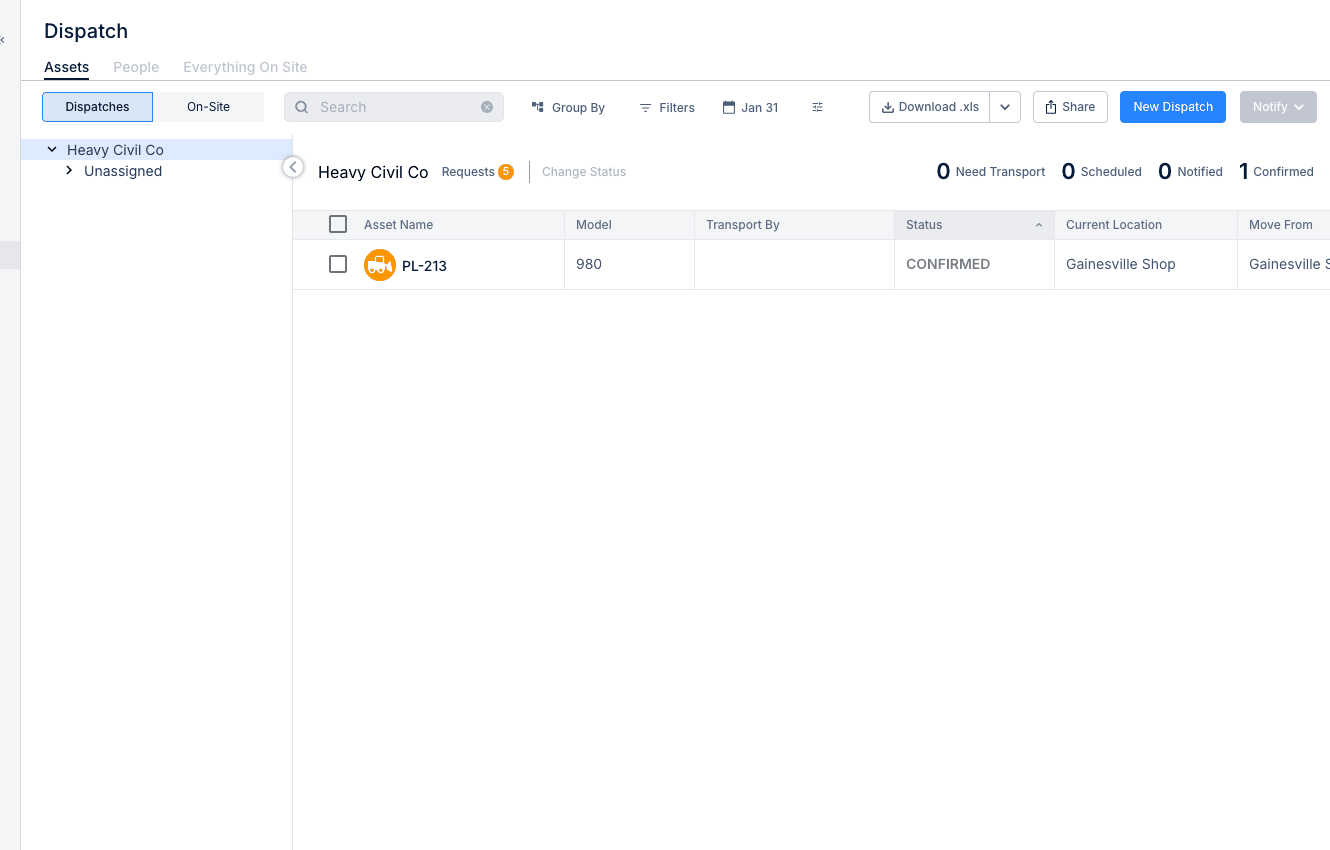
The "Everything On Site" view shows all resources currently at a specific location - both equipment and people. Use this for site audits, resource planning, and understanding project capacity.
Accessing Everything On Site
Step 1: Navigate to RESOURCE PLANNER → Dispatch.
Step 2: Click the "Everything On Site" tab.
Step 3: Select a project from the dropdown.
What You'll See
For the selected project:
- Assets - All equipment currently assigned or physically present
- People - Crew members dispatched to this location
- Counts - Total resources by category
- Assignment dates - When resources arrived or are scheduled
Understanding Resource Status
Resources may show as:
- Dispatched - Officially assigned via dispatch
- On Site (GPS) - Physically detected at location via telematics
- Both - Dispatched and GPS-confirmed present
Use Cases
- Site audits - Verify what's actually on each job
- Resource planning - See if site has enough equipment
- Cost allocation - Understand resource commitment per project
- Safety compliance - Ensure required equipment is present
Tips
- Compare dispatched vs GPS-detected to find discrepancies
- Review before dispatching more resources to a site
- Use for daily site check-ins