Managing Request Statuses
Dispatch
Reading Time:
3 min read
Overview
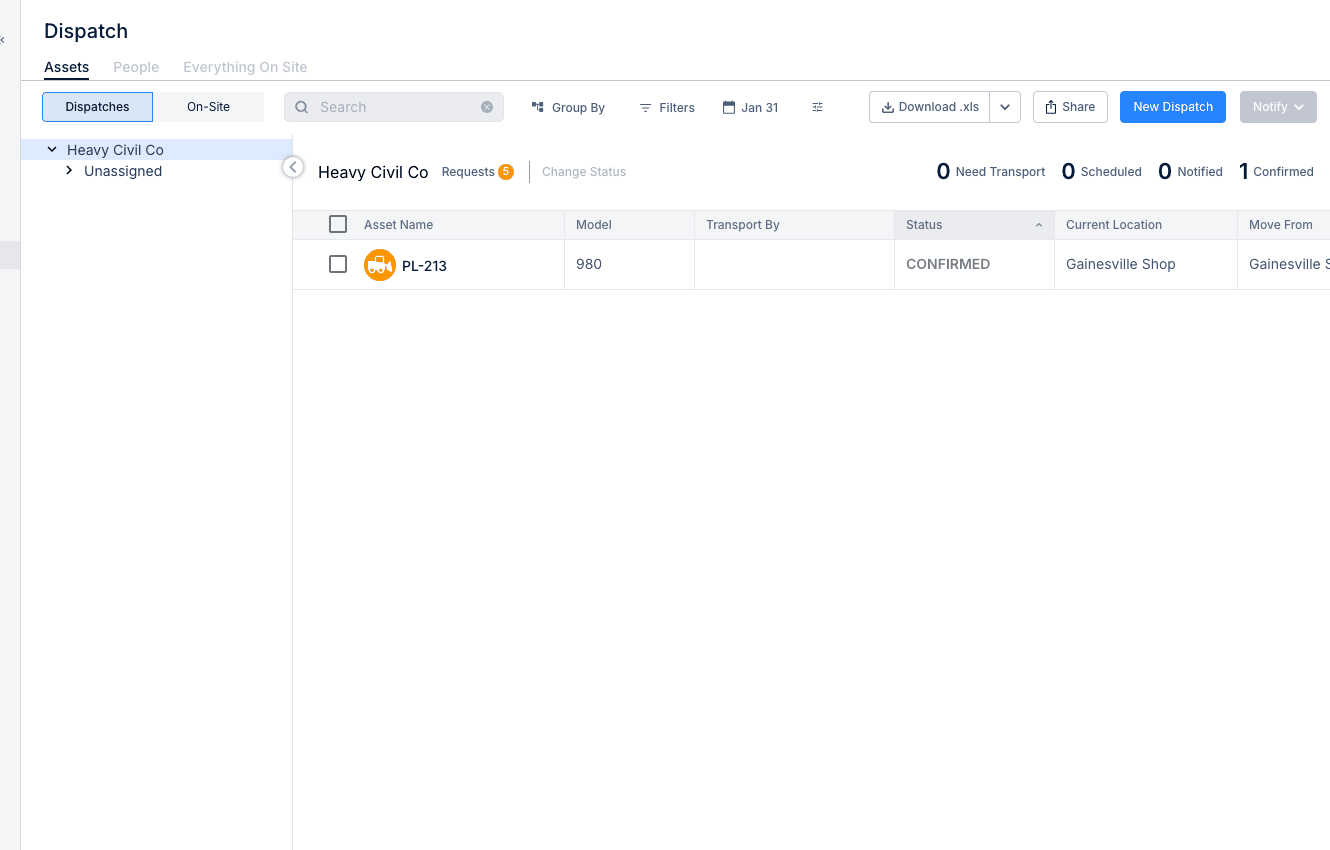
Equipment requests move through several statuses from submission to fulfillment. Understanding these statuses helps you track requests and ensure timely equipment delivery.
Request Status Types
Draft
Request is being created but not yet submitted.
- Only visible to the creator
- Can be edited freely
- Submit when ready for review
Open
Request has been submitted and is awaiting action.
- Visible to dispatch team
- Needs equipment to be assigned
- Pending fulfillment
Requested
Equipment has been identified but not yet dispatched.
- Specific assets selected
- Awaiting dispatch confirmation
- May be pending availability
Filled
Request has been fulfilled with dispatched equipment.
- Equipment is on the way or delivered
- Dispatch created and confirmed
- Request is complete
Cancelled
Request is no longer needed.
- Project cancelled or changed
- Request submitted in error
- Equipment sourced elsewhere
Changing Request Status
Step 1: Open the request from the Requests list.
Step 2: Review request details.
Step 3: Take appropriate action (assign equipment, create dispatch, cancel).
Step 4: Status updates automatically based on actions.
Tips
- Review Open requests daily
- Communicate with requesters when status changes
- Cancel old requests that are no longer needed