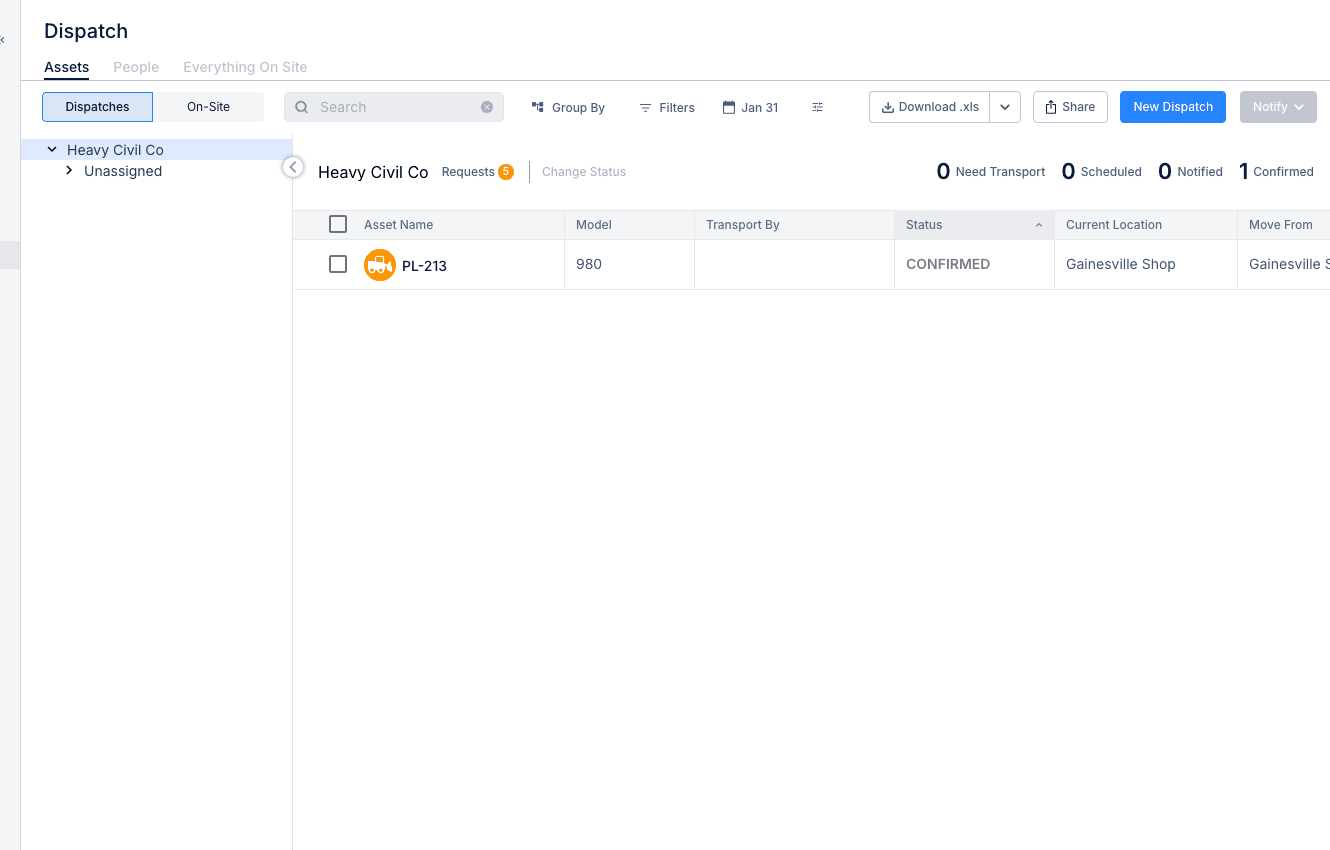
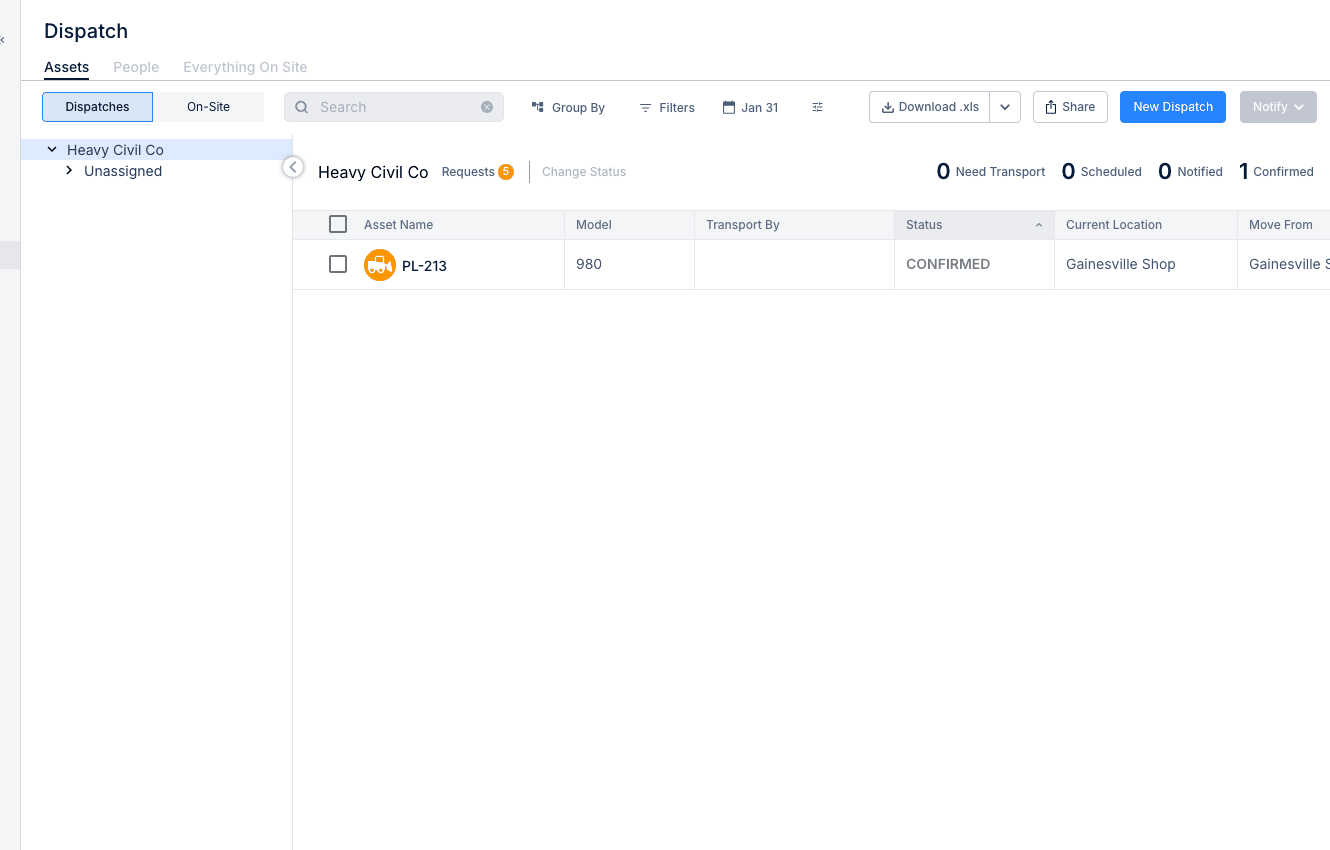
Dispatching People to Projects
Dispatch in CLUE is not only for equipment. You can also assign people to projects, track where they are working, and manage labor across active jobs. This gives your team a clearer view of who is on each site and helps keep people and equipment aligned during planning.
Overview
The People view in Dispatch lets you assign workers to projects and track those assignments over time. It is useful when you need to manage crew movement, balance labor across jobs, or confirm who is currently assigned to a project. If your team is new to Dispatch, this works naturally with Using the Dispatch Board and Creating a New Dispatch.
Accessing People Dispatch
Start by opening the Dispatch page in Resource Planner. From there, switch from equipment dispatch to the People view.
Go to Resource Planner > Dispatch.
Then click the People tab. This changes the board from asset assignments to people assignments.
The People Dispatch View
The People view is designed to show worker assignments in a simple planning layout. It helps dispatchers and supervisors see who is available, who is already assigned, and where labor is being used.
This view shows:
- Person rows - each crew member in your organization
- Project columns - the projects they can be assigned to
- Assignment indicators - where each person is currently assigned
Creating a People Dispatch
Once you are in the People view, you can create a new assignment for one person or multiple people. This is the main workflow for sending labor to a project through Dispatch.
Step 1: Start the dispatch
Click New Dispatch or drag a person to a project.
Both options open the same basic dispatch flow.
Step 2: Select the person
Choose the person or people you want to dispatch.
This is where you decide who will be assigned to the project.
Step 3: Choose the project
Select the destination project.
This links the person to the job site where they will be working.
Step 4: Set the date range
Enter the start and end dates for the assignment.
This tells CLUE how long the person will be scheduled on that project.
Step 5: Add notes
Add any details the field team may need, such as reporting location, contact information, or site instructions.
This helps keep the assignment record more useful for the people receiving it.
Step 6: Save the dispatch
Save the assignment to place it on the Dispatch board.
Once saved, the assignment becomes visible in the People view.
Group By Options
The People view can be organized in different ways depending on what your team is trying to review. This makes it easier to switch between individual scheduling and larger crew planning.
You can group the view by:
- Person - see assignments by crew member
- Project - see all people assigned to each project
- Crew - see assignments grouped by crew
Crew Assignments
If your team moves in groups, crews can make dispatch faster. Instead of assigning people one at a time, you can organize them into crews first and then work from that structure during scheduling. Assigning People to Crews is the next step if you need that setup.
For teams that usually move together, you can:
- create crews in People Directory
- dispatch whole crews at once
- track crew utilization more clearly
Tips
A few simple habits can make people dispatch easier to manage. The goal is to make sure the right people are on the right job, with fewer scheduling conflicts and fewer last-minute changes.
- check availability before dispatching someone
- consider skills or certifications when assigning specialized work
- coordinate people and equipment dispatches together
- use Assigning People to Projects when you need to manage project staffing from the project record instead of the Dispatch board