Understanding Geofences
Geofences
Reading Time:
3 min read

Geofences are virtual boundaries on the map. Use them to track when equipment enters or leaves job sites, yards, or restricted areas.
What is a Geofence?
A geofence is a virtual perimeter around a real-world location:
- Drawn as a polygon on the map
- Has a name and optional description
- Triggers alerts when assets cross the boundary
Common Uses
- Job Sites - Track which equipment is on site
- Equipment Yards - Know when assets leave the yard
- Restricted Areas - Alert when equipment enters no-go zones
- Customer Sites - Track time spent at customer locations
Geofence Alerts
CLUE can notify you when:
- Asset enters a geofence
- Asset leaves a geofence
- Asset stays too long in a geofence
Benefits
- Know equipment location relative to projects
- Reduce unauthorized use
- Improve dispatch efficiency
- Track utilization by job site
Tips
- Create geofences for all active job sites
- Include some buffer around the actual site boundary
- Name geofences clearly (match project names)
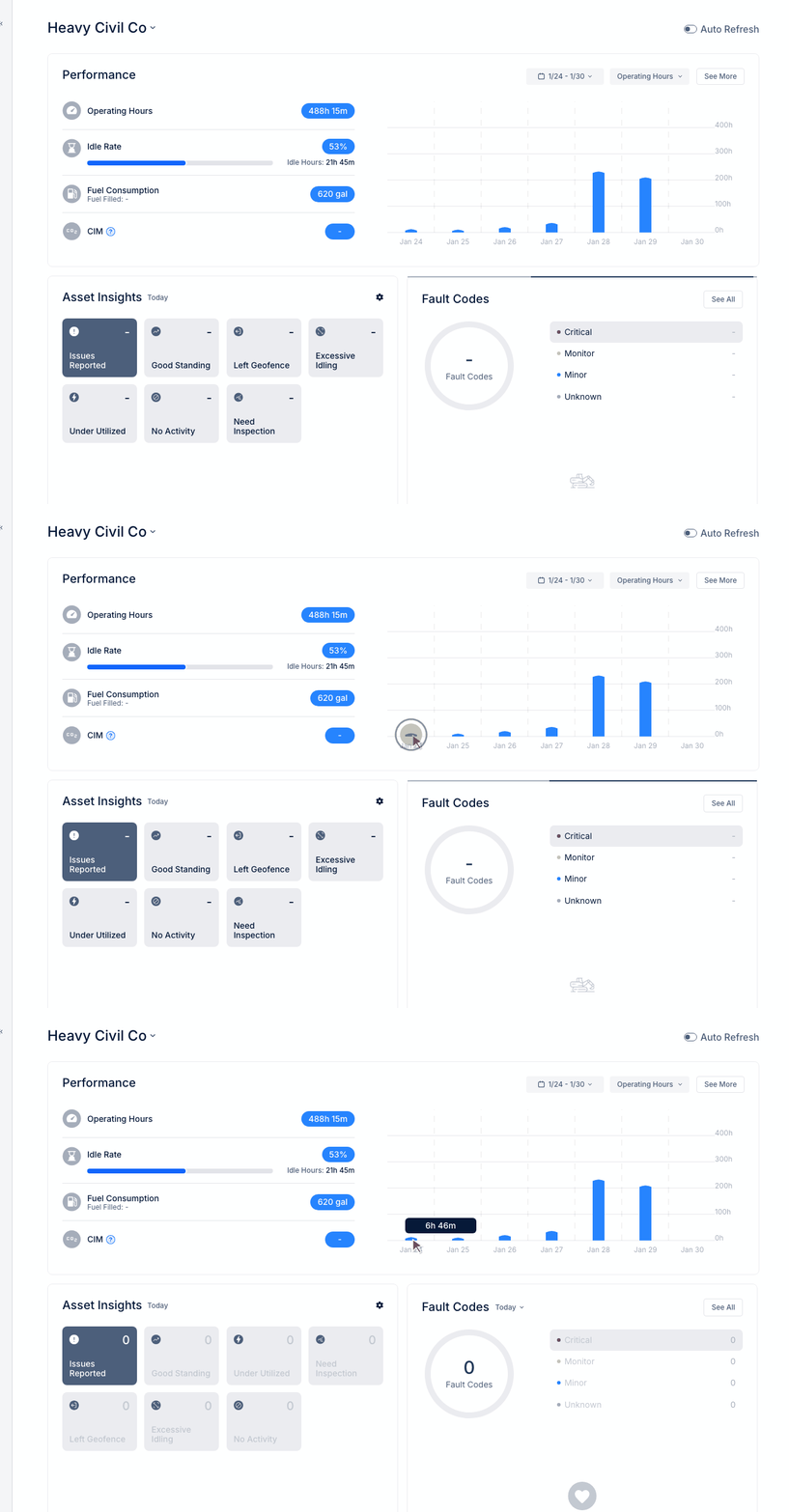
- Review "Left Geofence" alerts in Asset Insights