Managing Your Profile & Notifications
Getting Started
Reading Time:
3 min read
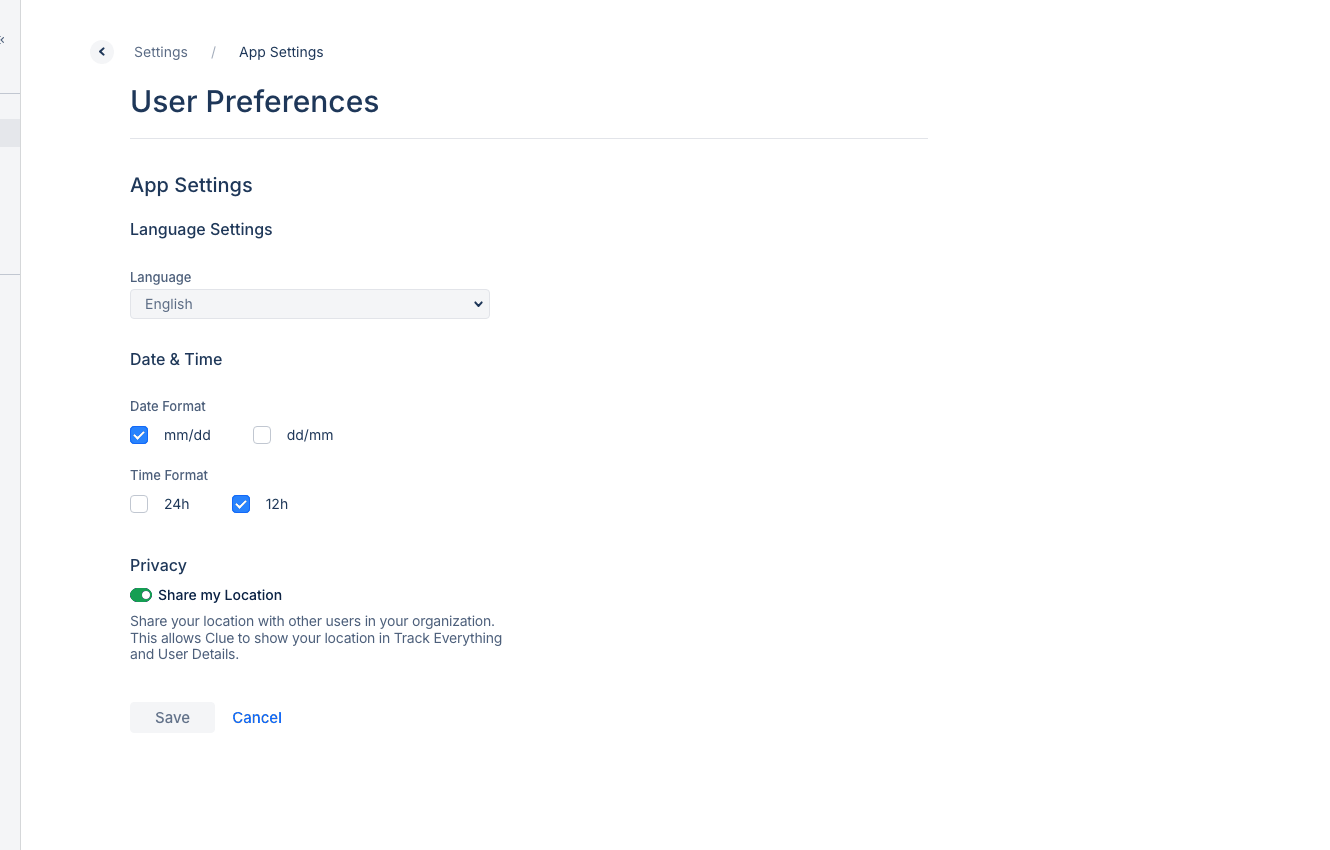
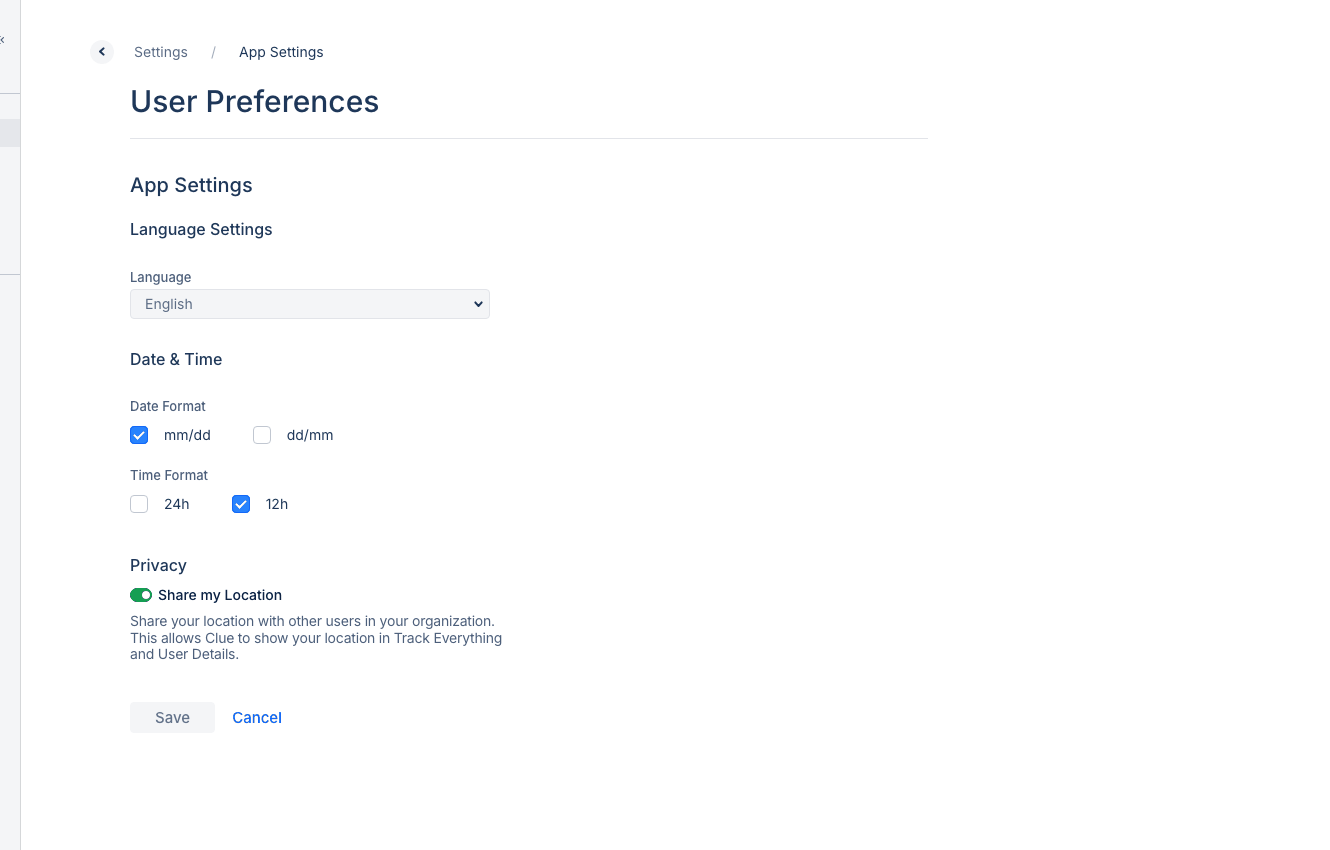
Customize your CLUE experience by managing your profile settings and notification preferences.
Accessing Your Profile
- Click your name or profile icon in the top-right corner
- Select Profile & Settings
Profile Information
Update your personal details:
- Name - Your display name
- Email - Contact email address
- Phone - Mobile number for SMS notifications
- Job Title - Your role in the organization
Notification Preferences
Control which alerts you receive:
Email Notifications
- Work Order assignments
- PM due reminders
- Fault code alerts
- Scheduled reports
Push Notifications (Mobile)
- Real-time alerts on your phone
- Work order updates
- Inspection reminders
SMS Notifications
- Critical alerts via text message
- Emergency notifications
Timezone Settings
Set your timezone to ensure:
- Accurate timestamps on activities
- Correct scheduled report delivery times
- Proper timecard calculations
Tips
- Enable push notifications for real-time updates on mobile
- Disable notifications you don't need to reduce noise
- Keep your phone number current for SMS alerts
- Verify timezone when traveling or working remotely