Creating a New Project
Projects
Reading Time:
4 min read
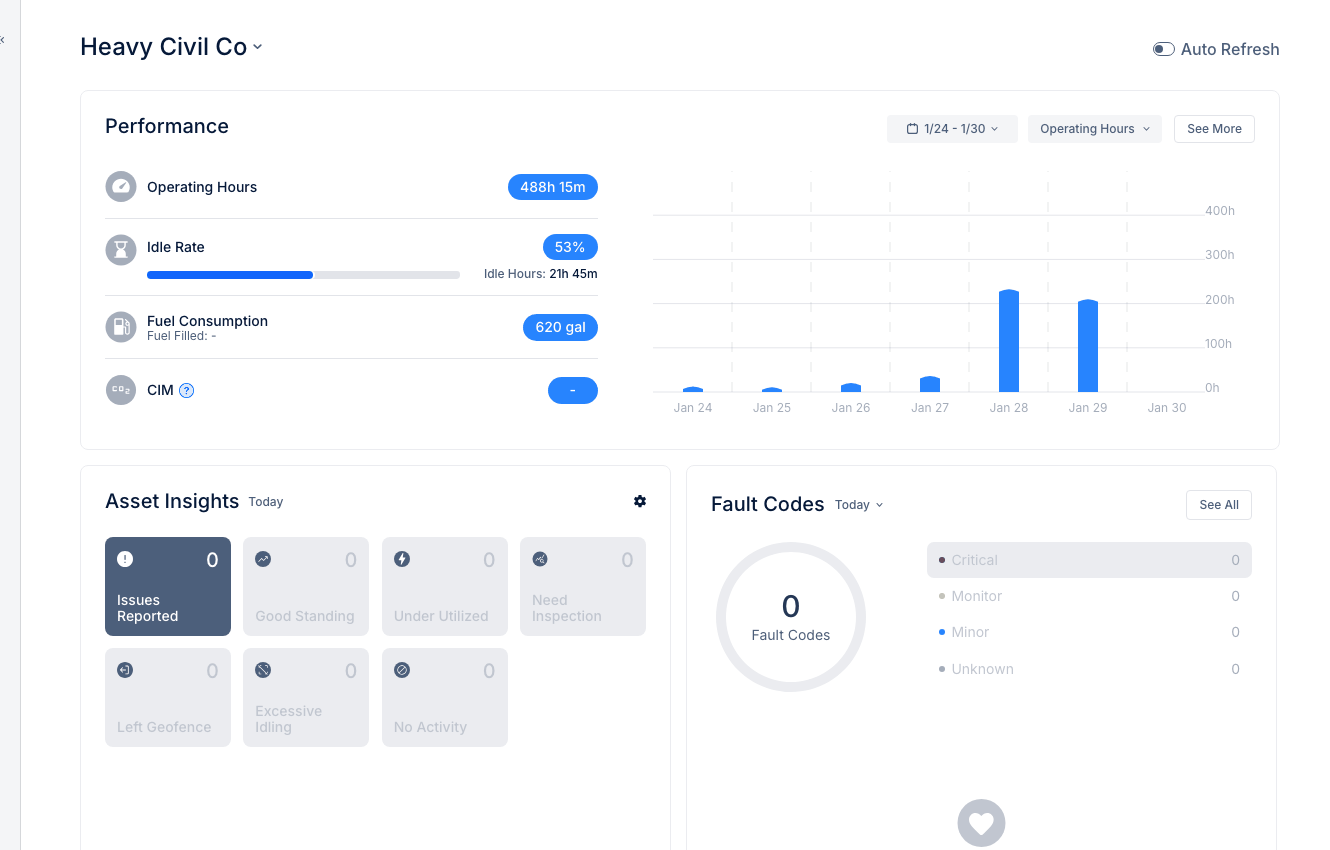
Create projects in CLUE to track job sites, assign equipment, and organize your operations by location.
Accessing Projects
- Navigate to Projects in the Directory section
- Click Add Project or the + button
Project Details
Required Fields
- Project Name - Unique identifier
- Address - Physical location
Optional Fields
- Project Code - Internal reference number
- Description - Project details
- Type - Project category
- Class - Project classification
- Email - Project contact
- Radius - Geofence size
- Operation Start Time - Shift start
Location and Geofence
Entering an address automatically:
- Places project on the map
- Creates a geofence boundary
- Enables location-based tracking
Assigning Resources
After creating, you can add:
- Assigned Assets - Equipment for this project
- Assigned People - Team members
Tips
- Use consistent naming conventions
- Include city/state in name for clarity
- Set radius appropriately for job site size
- Assign equipment to enable utilization tracking by project