Creating a New PM Plan
Preventive Maintenance
Reading Time:
5 min read
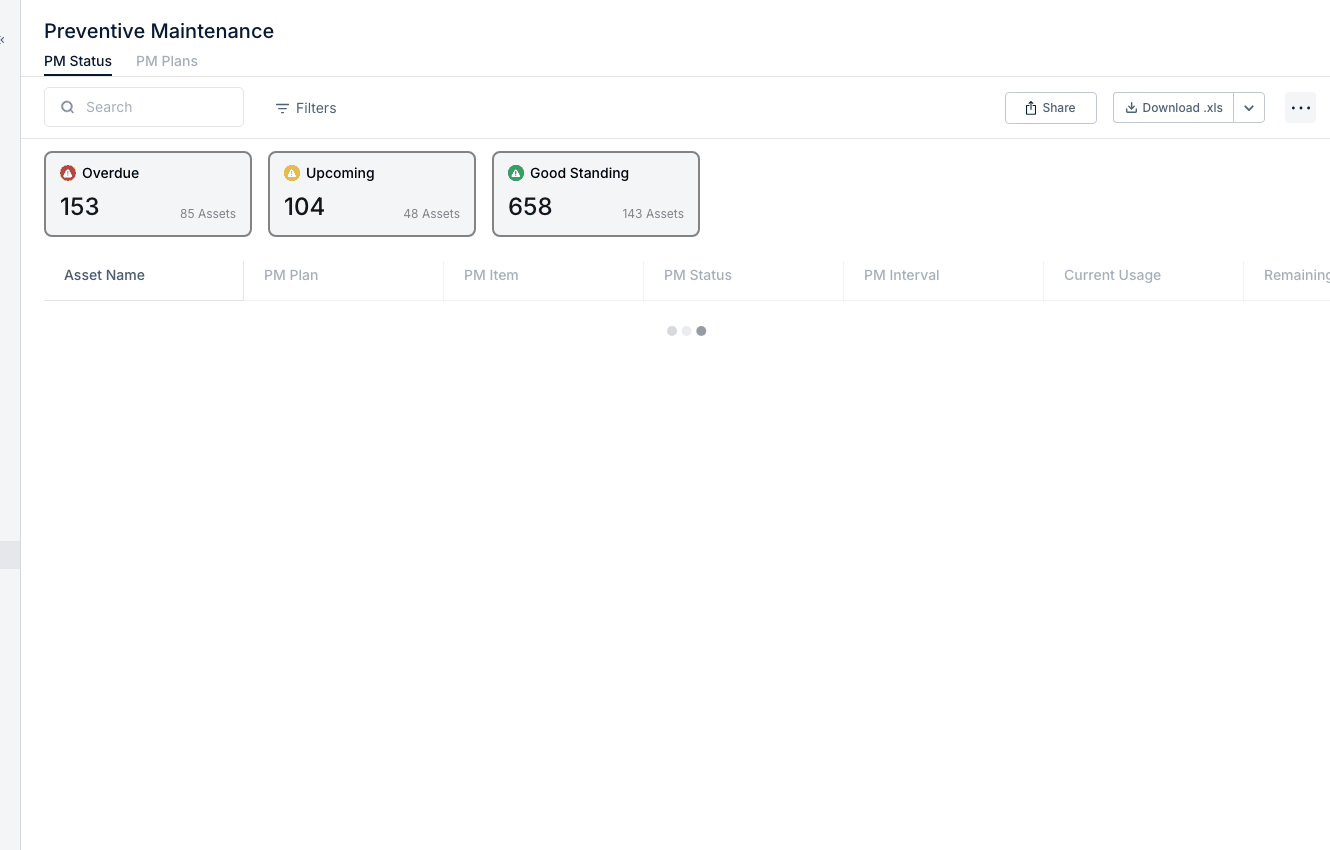
Preventive Maintenance (PM) plans define scheduled service intervals to keep equipment running reliably and extend asset life. Learn how to create and configure PM plans.
Understanding PM Plans
A PM Plan defines:
- What service is needed - Oil change, filter replacement, inspection, etc.
- When it's due - Based on time, hours, or mileage intervals
- Which assets it applies to - Specific equipment or asset types
Accessing PM Plans
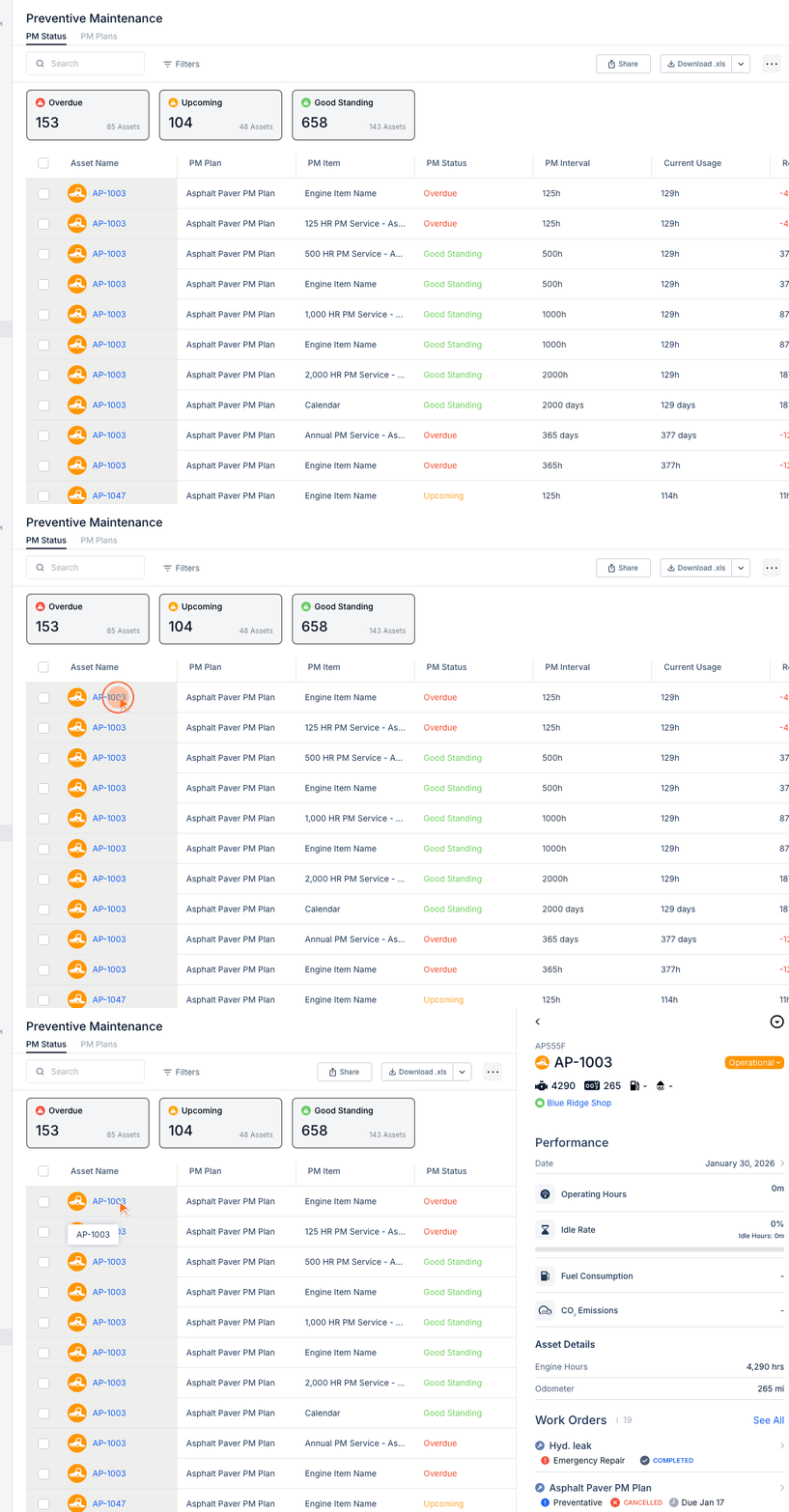
- Navigate to Preventive Maintenance in the Maintenance section
- Click the PM Plans tab
- View existing plans or create new ones
Creating a New PM Plan
- Click New PM Plan
- Enter plan details:
- Plan Name - Descriptive name (e.g., "500 Hour Service")
- Description - What's included in this service
- Applies To - Select assets or asset types
Setting PM Intervals
Choose interval type based on what triggers service:
Calendar-Based (Days)
- Service every X days
- Best for time-sensitive items (inspections, certifications)
- Example: Annual safety inspection every 365 days
Engine Hours
- Service every X engine hours
- Best for heavy equipment and engines
- Example: Oil change every 250 hours
Odometer (Miles/KM)
- Service every X miles or kilometers
- Best for vehicles and trucks
- Example: Tire rotation every 5,000 miles
Adding PM Items
PM Items are the specific tasks within the plan:
- Click Add PM Item
- Enter item details:
- Item Name - Task description
- Interval - How often (250 hours, 30 days, etc.)
- Interval Type - Hours, Days, or Miles
- Add multiple items for comprehensive service plans
Assigning Assets to Plans
- Open the PM Plan
- Go to Assigned Assets
- Click Add Assets
- Select equipment to include
- Set initial values (current hours/miles/last service date)
Tips
- Follow manufacturer recommendations for service intervals
- Use consistent naming conventions for plans
- Start with major service items, then add detail
- Review and adjust intervals based on actual conditions