Using the Track Everything Map
Track Everything
Reading Time:
4 min read
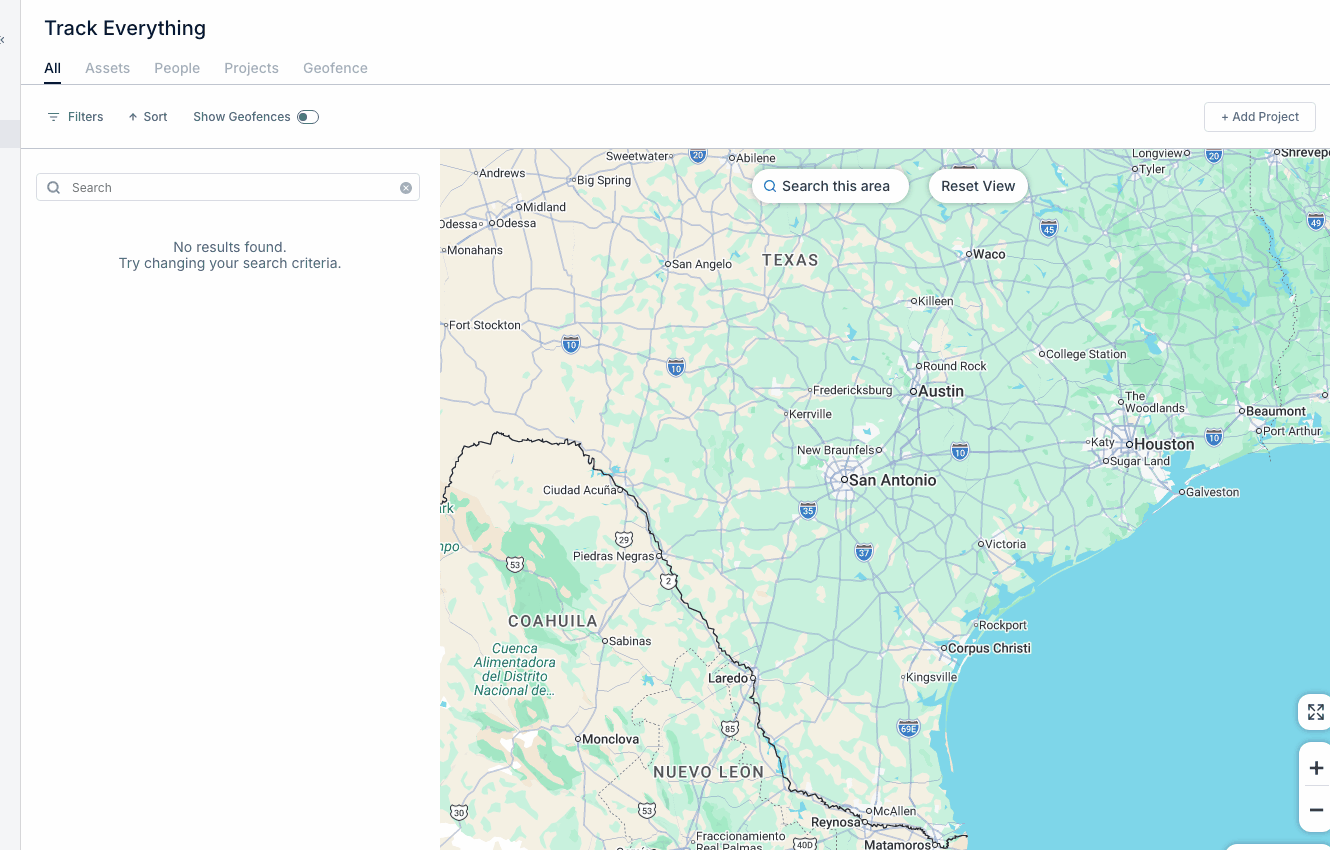
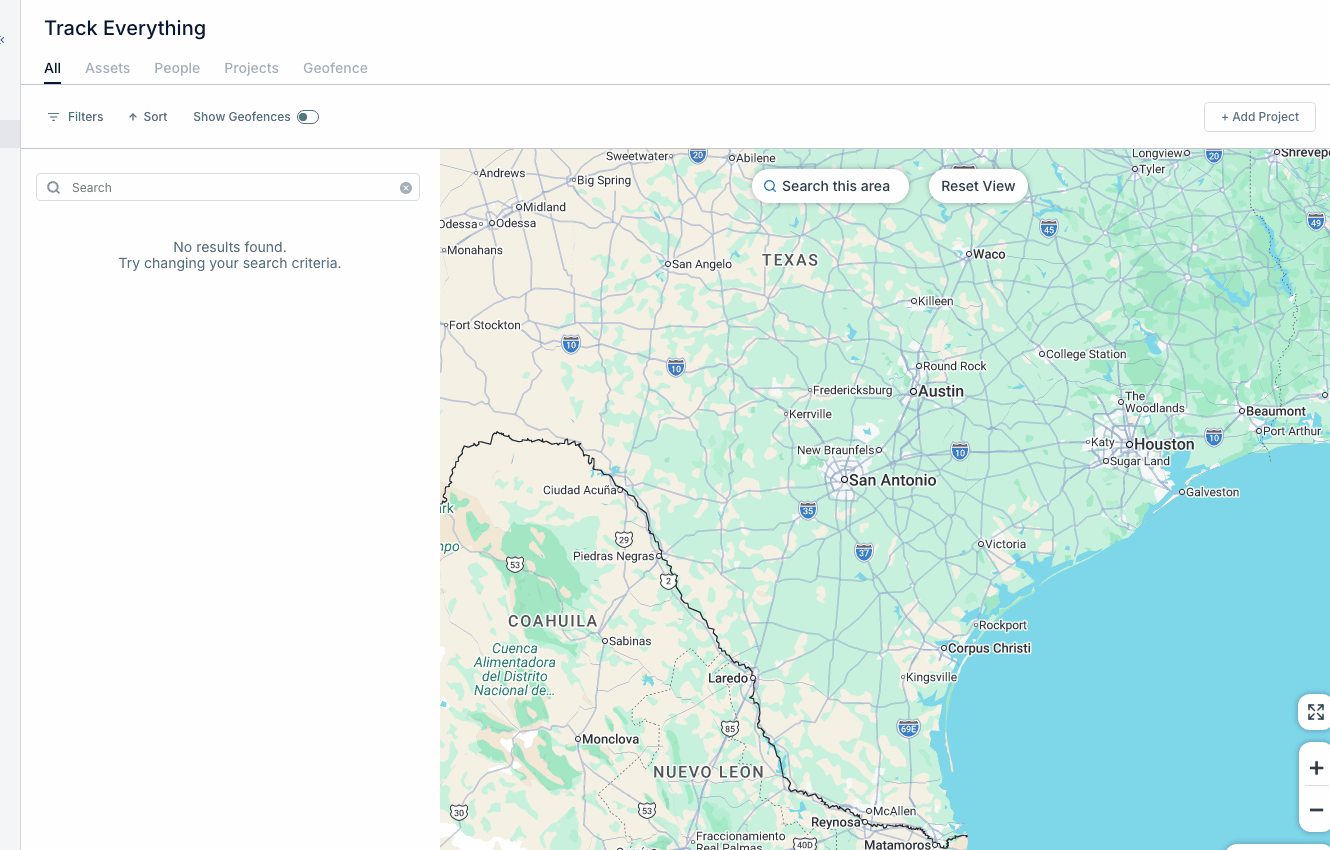
Track Everything is CLUE's real-time GPS tracking feature. View your entire fleet on a map and monitor equipment locations.
Accessing Track Everything
- Click Track Everything in the Main Menu
- The map loads showing all tracked assets
Map Views
- Map View - Standard road map
- Satellite View - Aerial imagery
- Terrain View - Topographic details
Navigation Controls
- Zoom - Use +/- buttons or scroll wheel
- Pan - Click and drag to move around
- Reset View - Return to default fleet view
Asset Markers
Each marker represents an asset:
- Colored icons show asset type
- Clusters group nearby assets
- Click any marker for quick info
Asset Details
Click an asset marker to see:
- Asset name and type
- Current location address
- Last update time
- Quick actions (View Details, Create WO)
Tips
- Use satellite view for remote job sites
- Zoom in on clusters to see individual assets
- Check "Last Updated" for data freshness
- Filter by project to focus on specific sites