Using Fleet Financials
Reports
Reading Time:
5 min read
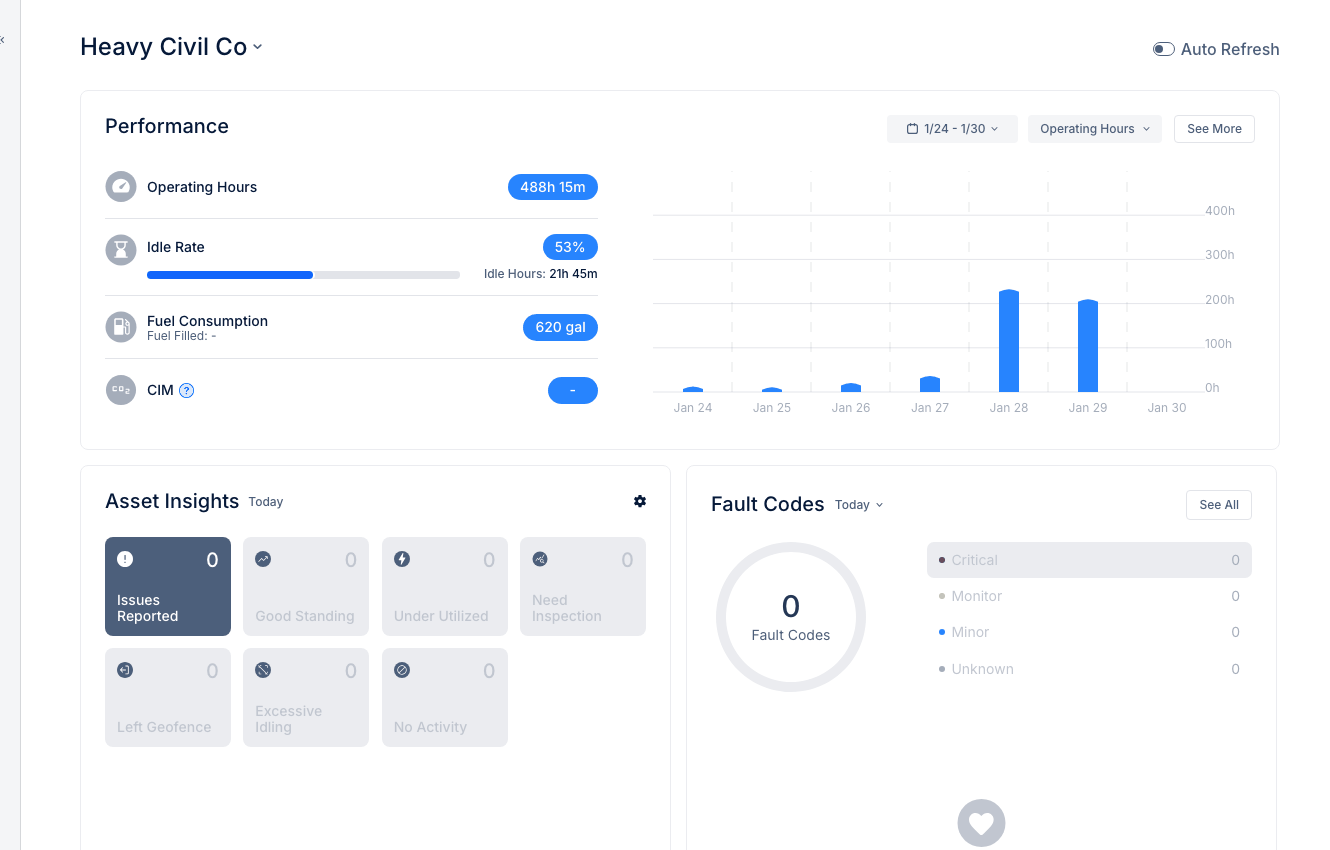
Fleet Financials provides comprehensive financial and utilization data for your equipment fleet.
Accessing Fleet Financials
- Navigate to Fleet Financials in the Insights section
- The Fleet Overview tab loads by default
Fleet Overview Dashboard
Summary Cards
- Total Revenue - Income from equipment
- Cost - Total operating expenses
- Profitability - Profit margin percentage
Fleet Summary Chart
Visual comparison of Revenue, Cost, and Profit over time.
Alert Indicators
- Not Profitable - Product groups missing profit targets
- Under Utilization - Equipment below usage expectations
Financial Details Table
Breakdown by Division and Region:
- Revenue - Income per unit
- Cost - Expenses per unit
- Gain/Loss - Net result
- Profitability - Margin percentage
- Active Assets - Equipment count
- Underutilized Assets - Below-target count
- Utilization Rate - Usage percentage
Using Filters
- Date Range - Adjust reporting period
- Data Structure - Group by Division, Region, etc.
Exporting Data
- Click Download .xls
- Export to Excel for further analysis
Tips
- Review monthly to track trends
- Focus on underutilized assets to optimize fleet
- Compare divisions to identify best practices