Understanding Asset Location Data
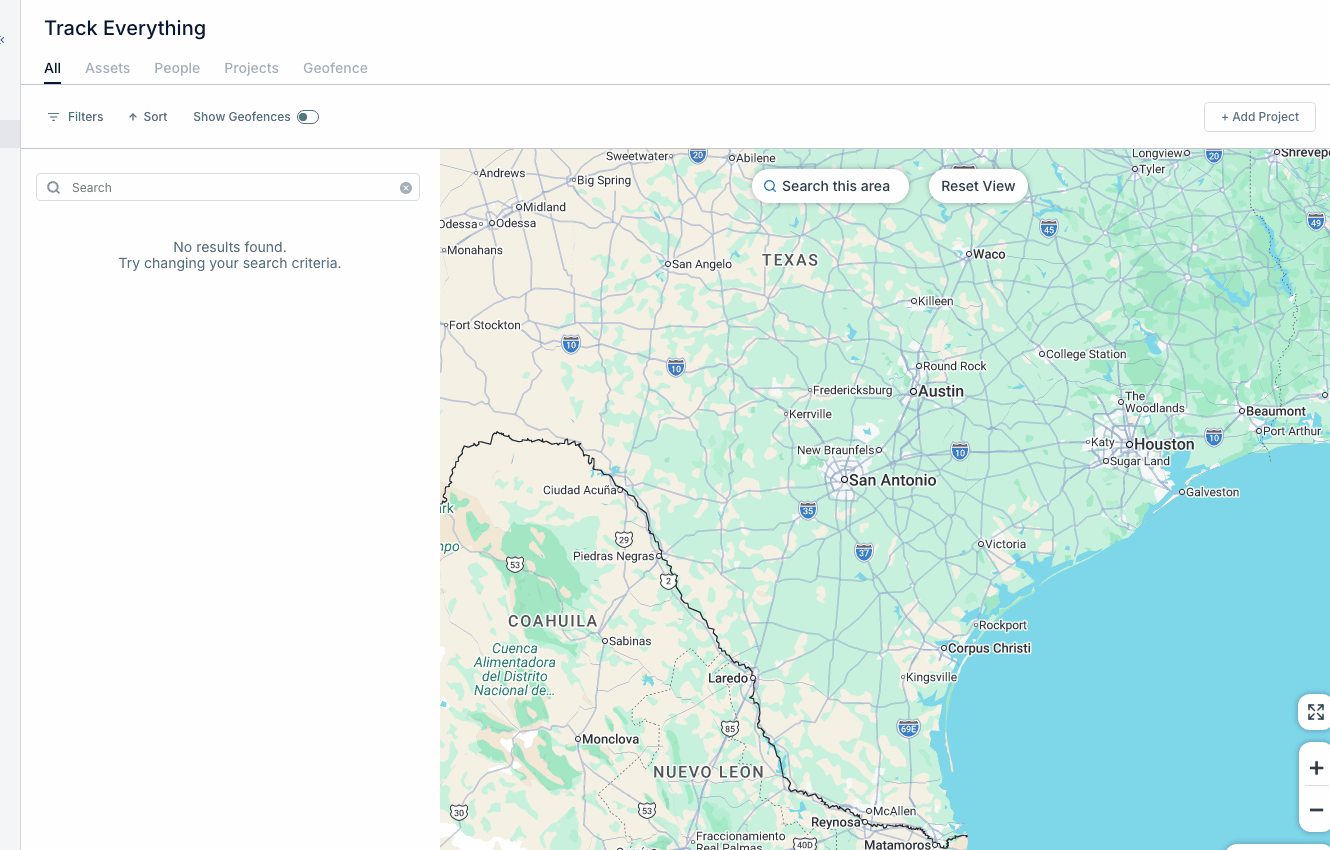
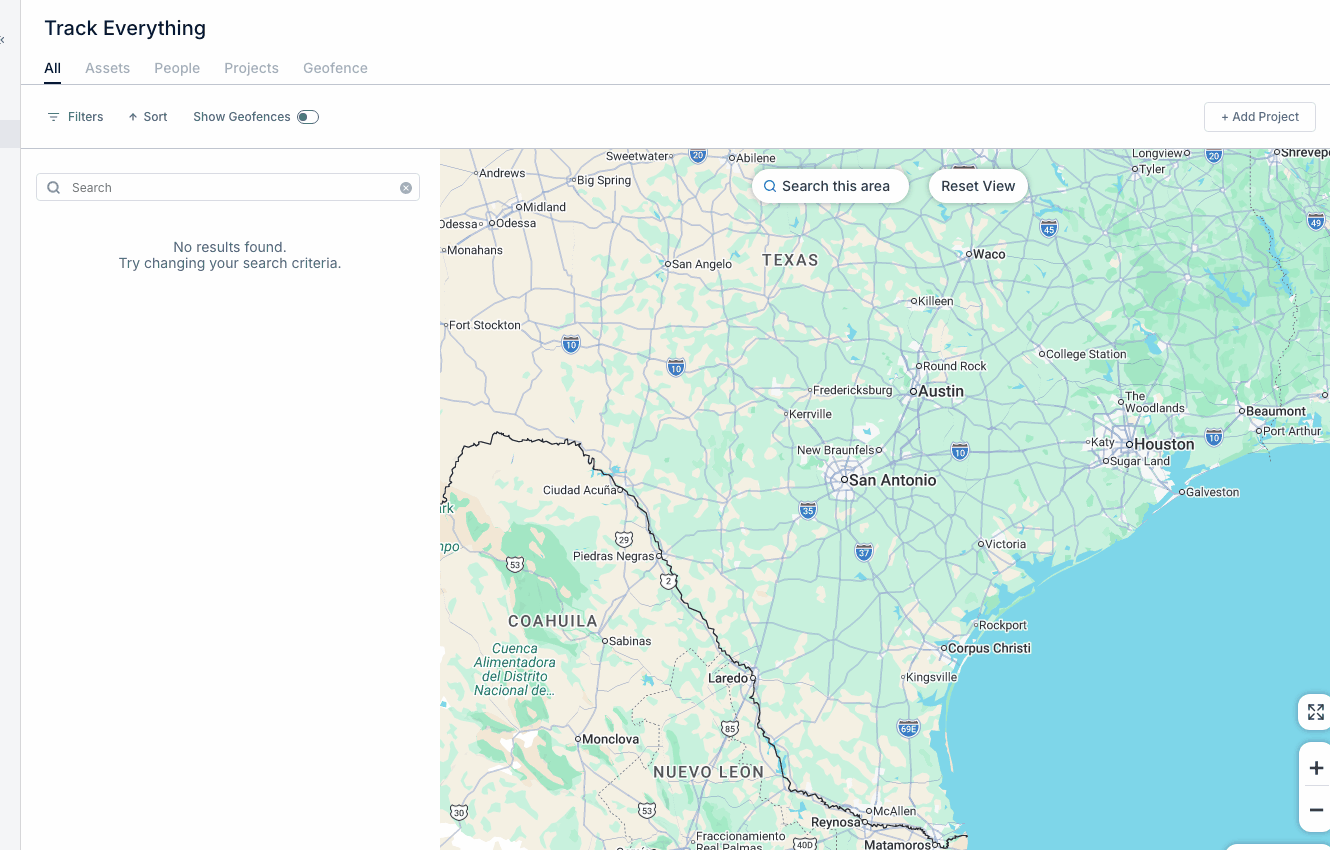
Track Everything
Reading Time:
4 min read
Overview
CLUE receives location data from telematics devices installed on your equipment. Understanding this data helps you make informed decisions about asset positions and movement.
How Location Data Works
Telematics devices on your equipment:
- Record GPS coordinates at regular intervals
- Transmit data to CLUE via cellular networks
- Include timestamps for each location point
Key Location Fields
Current Location
The most recent reported position showing:
- Latitude and longitude
- Address (reverse geocoded)
- Geofence name (if within one)
Last Connected
When the device last transmitted data:
- Recent timestamp = device working normally
- Old timestamp = possible connectivity issue
Location Accuracy
GPS accuracy depends on:
- Satellite visibility
- Device quality
- Environmental factors (buildings, terrain)
Understanding Status Indicators
- Moving - Asset currently in motion
- Stopped - Asset stationary at a location
- Idle - Engine running but not moving
- Off - Engine/ignition off
Data Update Frequency
Typical reporting intervals:
- Moving - Every 1-2 minutes
- Idle - Every 2-5 minutes
- Stopped - Less frequent to conserve battery
Tips
- Allow for slight delays in location updates
- Indoor locations may be less accurate
- Check "Last Connected" if location seems stale