Project Productivity Analytics
Reports
Reading Time:
4 min read
Overview
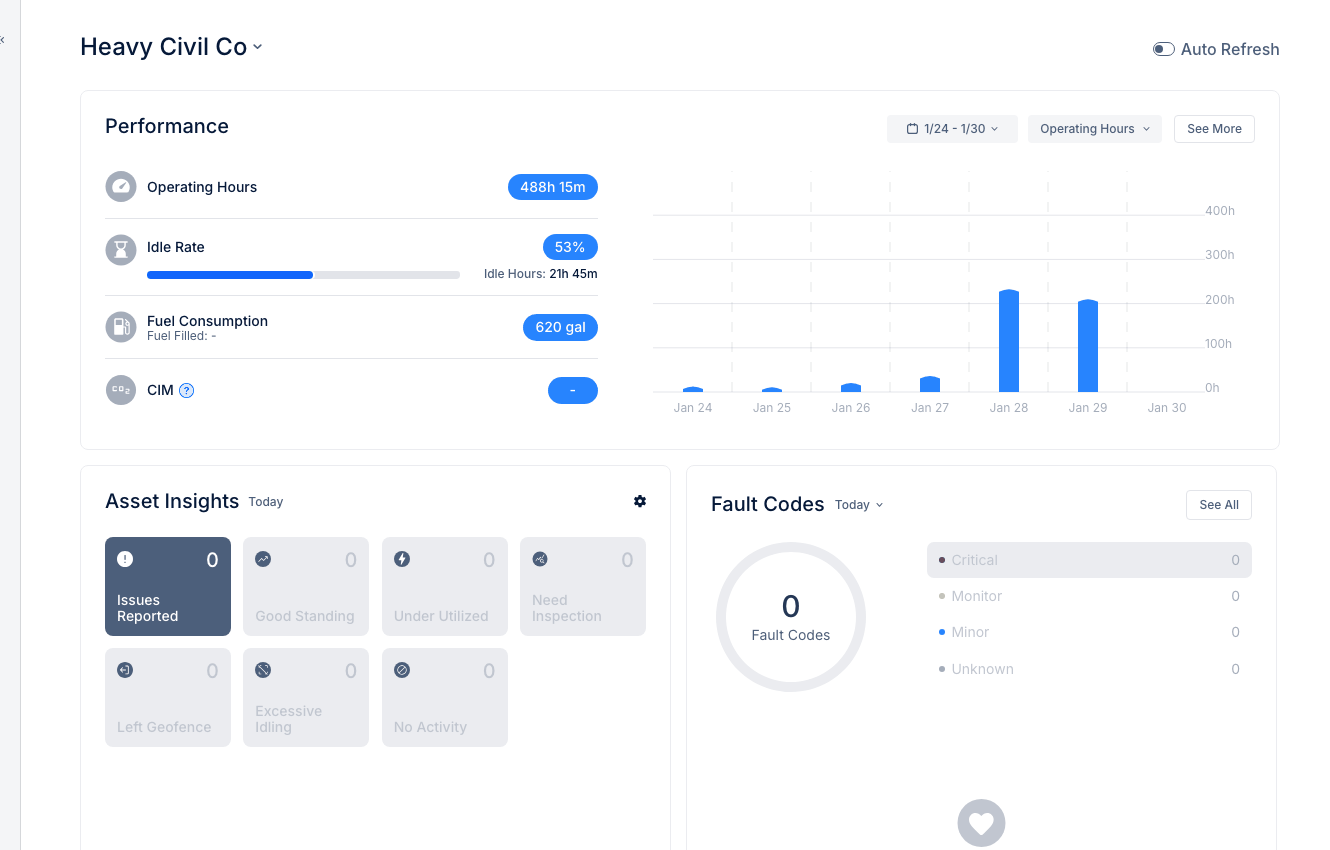
Project Productivity provides analytics on equipment performance at job sites. Track metrics like load counts, cycle times, and volume moved to measure project efficiency.
Accessing Project Productivity
Step 1: Navigate to INSIGHTS → Project Productivity.
Step 2: Select a project or view all projects.
Key Metrics
Total Volume
Amount of material moved:
- Measured in cubic yards or tons
- Calculated from load data
- Track progress toward targets
Load Count
Number of loads completed:
- Per asset
- Per day or shift
- Compared to targets
Cycle Time
Time to complete one load cycle:
- Load, haul, dump, return
- Identify bottlenecks
- Compare across operators
Swing Time
For excavation equipment:
- Time between bucket cycles
- Measure excavator efficiency
- Track operator performance
Viewing by Project
The All Projects view shows:
- Summary metrics per project
- Comparison across sites
- Trends over time
Drilling Into Details
Click on a project to see:
- Asset-level metrics
- Daily breakdowns
- Operator performance
Tips
- Set realistic targets based on historical data
- Compare similar projects to identify best practices
- Use for equipment selection decisions