Company Profile Settings
Admin & Settings
Reading Time:
4 min read
Configure your organization's basic information and preferences in Company Profile Settings.
Accessing Company Settings
- Click Admin in the sidebar
- Select Company Settings
- Navigate to Company Profile
Company Information
- Company Name - Your organization's display name
- Logo - Appears on reports and mobile app
- Address - Main office location
- Contact Info - Phone and email
Regional Settings
- Time Zone - Default timezone for schedules
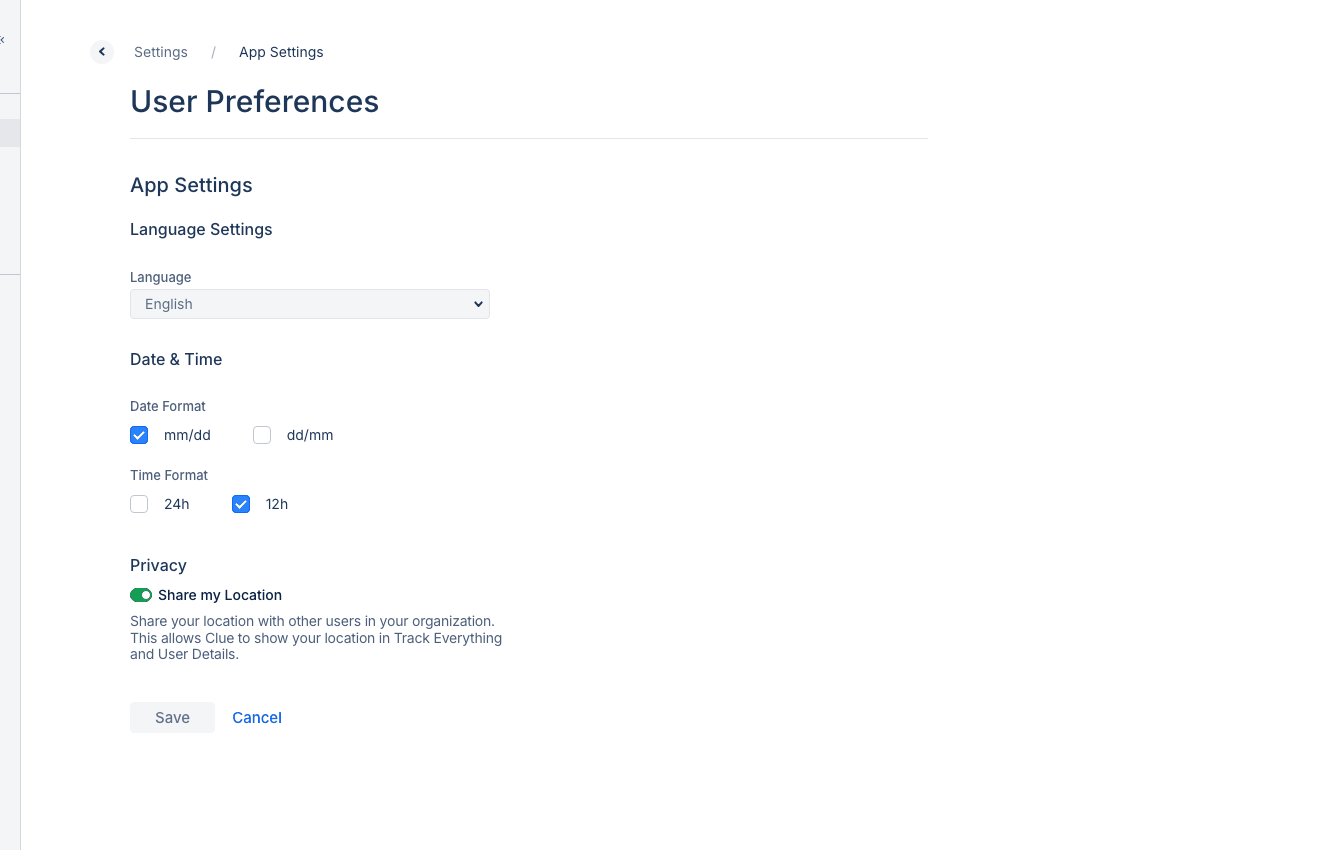
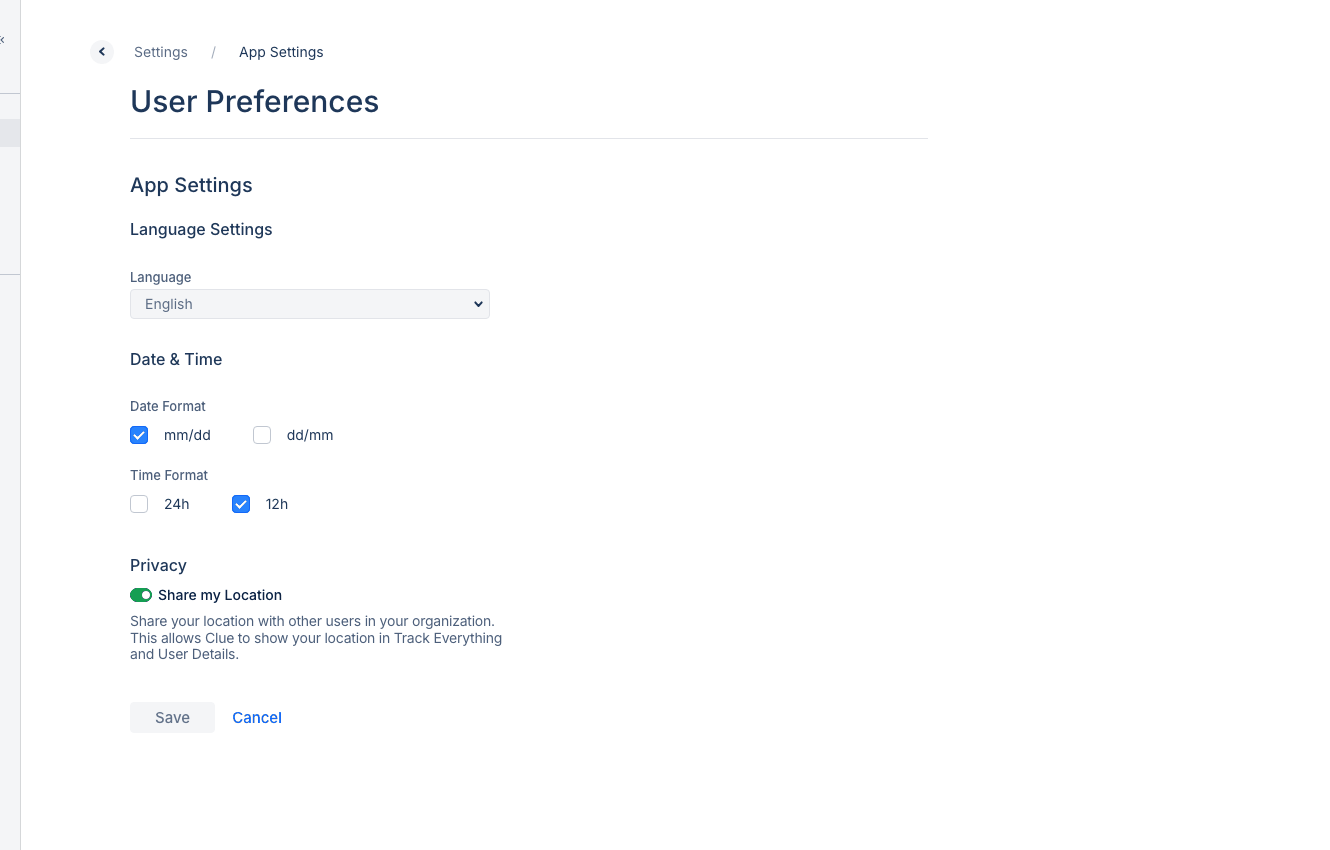
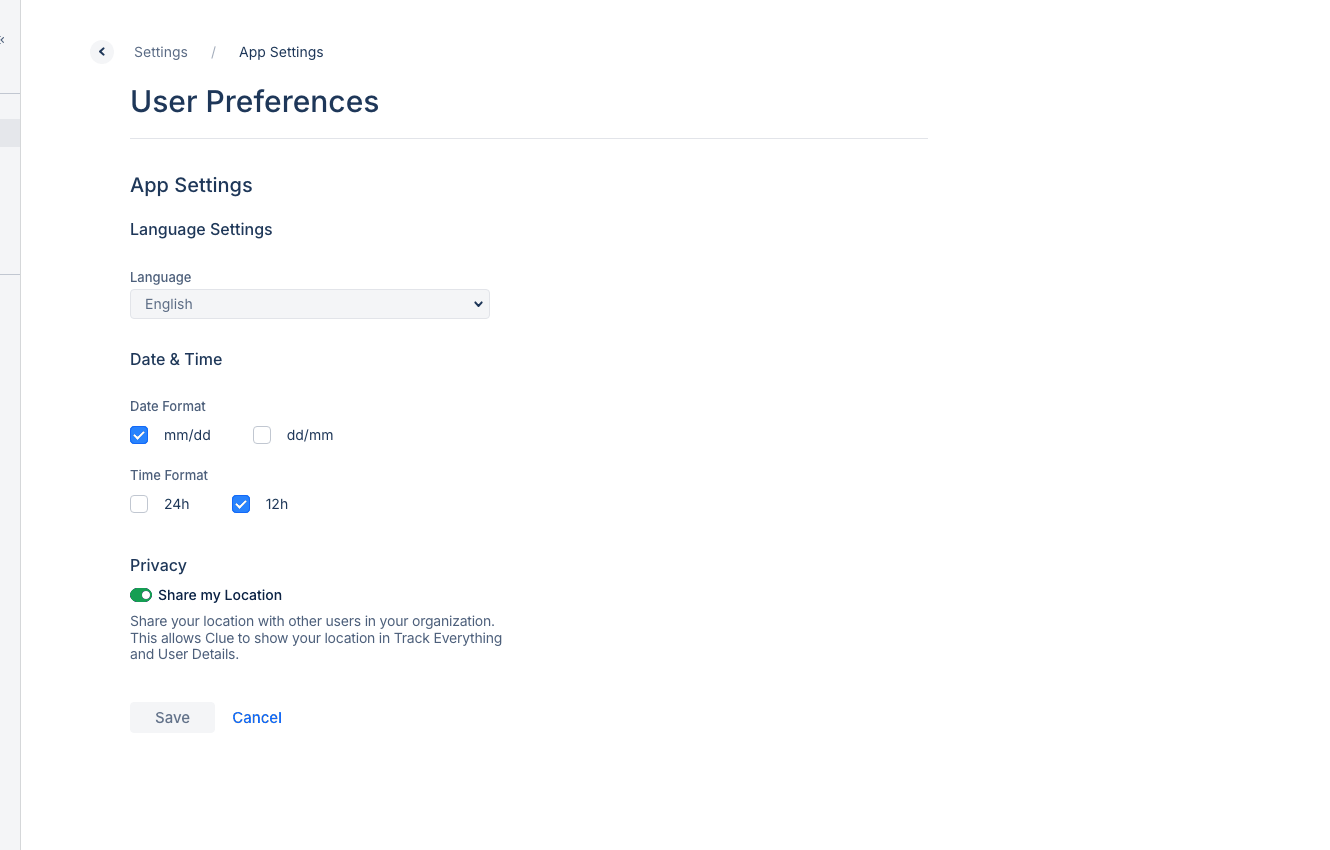
- Date Format - How dates display across the system
- Currency - For cost tracking and reports
Tips
- Keep your logo under 1MB for best performance
- Use a square logo for consistent display
- Update contact info when it changes