Inspection software only reduces risk when a reported defect reaches the right maintenance team before the equipment returns to service. Paper forms may record that a check happened, but photos, asset history, repair responsibility, and follow-up often remain scattered across separate systems.
OSHA inspection requirements vary by equipment type, including 29 CFR 1926.601 for covered motor vehicles and 29 CFR 1926.602 for earthmoving and material-handling equipment. Contractors managing mixed fleets therefore need inspection workflows designed around each asset.
The best software for construction equipment inspections connects field checks with the correct equipment record, supporting evidence, maintenance request, and work order. Clue is built around this equipment-focused workflow, while other platforms serve heavy civil shops, vehicle fleets, safety teams, CMMS users, and project-based inspections.
This guide ranks 10 construction equipment inspection platforms based on field usability, defect follow-up, maintenance integration, and construction fleet fit.
How We Evaluated Construction Equipment Inspection Software
We evaluated each platform based on what happens before, during, and after an inspection.
A strong platform must make inspections easy enough for operators to complete consistently. It must also associate each result with the correct asset, preserve evidence of equipment condition, and ensure failed items reach maintenance teams without relying on manual follow-up.
The list includes construction fleet platforms, heavy-equipment maintenance systems, CMMS products, safety inspection tools, telematics platforms, and construction project software. Equipment-focused products rank higher when they connect inspections directly with asset histories, maintenance, telematics, and work orders. Broader tools are included for contractors prioritizing safety audits, flexible checklists, or project documentation.
We reviewed official product documentation, inspection and maintenance capabilities, construction relevance, mobile functionality, integration depth, and marketplace feedback. Rankings prioritize documented inspection capability and construction fit above marketplace review volume. Products with limited public review coverage are identified in their sections.
The ratings are editorial assessments based on documented research and should not be interpreted as hands-on product-testing scores. Clue is our product, but we have applied the same criteria and included relevant limitations for it as for every other platform.
Evaluation Criteria
| Criteria | Weight | What We Evaluated |
|---|---|---|
| Equipment Inspection Depth | 25% | Custom checklists, asset-specific forms, recurring inspections, DVIR support, pass or fail logic, signatures, and evidence capture |
| Defect-to-Maintenance Workflow | 20% | Issue creation, notifications, maintenance requests, work orders, repair follow-up, and resolution tracking |
| Mobile and Field Usability | 20% | iOS and Android access, offline capability, QR scanning, photo or video capture, and ease of use in the field |
| Construction and Fleet Fit | 15% | Heavy equipment support, mixed fleets, jobsites, operators, equipment locations, and construction-specific workflows |
| Compliance and Audit Readiness | 10% | Inspection histories, timestamps, exports, DVIR records, corrective actions, and searchable audit trails |
| Integrations, Reporting, and Scalability | 10% | Telematics, OEM, ERP, CMMS, API, analytics, multi-site administration, and deployment requirements |
Compare the Best Construction Equipment Inspection Software
| Software | Software Type | Primary Inspection Strength | Best For |
|---|---|---|---|
| Clue | Construction fleet platform | Inspections connected to maintenance, work orders, and equipment data | Heavy mixed construction fleets |
| HCSS Equipment360 | Heavy-equipment maintenance platform | Inspection-to-work-order workflows for heavy civil shops | Heavy civil contractors |
| EquipmentShare T3 | Construction telematics and fleet platform | Inspections combined with telematics and service activity | Connected construction fleets |
| B2W Maintain | Heavy-construction maintenance platform | Inspection, repair request, and work-order coordination | Civil contractors with internal shops |
| Fleetio | Fleet management platform | Configurable forms and automated issue management | Mixed on-road and off-road fleets |
| Samsara | Fleet telematics platform | DVIRs connected with work orders and telematics | Vehicle-heavy construction fleets |
| SafetyCulture | Safety and inspection platform | Flexible checklists, evidence, and corrective actions | Safety-led inspection programs |
| MaintainX | CMMS | Mobile inspections connected with maintenance workflows | Maintenance teams needing simple adoption |
| Limble CMMS | CMMS | Recurring inspections and asset maintenance histories | Internal maintenance departments |
| Procore | Construction project platform | Equipment inspections inside the project record | General contractors using Procore |
Below are the top construction equipment inspection software platforms for 2026.
1. Clue
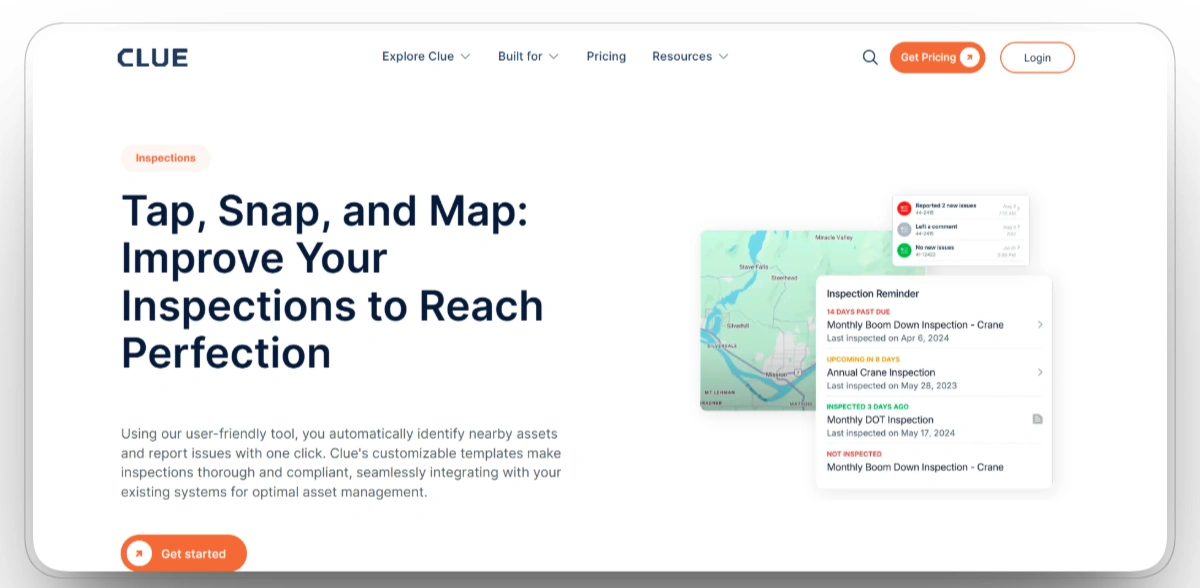
Best for: Contractors managing heavy mixed fleets that need inspections connected to equipment, locations, maintenance, and work orders.
Clue is purpose-built for construction equipment operations. Operators can launch inspections from mobile devices, use forms tailored to specific asset types, capture photos and videos, record inspection locations, and report breakdowns or defects directly from the field.
When an inspection identifies a defect, Clue’s construction equipment maintenance software keeps the issue connected to the correct asset, maintenance request, work order, inspection history, and repair record. Open issues remain visible, helping crews avoid duplicate reports and move identified problems into preventive maintenance or corrective service workflows.
Our observation: Clue is the strongest overall fit for equipment-intensive construction companies because inspection results become part of the asset's maintenance and operational record. Teams needing only basic safety checklists may prefer a narrower inspection tool.
Our rating: 9.5/10
Pros
- Supports configurable inspection forms for different equipment and asset types.
- Carries failed inspection findings and prior asset history into maintenance requests and mechanic work orders.
- Captures photos, videos, issue records, and inspection locations.
- Connects inspection history with telematics, ERP, OEM, maintenance, and fleet systems.
Limitations
- Best suited to equipment-intensive construction operations rather than general building inspections.
- Initial deployment requires asset records, forms, and workflows to be configured correctly.
- Pricing varies based on the selected modules, fleet requirements, and implementation scope.
- Small teams needing only basic checklists may not use the broader platform fully.
Clue Reviews
G2: 4.7/5
Capterra: 4.6/5
"my experience with Clue has been positive. The efficiency and customization it offers have been game-changers for our equipment management. While there were some challenges during the initial setup and adaptation phase, the long-term benefits have certainly outweighed these drawbacks."Howard H
2. HCSS Equipment360
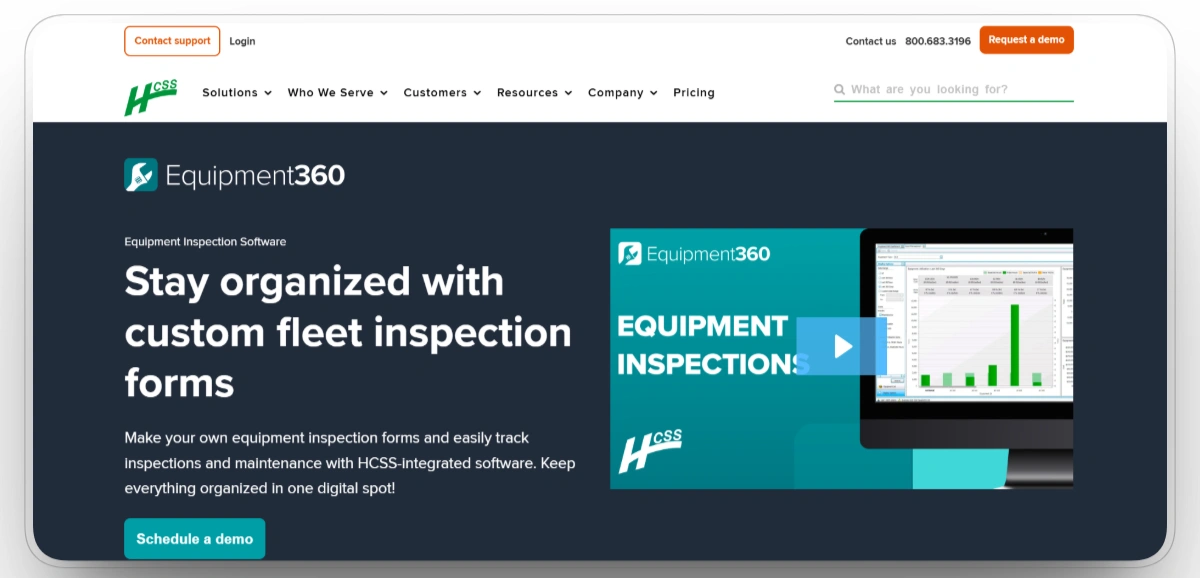
Best for: Heavy civil contractors that want inspections connected directly to shop management and preventive maintenance.
HCSS Equipment360 digitizes equipment inspections and connects them with the wider HCSS fleet maintenance environment. Contractors can create forms for different vehicles and equipment types, attach photos, access inspections through QR codes, and retain DVIRs, timestamps, and corrective records in a searchable system.
Failed inspection items can notify responsible personnel and move into Equipment360 work orders. The connection between inspections, maintenance requests, work orders, parts, labor, and preventive maintenance gives shop managers a clear record of what was found and how it was resolved. Offline synchronization supports crews working in areas with unreliable connectivity.
Our observation: Equipment360 is one of the strongest construction-native options for heavy civil fleet maintenance. Contractors already using other HCSS products will receive the greatest integration value.
Our rating: 9.0/10
Pros
- Built specifically for heavy construction fleet and shop operations.
- Routes failed inspection items into Equipment360 work orders where shops can track parts, labor, and repair completion.
- Maintains digital DVIRs, timestamps, photos, and audit-ready histories.
- Integrates inspections with preventive maintenance, inventory, labor, and equipment records.
Limitations
- Implementation can require substantial data preparation and process configuration.
- The platform may be heavier than necessary for small fleets with simple inspection needs.
- The platform’s full shop-management scope may be more than a small fleet with simple inspection needs requires.
- Some workflows require familiarity with the broader HCSS product environment.
HCSS Reviews
G2: 4.6/5
Capterra: 4.1/5
"We are implementing E360 right now at Shirley Contracting and completely excited to get this program under our feet."Kolyn B
3. EquipmentShare T3
Best for: Contractors that want inspection activity connected to telematics, maintenance, utilization, and asset visibility.
EquipmentShare T3 combines fleet information, machine monitoring, service data, and inspection reporting in one construction-focused platform. T3 provides asset tracking, engine and utilization data, maintenance tools, and reporting for mixed construction fleets.
On July 1, 2026, EquipmentShare introduced a new Asset Inspections report in T3 Analytics. The report displays open, closed, and billed inspection activity, allows users to focus on failed inspections, shows workloads by assignee, and provides direct links to related asset and work-order records in T3 Fleet.
Our observation: T3 is particularly strong when inspections must be interpreted alongside machine condition and service data. Its inspection value is highest for fleets already using connected EquipmentShare technology.
Our rating: 8.5/10
Pros
- Combines inspections with telematics, maintenance, utilization, and asset data.
- Provides visibility into failed inspections and service workload.
- Built around construction equipment and mixed-fleet operations.
- Supports safety, inspection, and regulatory reporting workflows across connected fleet operations.
Limitations
- Its greatest value may be realized by fleets already using EquipmentShare or T3 technology.
- Public documentation provides less detail on open-ended form customization than inspection-first platforms.
- Required hardware and software components vary according to the T3 capabilities selected.
- Standalone G2 and Capterra review coverage for T3 is limited.
EquipmentShare T3 Reviews
G2: N/A
Capterra: N/A
4. B2W Maintain
Best for: Heavy civil contractors that need equipment inspections connected with repair requests, work orders, parts, and labor.
B2W Maintain is part of Trimble's heavy-construction software portfolio. It connects equipment inspections, repair requests, preventive maintenance, work orders, parts, labor, and service history for contractors managing internal shops and field repairs.
Maintenance requests can be grouped into work orders, approved for scheduling, and divided among mechanics. Preventive maintenance programs can generate requests from calendar or meter-based triggers, while connected field and equipment records help the shop understand what happened before the machine arrived for service.
Our observation: B2W Maintain is a strong construction-specific option for contractors that already organize equipment operations around Trimble or B2W workflows. It offers deeper shop context than general inspection apps but requires a more involved implementation.
Our rating: 8.5/10
Pros
- Built specifically for heavy-construction equipment maintenance.
- Connects inspections, repair requests, work orders, parts, and labor.
- Supports calendar-based and meter-based preventive maintenance programs.
- Links shop and field information across connected heavy-construction workflows.
Limitations
- Deployment and configuration can be substantial for smaller fleets.
- The interface and workflow depth may require more training than lightweight inspection tools.
- Implementation scope depends on the number of connected B2W or Trimble products used by the contractor.
- Standalone public marketplace ratings for B2W Maintain are limited.
B2W Maintain Reviews
G2: 4/5
Capterra: 4.4/5
"Very pleasant. Compared to other software's I have used I felt this one had the most capability."Bret B
5. Fleetio
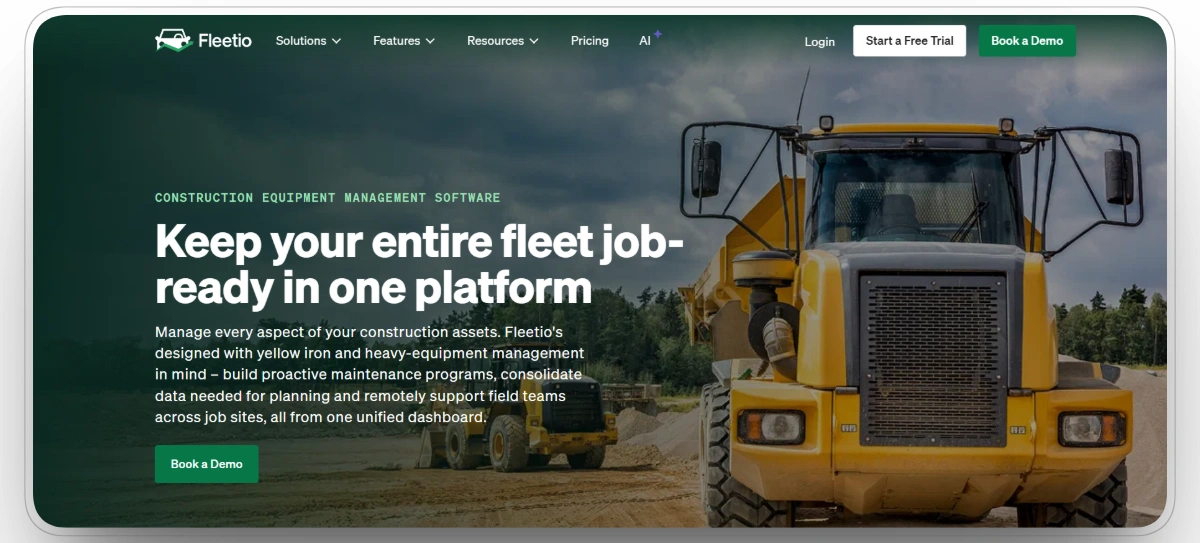
Best for: Contractors managing mixed fleets of trucks, trailers, and off-road equipment.
Fleetio allows fleet teams to create inspection forms for different equipment classes, collect mobile inspection results, and manage issues discovered during inspections. Forms can be configured for specialized equipment, avoiding a single generic checklist for excavators, service trucks, and trailers.
Failed inspection items can automatically open issues or work orders. Teams can track service activity, parts, costs, equipment history, engine hours, meter readings, and fault codes in the same system. Fleetio also integrates with OEM and telematics sources for maintenance planning.
Our observation: Fleetio provides a strong combination of configurable inspections and fleet maintenance depth. It is not construction-only, but it suits contractors operating both commercial vehicles and heavy equipment.
Our rating: 8.5/10
Pros
- Supports configurable inspection forms for varied equipment classes.
- Opens issues from failed inspection items and allows fleet teams to escalate them into scheduled service work.
- Connects inspections with service history, parts, costs, and maintenance records.
- Integrates meter readings, engine hours, fault codes, OEM data, and telematics.
Limitations
- Designed for multiple fleet industries rather than construction alone.
- Heavy-equipment workflows may require additional configuration.
- Some integrations and advanced capabilities depend on selected plans.
- Construction project schedules and job-cost workflows are not its primary focus.
Fleetio Reviews
G2: 4.6/5
Capterra: 4.7/5
"Use for service, repair, telematics integration and tco. Run monthly reports on cost information and able to build preventative maintenance programs."Michael I
6. Samsara
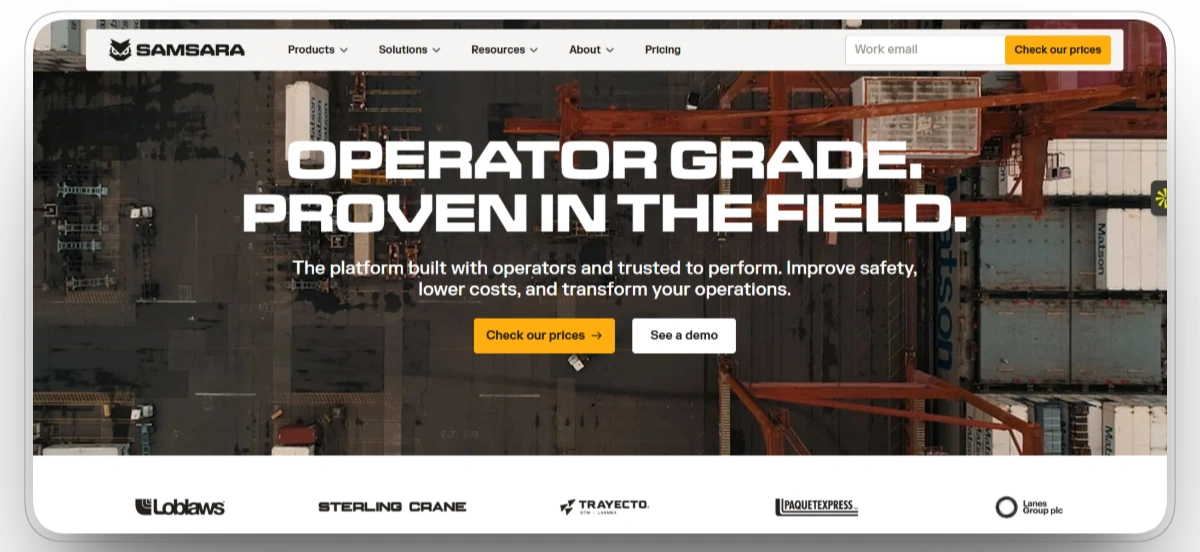
Best for: Vehicle-heavy construction fleets that want DVIRs, telematics, maintenance, and work orders in one platform.
Samsara connects customizable driver vehicle inspections with fleet telematics and maintenance workflows. Drivers can document defects, add inspection details, and submit DVIRs from the field. Failed items can be used to create work orders with inspection data already attached.
When a related repair is completed in Samsara, the corresponding DVIR defect can be resolved automatically. This creates a closed loop from inspection to repair while keeping location, engine, diagnostic, and maintenance information available in the same environment.
Our observation: Samsara is a strong inspection choice for contractors whose fleet risk is concentrated in trucks and road vehicles. It is less construction-specific than Clue, HCSS, T3, or B2W for heavy-equipment shop workflows.
Our rating: 8.0/10
Pros
- Connects customizable DVIRs with work-order creation.
- Provides telematics, diagnostic, location, and maintenance context.
- Automatically resolves related DVIR defects when work orders are completed.
- Supports mobile inspections across vehicle-heavy fleets.
Limitations
- Its center of gravity remains commercial vehicles and driver operations.
- Hardware, cameras, and add-on modules can increase total cost.
- Heavy-equipment inspection workflows may be less detailed than construction-native platforms.
- Contract and configuration requirements may be substantial for smaller fleets.
Samsara Reviews
G2: 4.5/5
Capterra: 4.5/5
"I've been using Samsara to track & integrate the usage & mileage of our entire fleet since January of 2026, and I've had a very agreeable experience thus far. User friendly interface, multiple export options, and quick processing time. I'd recommend based on my somewhat focused use."Dan M
7. SafetyCulture
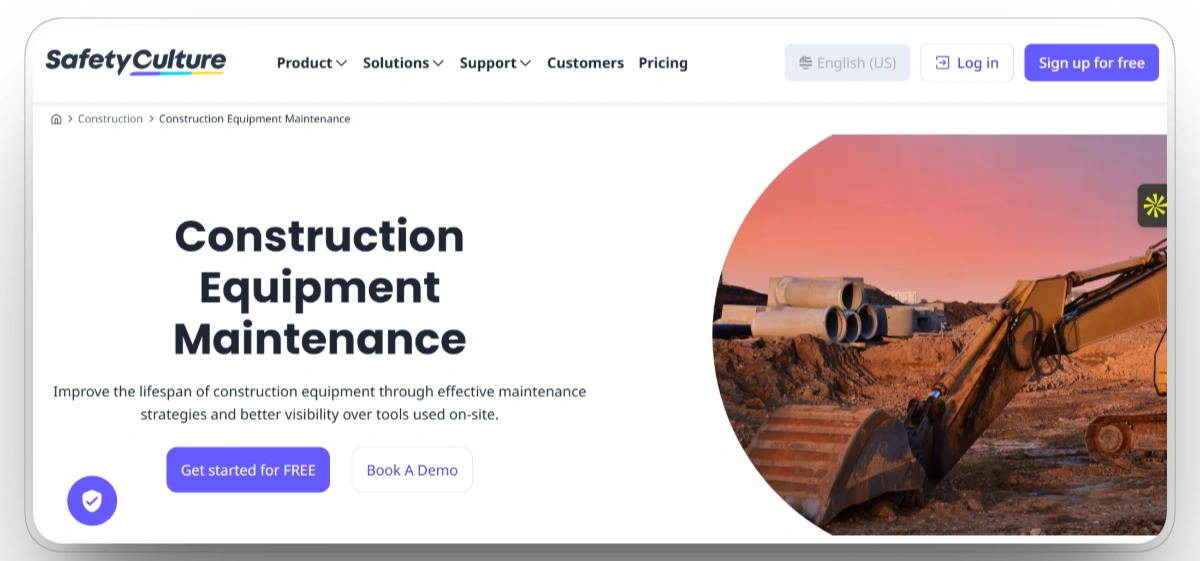
Best for: Construction safety teams that need flexible mobile checklists, evidence capture, and corrective actions.
SafetyCulture is an inspection-first platform with a broad template library and configurable form builder. Teams can standardize equipment checks, collect photos, comments, signatures, and field evidence, then distribute inspection reports without rebuilding them manually.
Issues identified during inspections can be assigned to responsible people with deadlines and follow-up actions. SafetyCulture also supports offline inspections, analytics dashboards, QR-based access, and reporting across multiple jobsites or operating locations.
Our observation: SafetyCulture offers strong inspection configuration, field evidence, and corrective-action capabilities. It is best for safety-led programs rather than deep fleet maintenance and telematics.
Our rating: 8.0/10
Pros
- Provides highly customizable inspection templates and a large checklist library.
- Supports offline inspections, photos, comments, signatures, and evidence.
- Assigns corrective actions and tracks unresolved findings.
- Provides analytics across teams, locations, templates, and inspection results.
Limitations
- Not a complete construction fleet maintenance system.
- Native connections to equipment meters and OEM telematics are limited.
- Advanced reporting and workflow controls may require higher-tier plans.
- Per-user pricing can become expensive for large field workforces.
SafetyCulture Reviews
G2: 4.6/5
Capterra: 4.6/5
"Everyone has been amazing to deal with, from onboarding, training and even a couple of times i needed to use the chat feature to request help. its been simple easy and everyone is always just so happy to assit."David W
8. MaintainX
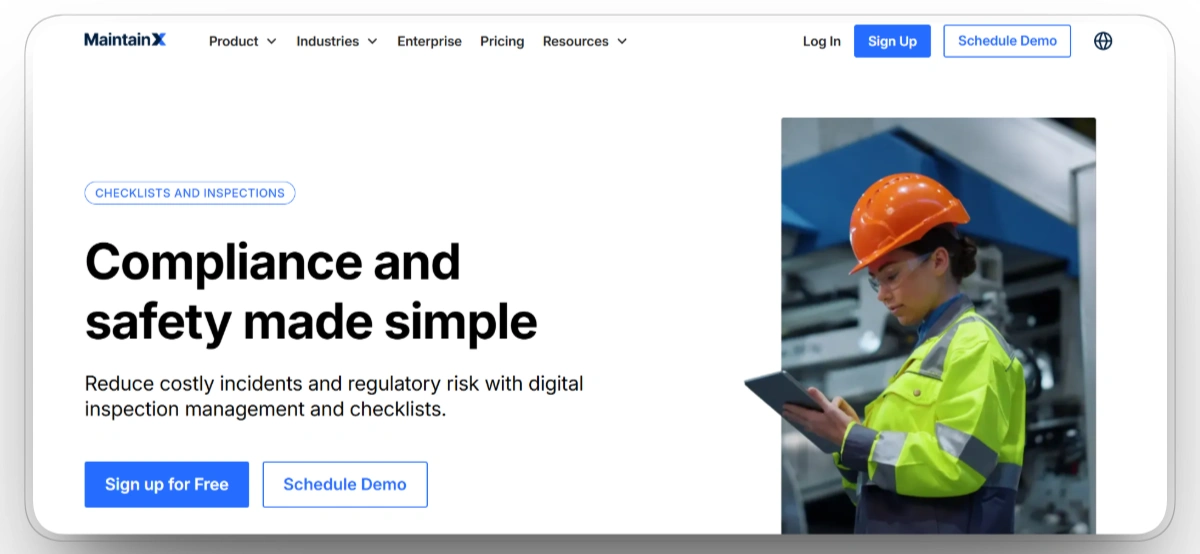
Best for: Maintenance departments that need a mobile-first inspection and work-order system with straightforward adoption.
MaintainX combines digital inspections, procedures, work orders, preventive maintenance, and asset records. Inspectors can use mobile checklists, attach equipment photos, capture notes, and continue working offline when connectivity is limited.
Failed inspection steps can generate work orders and notify the appropriate team. MaintainX also supports recurring inspections, approvals, QR and barcode access, parts records, and maintenance history.
Our observation: MaintainX is designed for straightforward mobile adoption and practical inspection setup. It works well for maintenance teams but requires more construction-specific configuration than the fleet-native leaders.
Our rating: 8.0/10
Pros
- Provides a mobile-first inspection and maintenance interface.
- Supports offline work, photos, procedures, QR codes, and approvals.
- Uses failed checklist conditions to trigger corrective work and notify the responsible maintenance team.
- Connects inspections with preventive maintenance and asset histories.
Limitations
- Designed for frontline maintenance across many industries, not only construction.
- OEM telematics and heavy-equipment integrations are less central to the platform.
- Construction terminology, jobsites, and fleet structures require configuration.
- Some advanced reporting, automation, and governance tools require higher-tier plans.
MaintainX Reviews
G2: 4.8/5
Capterra: 4.8/5
"Overall we see switching to MaintainX as a good thing, we've gotten more consistent logging and our parts inventory management system is getting better."Marin K
9. Limble CMMS
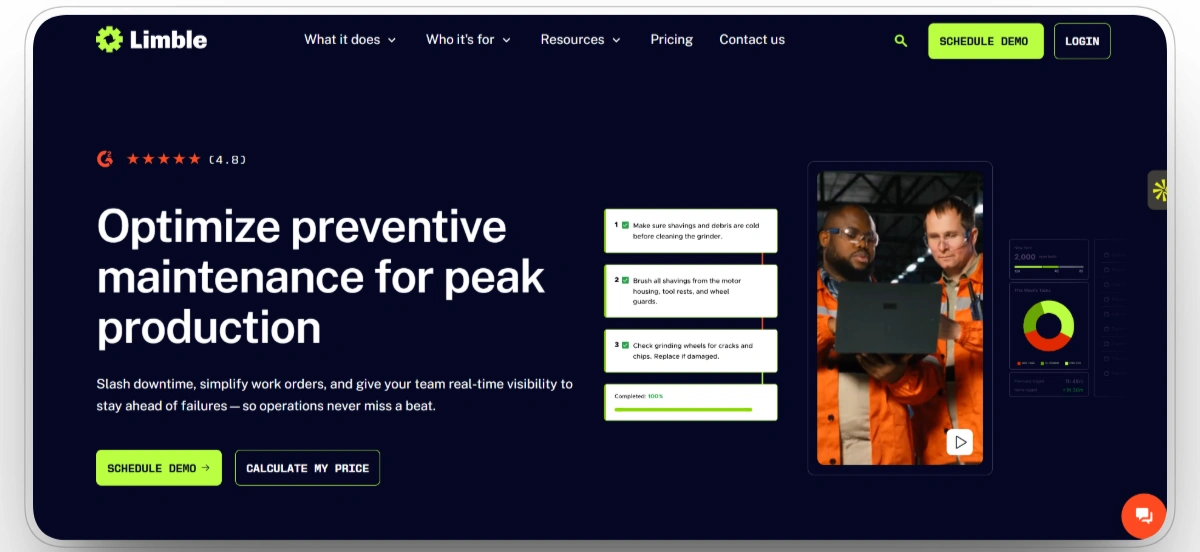
Best for: Maintenance teams that want recurring equipment inspections linked to preventive maintenance and asset history.
Limble CMMS combines asset management, recurring maintenance tasks, inspection routes, checklists, work orders, parts, and reporting. Technicians can access assigned tasks from mobile devices or scan QR codes to reach equipment information and maintenance records.
Inspection checklists can be incorporated into scheduled preventive maintenance tasks, while abnormal conditions can be documented and routed into corrective work. Asset hierarchies and service histories help managers identify recurring failures and evaluate maintenance performance.
Our observation: Limble is a capable CMMS for maintenance-driven inspections and recurring service workflows. It lacks native construction fleet context but can be configured effectively for internal equipment shops.
Our rating: 7.5/10
Pros
- Connects recurring inspections with preventive maintenance and work orders.
- Provides mobile access, QR scanning, asset histories, and checklists.
- Tracks parts, labor, downtime, and maintenance performance.
- Offers strong usability and support feedback across large review samples.
Limitations
- Not purpose-built for construction equipment fleets.
- Jobsite, operator, and project context require custom setup.
- Telematics and OEM connectivity may depend on integrations.
- Pricing information is available for standard plans, while enterprise requirements and integrations may require a custom quote.
Limble Reviews
G2: 4.8/5
Capterra: 4.8/5
"I have been very happy with Limble thus far. We are very early in our journey to transition from our current CMMS but are very excited to be fully transistioned!"Jeanne C
10. Procore
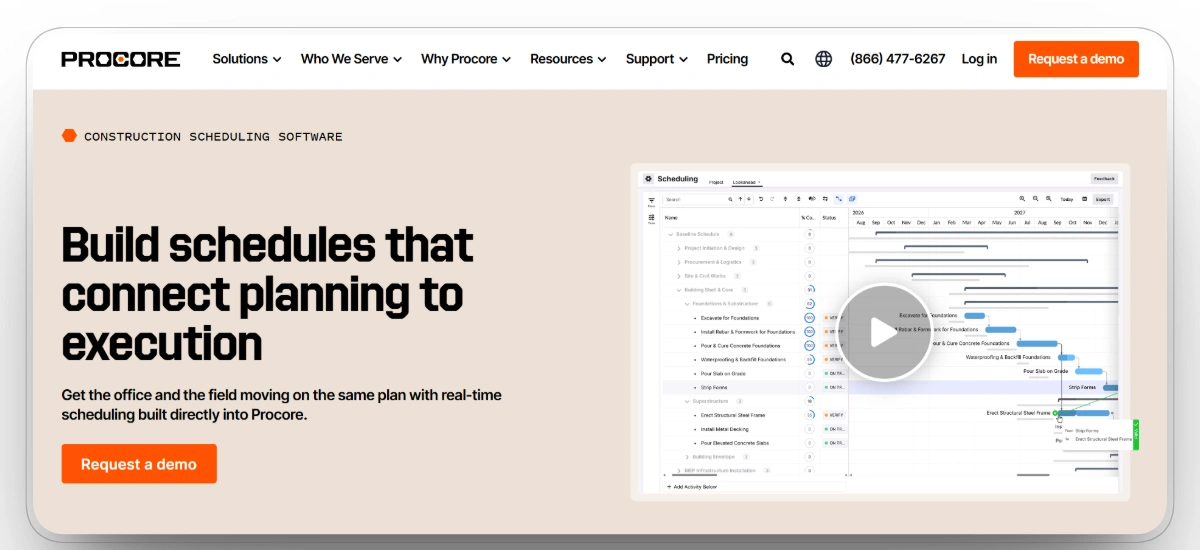
Best for: General contractors that need equipment inspections documented inside the broader project record.
Procore provides construction inspection templates, mobile data capture, photos, comments, observations, issue tracking, and customizable reports. Inspection information remains available alongside project drawings, quality records, safety documentation, schedules, and stakeholder communication.
When Procore's Equipment and Inspections tools are configured, inspections can be associated with equipment records. This helps project teams document inspection activity and responsible contractors inside the platform already used to manage project delivery.
Our observation: Procore makes sense for companies already using it as the project system of record. It is less suitable for fleet teams needing deep telematics, parts, meter-based maintenance, and equipment service history.
Our rating: 7.5/10
Pros
- Built specifically for construction project management.
- Supports configurable inspections, photos, observations, and issue tracking.
- Can associate inspections with project equipment records.
- Keeps inspection evidence connected to project documentation and stakeholders.
Limitations
- Equipment maintenance is only one part of a much broader platform.
- Does not provide the same telematics and meter-based depth as fleet systems.
- Cost may be difficult to justify solely for equipment inspections.
- Setup, permissions, templates, and fieldsets require administration.
Procore Reviews
G2: 4.6/5
Capterra: 4.5/5
"Overall, working with Procore has come in handy when managing a project's workflow. If i ever need to find a document associated with the project i can find it with ease."hailey J
Find the Right Construction Equipment Inspection Software for Your Operation
- Choose Clue for mixed fleets needing inspections linked to assets, maintenance, and work orders.
- Choose HCSS Equipment360 for heavy civil shops managing inspections, parts, labor, and repairs.
- Choose EquipmentShare T3 for inspections connected to telematics, utilization, and service data.
- Choose B2W Maintain for construction shops needing repair requests and preventive maintenance.
- Choose Fleetio for mixed vehicle and equipment fleets needing configurable inspections.
- Choose Samsara for vehicle-heavy fleets using DVIRs, telematics, and work orders.
- Choose SafetyCulture for flexible checklists, offline inspections, and corrective actions.
- Choose MaintainX for mobile inspections connected to CMMS work orders.
- Choose Limble CMMS for recurring checks, asset histories, parts, and downtime tracking.
- Choose Procore for inspections tied to project, quality, and safety records.
Related: our guide to the best construction equipment management software compares the leading platforms for 2026.
Frequently Asked Questions
What is construction equipment inspection software?
Construction equipment inspection software digitizes equipment checks, defect reporting, photos, signatures, and inspection records. It helps connect failed inspection items with the correct asset, maintenance request, or work order.
What features should construction equipment inspection software include?
Key features include asset-specific checklists, mobile access, offline inspections, photo and video capture, signatures, defect alerts, work-order creation, inspection history, and maintenance integrations.
Can inspection software create work orders automatically?
Many platforms can create maintenance requests, issues, or work orders when an inspection item fails. This helps maintenance teams respond faster and track the defect through repair completion.
Does construction equipment inspection software work offline?
Several platforms support offline inspections for jobsites with weak or unavailable internet access. Inspection data is usually synchronized once the device reconnects.
What is the difference between inspection software and a CMMS?
Inspection software focuses on completing checks and documenting defects. A CMMS manages broader maintenance workflows, including preventive maintenance, work orders, parts, labor, asset history, and repair costs.
Which inspection software is best for mixed construction fleets?
In this comparison, Clue ranks first for mixed construction fleets because it connects inspections with asset records, maintenance requests, work orders, and equipment data. Fleetio and Samsara are also relevant for fleets that include commercial vehicles and off-road equipment.
Can equipment inspection software support compliance records?
Yes. Inspection software can preserve timestamps, completed checklists, signatures, photos, defect records, and corrective actions. These records can support audits and demonstrate that identified issues were documented and addressed.
Conclusion
Construction equipment inspection software is most valuable when it connects a field finding with the asset record, responsible team, and required corrective work.
Clue, HCSS Equipment360, EquipmentShare T3, B2W Maintain, and Fleetio are the strongest options when equipment inspections must move directly into fleet maintenance. Samsara is better suited to vehicle-heavy fleets, SafetyCulture to flexible safety programs, MaintainX and Limble to CMMS-led maintenance, and Procore to inspection evidence that must remain inside the project record.
The right platform is one that crews will use consistently and maintenance teams can act on immediately. An inspection reduces risk only when the identified defect reaches resolution.

Transform Your Equipment Management


